




Desk Setup Inspiration: The Cozy Dual Monitor Desk Setup I Never Want to Leave
Some desk setups look good for photos.
But some setups actually make you want to stay there all day.
That’s the kind of setup I wanted.
A space that feels calm, practical, and comfortable enough to spend hours in without getting tired of it.
I looked at a lot of desk setup inspiration online in the beginning.
Slowly, I started adding my own ideas.
And honestly, after finishing it, the whole atmosphere just feels... right.

How This Desk Setup Slowly Came Together
At first, I copied a lot of other setups.
Different layouts. Different accessories.
But after using the desk every day, I realized something:
The best setup isn’t the most expensive one.
It’s the one that makes daily life feel easier.
This setup changed little things for me:
- – Easier to focus
- – Less visual clutter
- – More comfortable gaming
- – Better workflow for writing and multitasking
- – A desk I actually enjoy sitting at
1. The Monitor Arm Changed Everything
🖥️ Step 1: Lift the Screens, Free the Desk
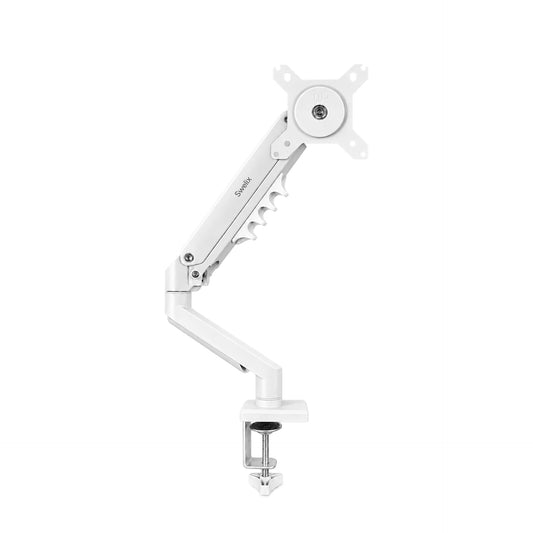
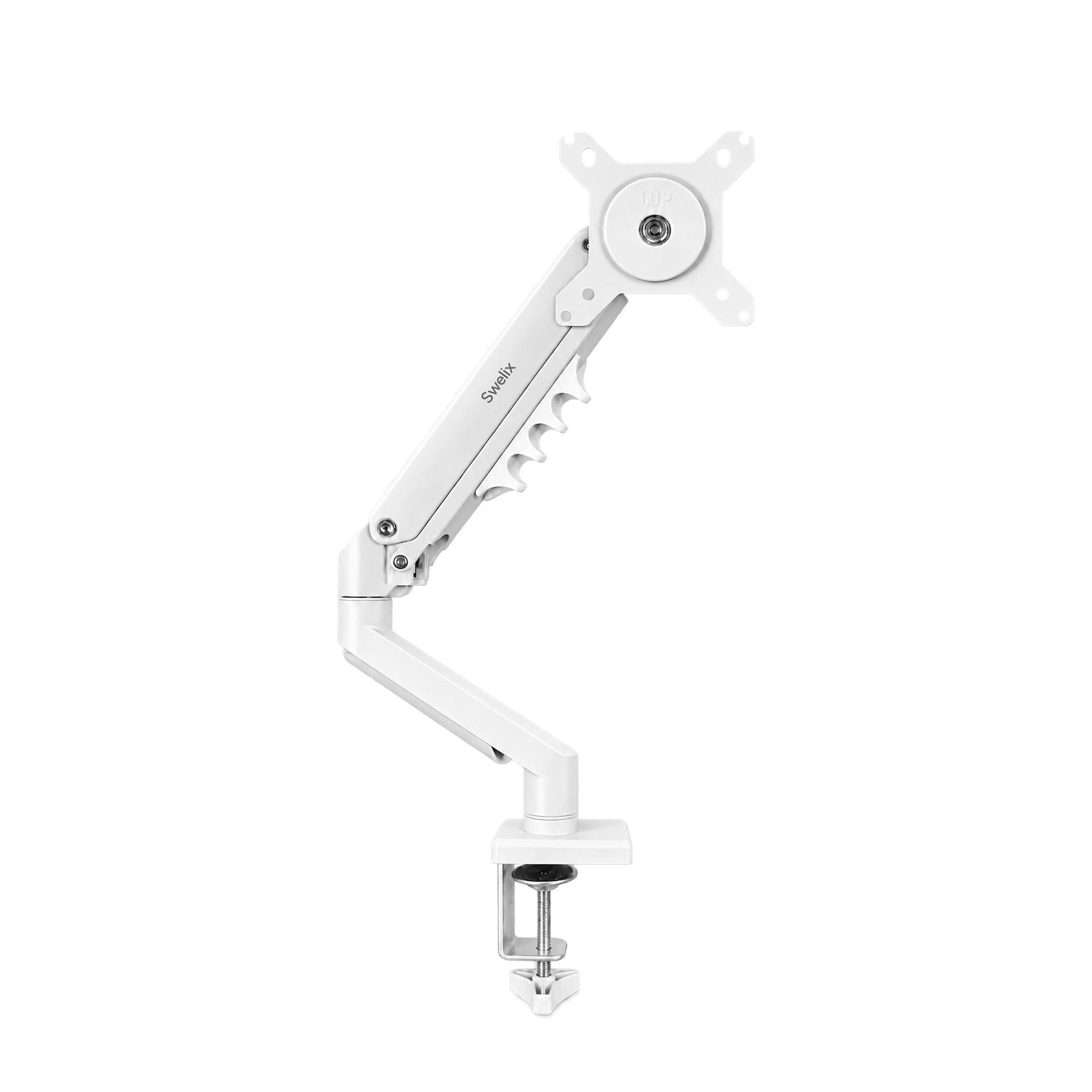
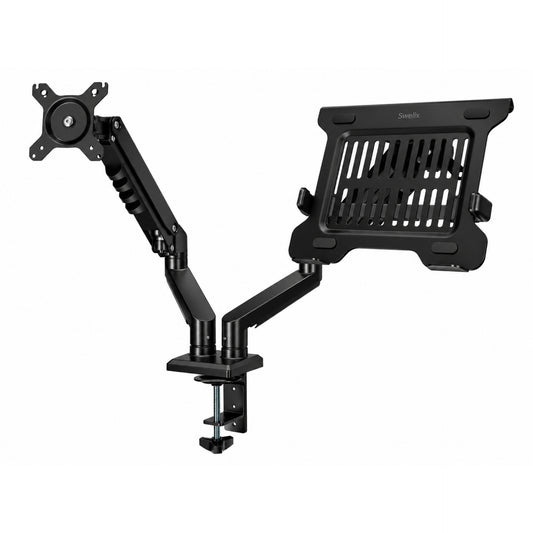
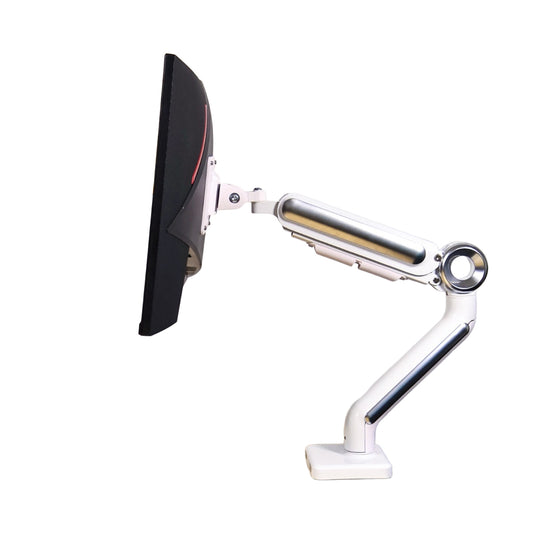
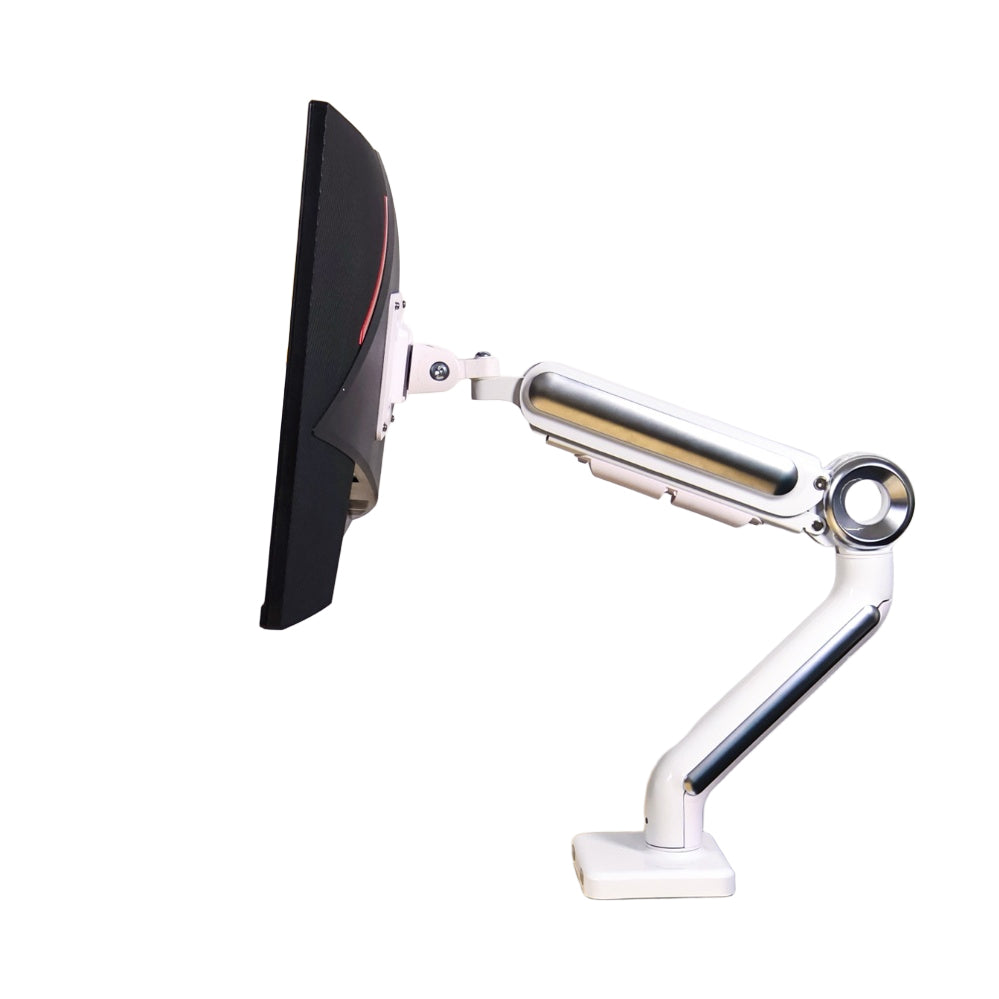
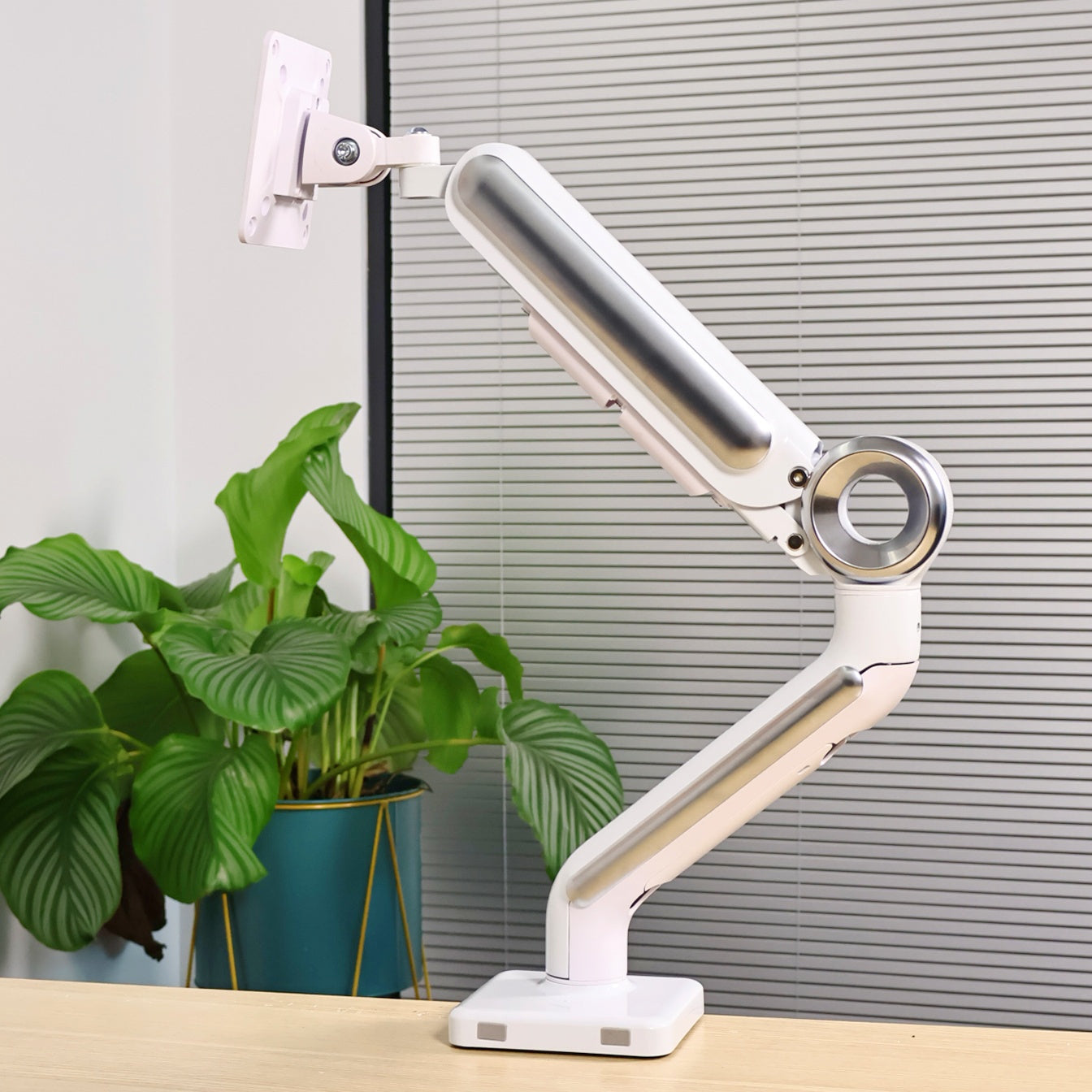
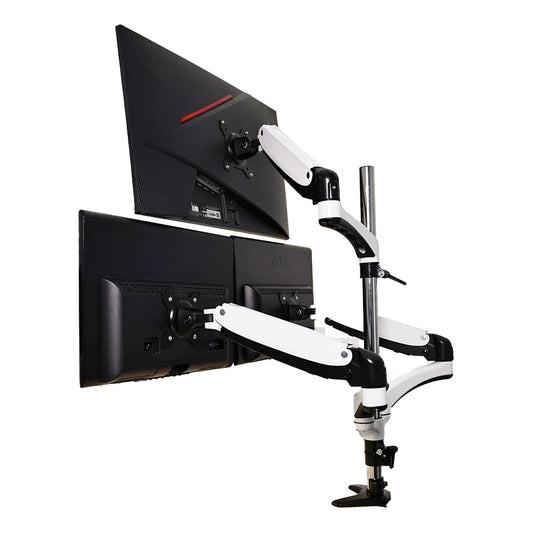
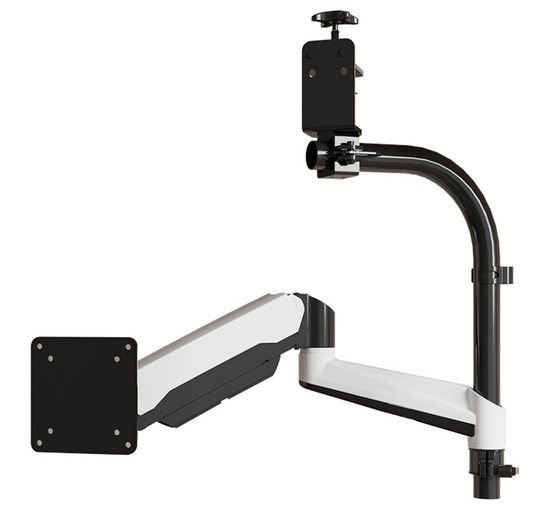
Honestly, one of the biggest upgrades was adding a monitor arm.
A clean desk setup almost always starts there.
Once the monitors are lifted off the desk, you instantly gain usable space underneath.
I use a 160cm desk with two 27-inch monitors, and the proportions feel just right.
The extra space makes organizing everything much easier.
No bulky monitor stands.
No crowded feeling.
Just a cleaner and more open setup.
I’m currently using a Swelix dual monitor arm, and it made the entire desk feel lighter visually.

2. Why a Monitor Riser Feels So Different
🪵 Step 2: The “Small Stage” Effect
Monitor risers aren’t just for height anymore.
They almost work like a small platform for your desk.
The moment you place one down, the whole setup feels more layered and intentional.
I like putting my clock, controller, power strip, and daily essentials on top.
It keeps everything accessible without making the desk look messy.
And visually, it just makes the setup feel warmer and more complete.
3. Why I’ll Never Go Back to One Screen
🖥️🖥️ Step 3: Dual Monitor Setup for Daily Life
I’ve used dual 27-inch monitors for over a year now.
And honestly, it’s hard to go back.
When writing, one screen stays on references while the other is for working.
When gaming, I keep guides, Discord, or music on the second display.
It sounds simple, but having that extra screen reduces a lot of unnecessary switching.
Everything feels smoother.
Less rushed.
More organized mentally.
It really fits how most people use computers today.
4. Wireless Gaming Gear Makes the Setup Feel Cleaner
🎧 Step 4: Why I Prefer Wireless Accessories
If possible, I always recommend going wireless for gaming accessories.
Wired setups just feel more restrictive over time.
My current setup uses mostly wireless Razer gear.
The headset I use is lightweight, comfortable, and doesn’t clamp too tightly.
The RGB lighting on the earcups also adds a nice atmosphere at night.
For gaming, I mainly use 2.4G wireless mode.
Honestly, I barely notice any delay.
And visually, fewer cables make the desk feel much more relaxing.

What Makes This Setup Comfortable Long-Term
- – Enough open desk space
- – Flexible monitor positioning
- – Less cable clutter
- – Better visual balance
- – Easier multitasking
- – A calmer overall atmosphere
Things I’d Recommend If You’re Building Your Own Setup
✨ Step 5: Start With Function First
A lot of people focus on decoration first.
But honestly, comfort matters more.
My recommendation:
- – Upgrade the monitor setup first
- – Free up usable desk space
- – Improve lighting
- – Reduce cable clutter
- – Then slowly add personal touches
That order makes a huge difference.
Who This Kind of Setup Is Perfect For
- – People working from home
- – Gamers who also use the desk for productivity
- – Dual monitor users
- – Anyone wanting a cleaner setup
- – People who spend long hours at their desk
Final Thoughts
I didn’t build this desk setup overnight.
It slowly evolved from copying ideas online into something that actually fits my daily life.
And now, it’s probably the most comfortable corner in my home.
Not perfect.
Not ultra expensive.
Just a setup that feels good to use every single day.
Start with one small upgrade, and slowly build a setup you genuinely enjoy using.
Upgrade Your Desk Setup Explore more desk setup inspiration




