
Freelancer Desk Setup Inspiration: A More Comfortable Space to Work
When you work from home, your desk becomes a big part of your day. It's where you answer emails, finish projects, join video calls, and sometimes eat lunch because you don't feel like leaving your seat.
As a freelancer, I can easily spend eight hours or more at my desk. So I care about how it looks, but just as much about how it feels to work there.
I like having a few plants nearby, a cup of coffee within reach, and a workspace that feels like mine. The trouble is that my monitor takes up valuable room, cables make the desk look messier than it is, and after hours in front of a screen, my neck can start to feel stiff.
I didn't need a whole new office. I needed to make better use of the desk I already had. One simple change helped: switching to a Swelix monitor arm.

🌿 A Home Office That Feels Like You
One of the nice things about working for yourself is being able to make your workspace your own. You don't have to settle for a generic office setup if that's not your style.
Maybe you prefer a clean, minimal desk. Maybe it's warm lighting, a few plants, books, and little things you've picked up over the years. There's no single right way to set up a home office.
I like a desk that feels lived-in without feeling cluttered. A small plant, a favorite mug, and a warm desk lamp make the space more inviting. It's easier to settle into the workday when I enjoy being there.
But I've learned that adding more organizers isn't always the answer. Sometimes, the best place to start is by freeing up the space you're already using.

💻 Why My Desk Always Felt Smaller Than It Was
My desk wasn't especially small. It just never seemed to have enough room.
The monitor stand took up a good chunk of the surface. My keyboard and mouse needed space, too, and I still wanted room for a plant and a drink. Before long, everything felt squeezed together.
Then there were the cables. The monitor cable and power cord weren't a big deal on their own, but together they made the setup look untidy, even after I'd cleared everything else away.
I also caught myself shifting around to get a better view of the screen. When you spend most of the day at a desk, small annoyances like these can wear on you.
Moving things around only got me so far. I needed to lift the monitor off the desk and make its position easier to adjust.
✨ The Small Upgrade That Changed My Desk
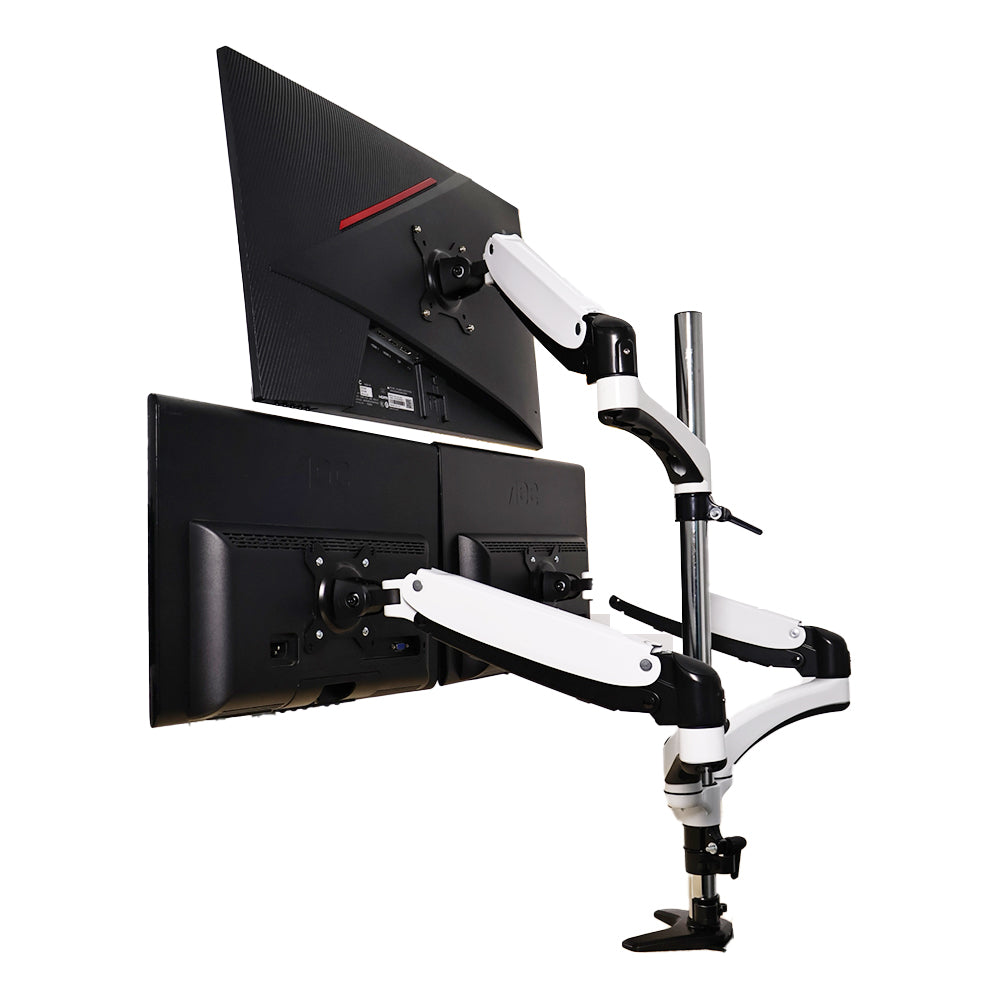
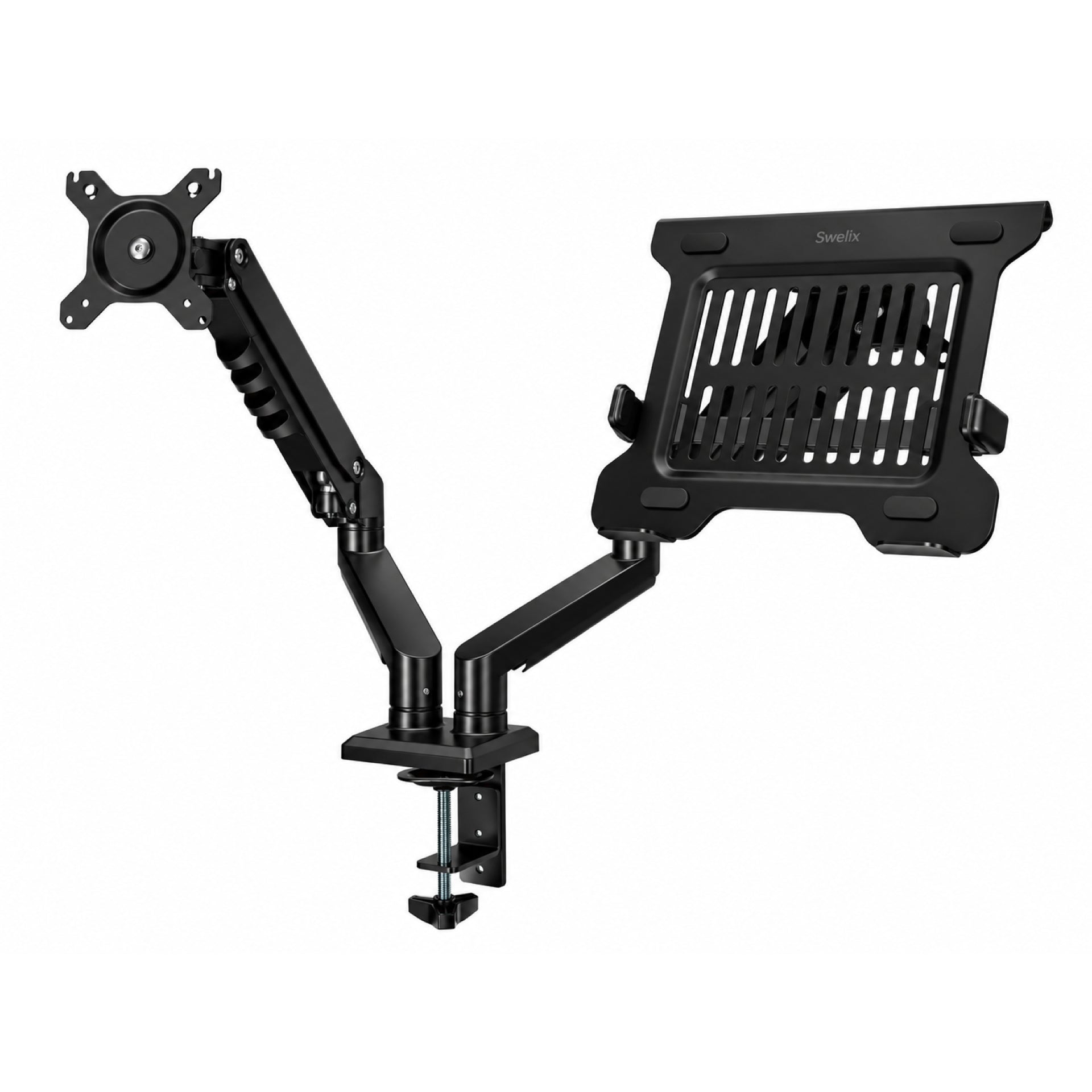
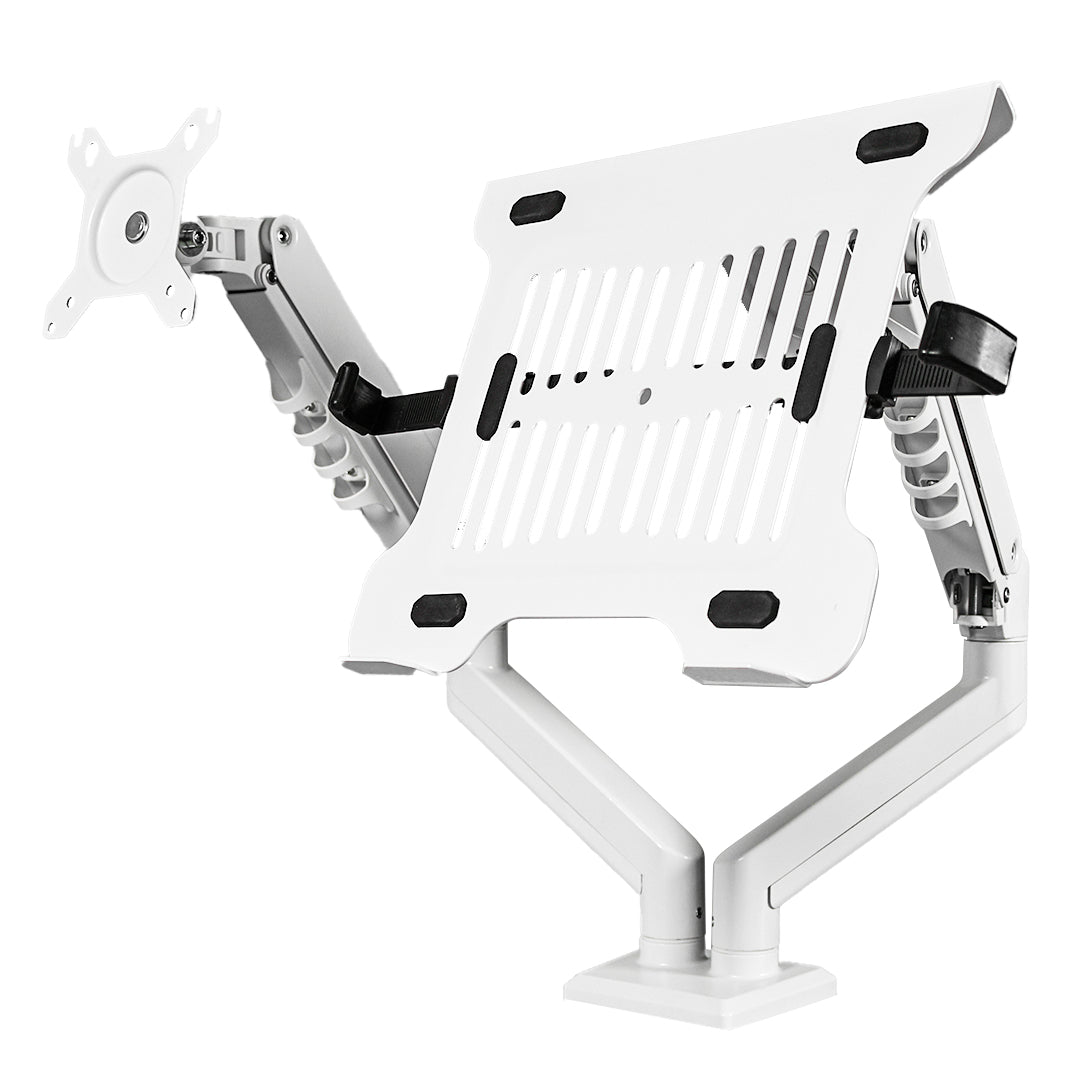
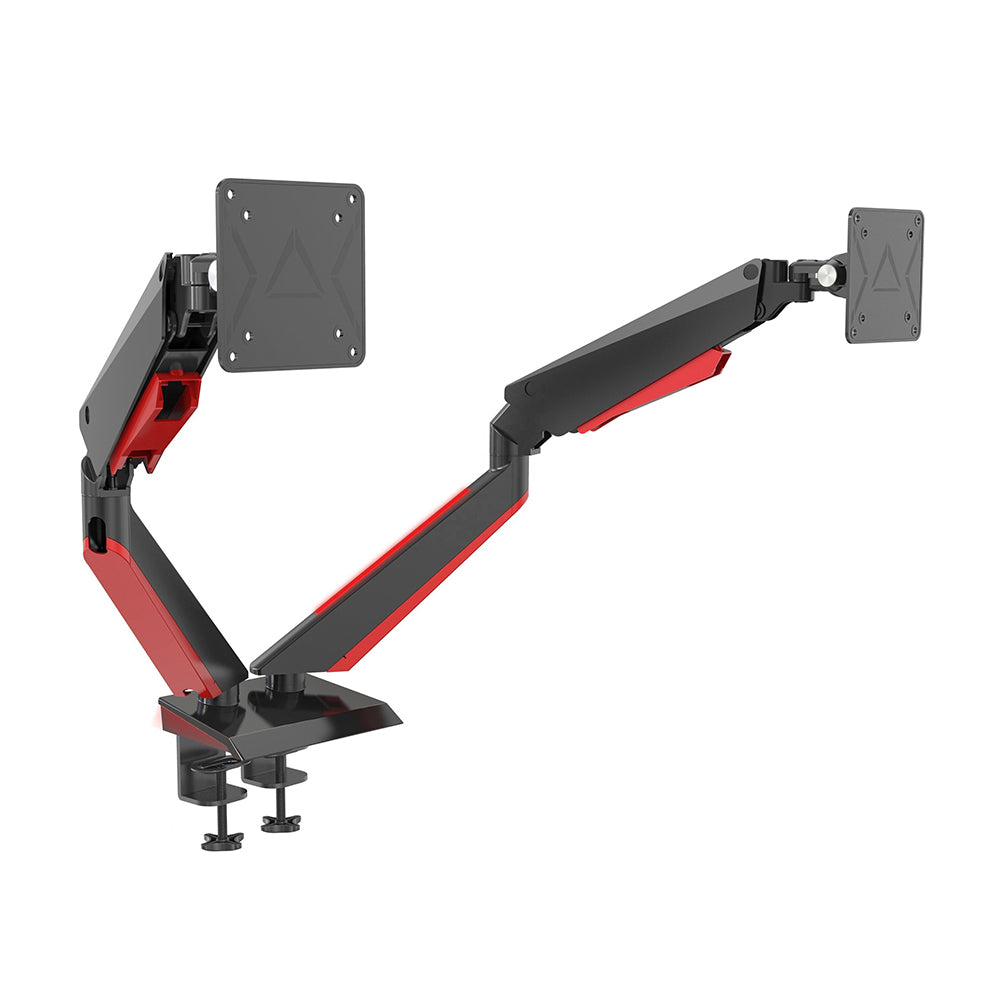
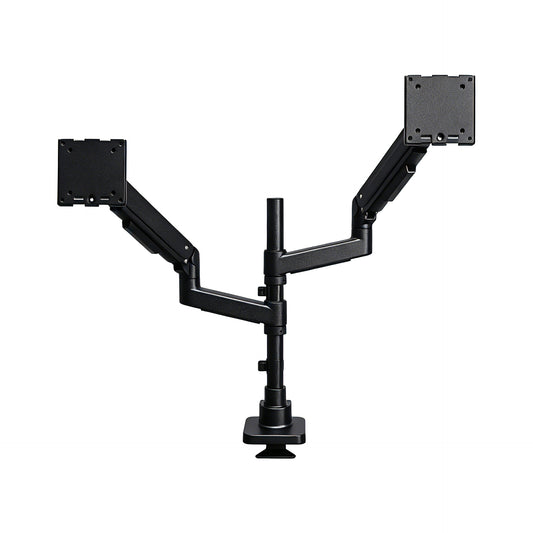
A monitor arm turned out to be a more useful upgrade than another desk organizer. Instead of sitting on a bulky base, the monitor is supported by an arm attached to the desk. That frees up the space underneath and makes it easier to arrange everything else.

🖥️ More Room for the Things I Actually Use
Once the monitor was off its stand, I had more room to spread out. My keyboard and mouse could sit comfortably in front of the screen, with space on the side for a small plant and my water glass.
I no longer had to keep shifting things whenever I wanted to write a note or make room for a notebook. The desk felt less crowded without having to give up the little things that make it mine.
🔌 A Cleaner Look Without Hiding Everything Away
I don't want a completely bare desk. I like a few personal touches; I just don't want a tangle of cables drawing attention away from them.
The Swelix monitor arm has a built-in cable management channel to help route monitor cables neatly along the arm. It keeps the wires more organized and helps the overall setup look cleaner.
It's a small detail, but it makes the whole desk feel more put together. The plants, lamp, and other things I like having around can stand out without competing with loose cables.

🛠️ A Straightforward Setup, Without Drilling
I'm not looking to turn a simple desk upgrade into a weekend DIY project. A clamp-mounted monitor arm can be a practical option for a compatible desk, and it doesn't require drilling holes into the desktop.
Before ordering, check the product details for supported screen sizes, monitor weight, VESA compatibility, and desk thickness. A quick check makes it easier to choose an arm that fits your setup.
Explore Swelix monitor arms to find an option that works with your monitor and desk.
🧘 A Monitor Position That Works for You
Freeing up desk space was a welcome change, but the flexibility of a monitor arm is just as useful in everyday work.
With a fixed stand, you're mostly working around the screen's existing position. An adjustable arm gives you more control: you can raise or lower the monitor, bring it closer, or change its angle to suit what you're doing.
You might prefer one position for writing and another for reading a long document or joining a video call. Being able to make small adjustments is easier than constantly shifting your own posture to suit the screen.
As a general starting point, position the monitor directly in front of you, with the top of the screen around eye level or slightly below. The most comfortable position will depend on your screen, eyesight, chair, and how you sit.
A monitor arm isn't a cure-all for aches and pains. Taking breaks, moving around, and adjusting your chair and desk height still matter. But having a screen that's easier to position can help make a long workday feel more comfortable.

☕ A Few Simple Ways to Make Your Desk Better
You don't need to replace your whole setup to make your home office work better. Start with what's bothering you most and make a few changes at a time.
- Give your monitor a better spot. If its base takes up too much room, consider a monitor arm that fits your screen and desk.
- Tidy up the cables. Cable clips or a cable channel can keep loose wires together instead of letting them spread across the workspace.
- Keep everyday essentials close. Put your keyboard, mouse, notebook, and water glass where you can reach them easily.
- Leave some breathing room. You don't have to fill every corner. Open space makes it easier to work and clean up.
- Add something you enjoy. A small plant, a warm lamp, or a favorite photo can make the space feel personal without taking over the desk.
- Move around during the day. Find a comfortable screen position, change positions when you need to, and take regular breaks.
The goal isn't a picture-perfect desk that looks good for five minutes and becomes impractical as soon as you start working. It's a space that suits your real routine.
🤎 Create a Workspace You Enjoy Coming Back To
The best part of this desk upgrade is that I didn't have to change everything. I kept my desk, plants, lamp, and all the little things that make the space feel like mine.
I just gave my monitor a better place to sit.
Now I have more room to work, fewer cables in view, and more flexibility to position the screen. The desk feels more organized, but it still looks and feels like my own space—not a perfectly staged office.
If you work from home most days, take a look at your desk and ask yourself: what's one thing that would make working here a little easier?
Maybe it's better lighting, a more comfortable chair, or a monitor arm that frees up space and lets you position your screen where you want it.
You don't have to change everything at once. Start with one small improvement and build a workspace that feels right for you.
Ready to make a little more room on your desk?
Explore Swelix monitor arms and find a setup that fits your workspace and your day.
Explore Monitor Arms More Desk Setup Inspiration