




My Desk Makeover, Start to Finish — A Real Customer's Setup Guide and Shopping List
Three months ago my desk worked fine. Cables everywhere, neck constantly stiff, bending under the desk to find a free socket. Everything technically functional, nothing actually enjoyable.
I finally sat down and rethought the whole thing. Not a complete overhaul — just a few deliberate choices that changed how the desk feels to use every day. Here's what I landed on, in case it's useful.
The standing desk — where it all started

⬆️ Why electric, and why dual motor
I went with a 1.6 × 0.7m solid pine desk, 4.6cm thick, rated to 150kg. The thickness matters — it feels solid rather than hollow, and heavy things don't leave marks the way thinner boards do.
The electric height adjustment runs between 60–125cm with three memory positions, so switching between sitting and standing is one button press. Dual motor makes it quieter and smoother than single-motor desks, and if you're using it multiple times a day, that difference adds up. Single motor is fine for occasional use; if you actually want to build a sit-stand habit, dual motor is worth it.
🔌 The built-in power strip — the detail I didn't expect to care about
The desk has a flush-mounted 5-socket strip built into the surface. I didn't think much of it when ordering, but it's turned out to be one of the most useful things about the desk.
Plugging in a laptop or phone without reaching under or behind anything is a small thing that makes a noticeable difference across a full day.

Screen light — the one people kept asking about
Light falls on the desk surface, not on the screen. That sounds obvious but most desk lamps don't manage it.
The coverage is wide enough to work across two screens. The design is minimal enough that it doesn't register visually.
Cable management — two things, that's it
📦 Under the desk
A cable box houses the power strip and adapters. Everything now lives in one enclosed box.
🪢 The cables themselves
Velcro ties bundle cables, then routed into a sleeve along the desk leg.
The whole thing cost almost nothing and took about an hour.
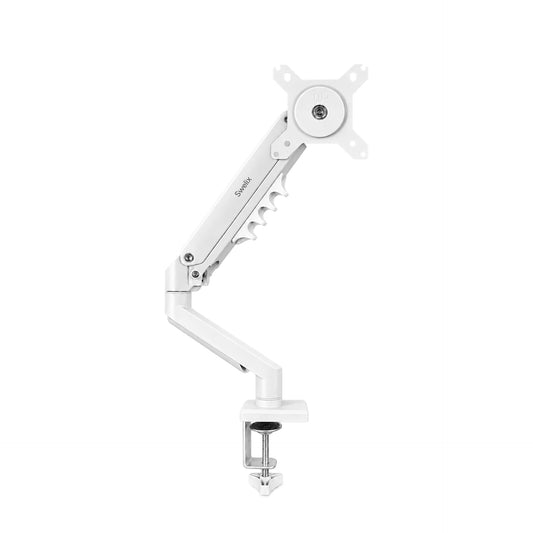
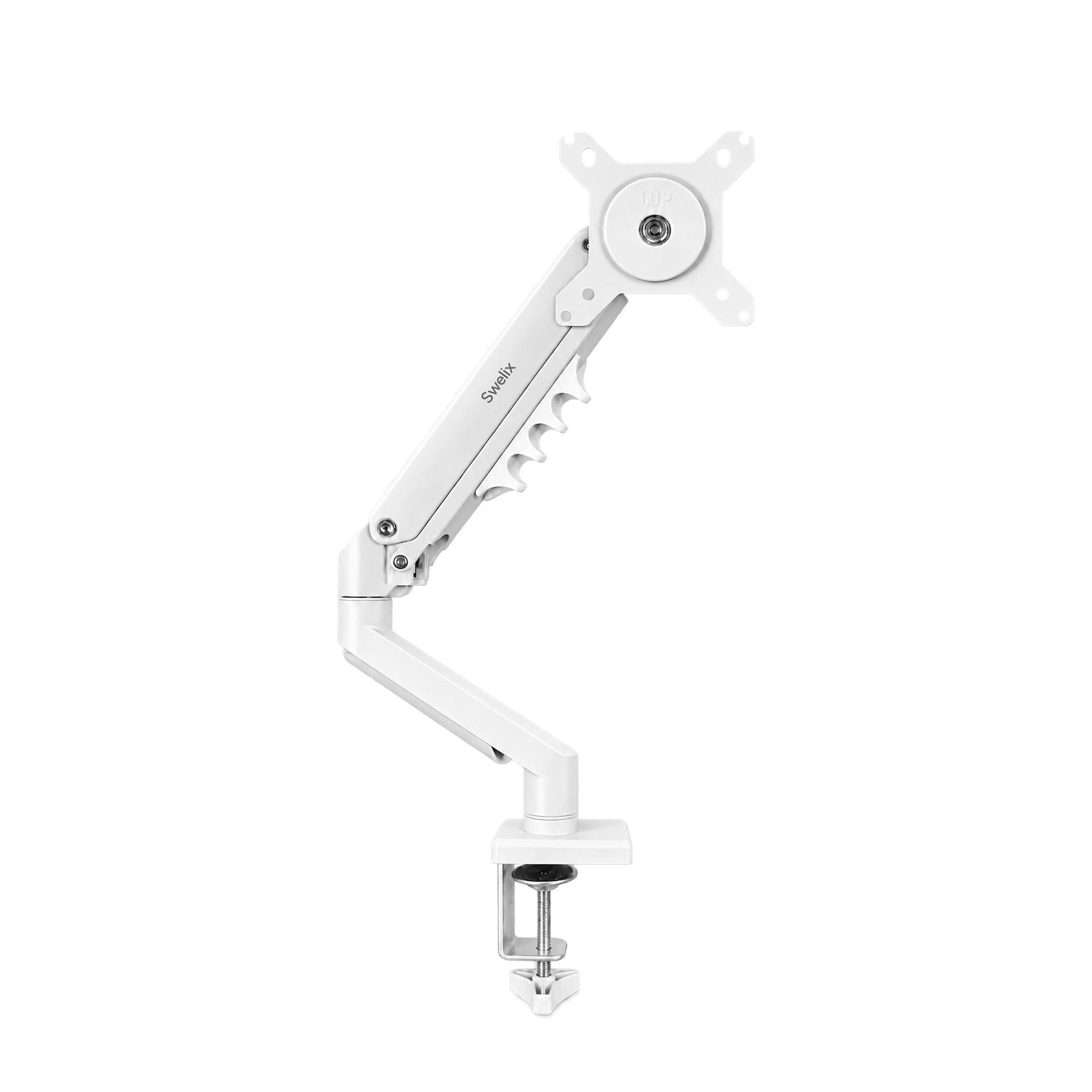
The monitor arm — still working it out

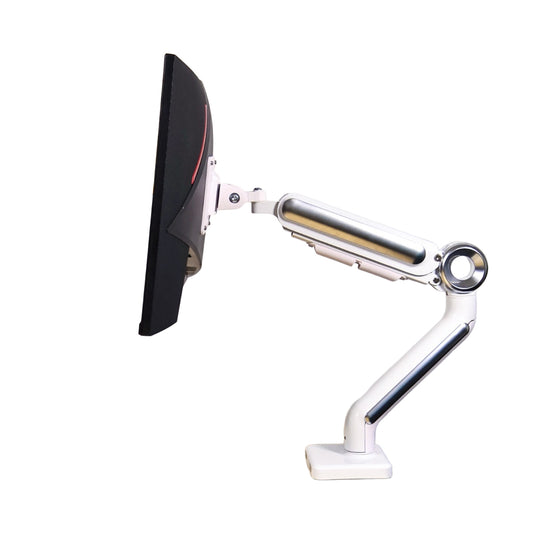
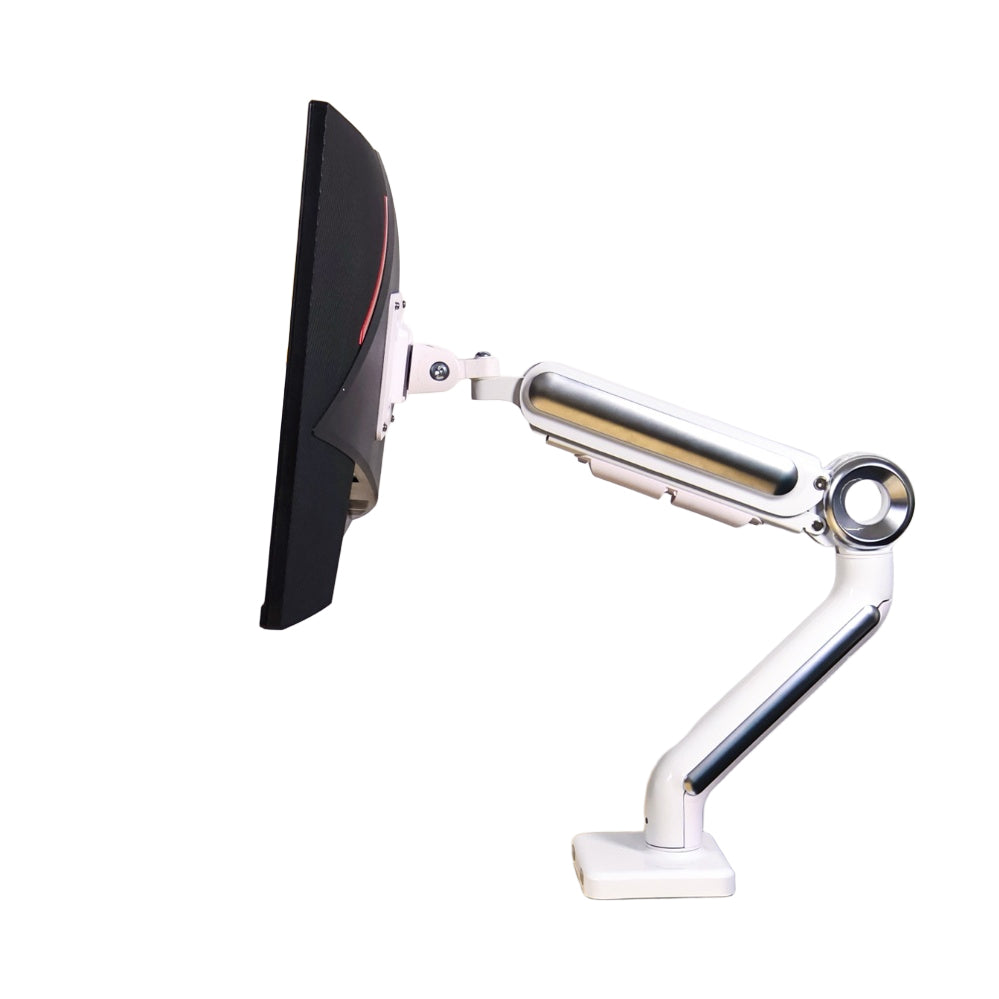
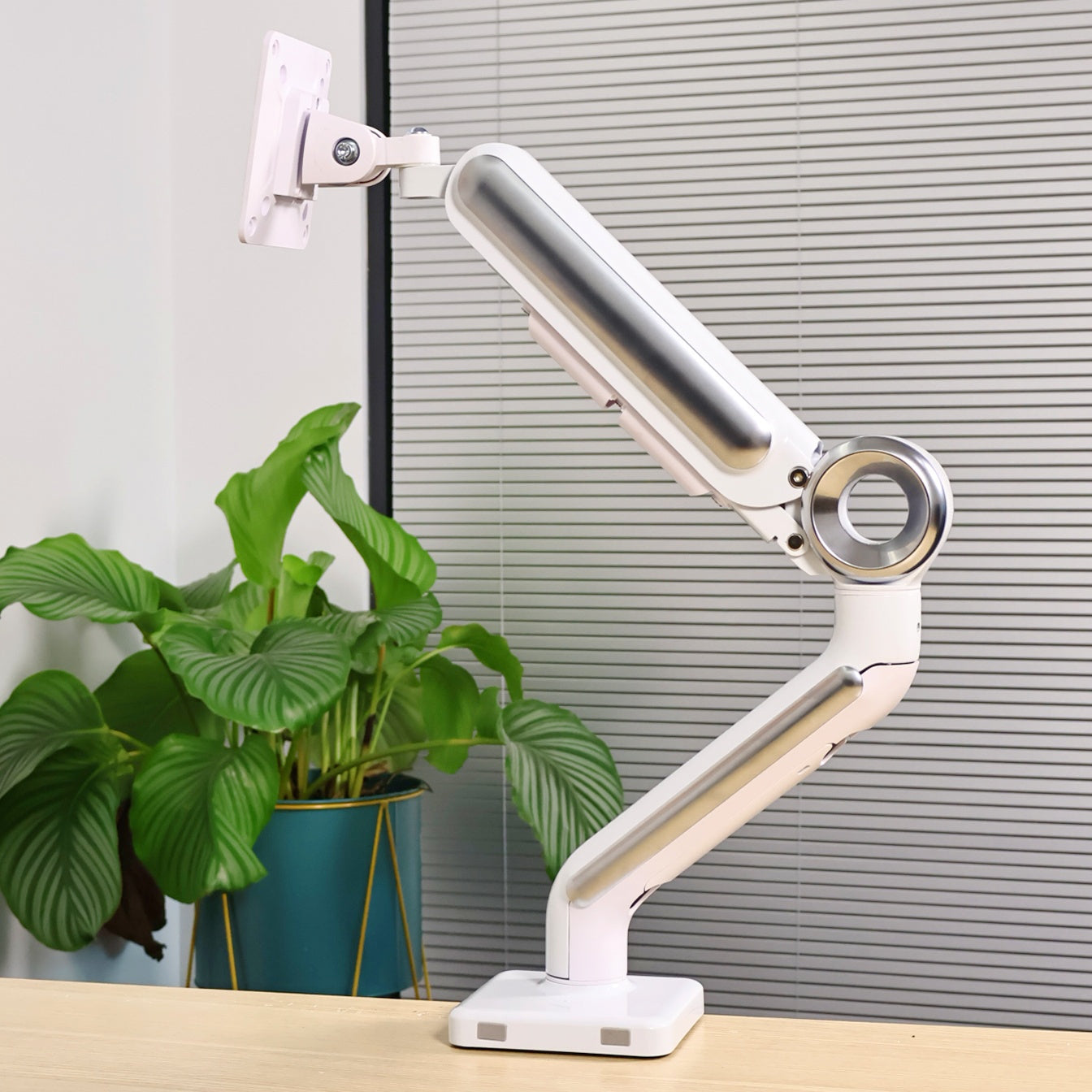
My secondary screen is on a monitor arm. My main screen is still on its stand.
The arm doesn't just move the screen — it changes how the whole desk feels.
The full shopping list
- Standing desk — dual motor electric
- Ergonomic chair
- Screen light
- Desk riser
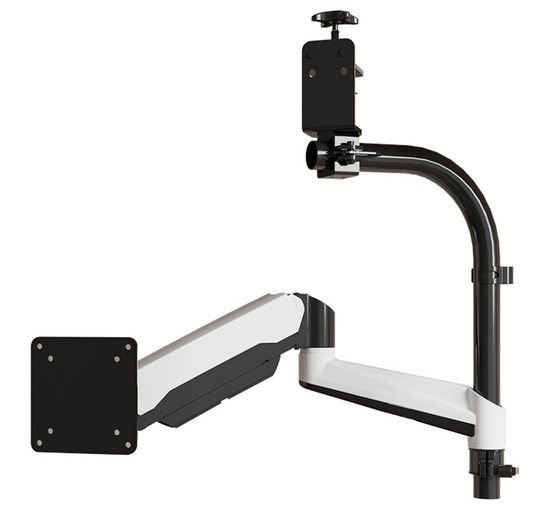
- Monitor arm
Three things I'd tell anyone buying a standing desk
- Go dual motor if you'll use it daily.
- Choose solid wood over MDF.
- Plan your power strip.
Still figuring it out
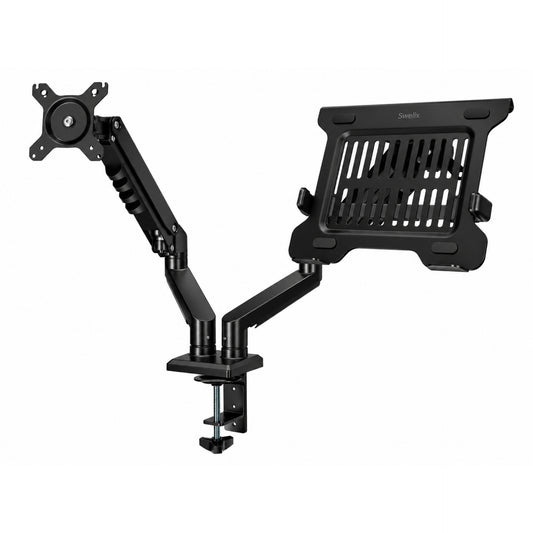
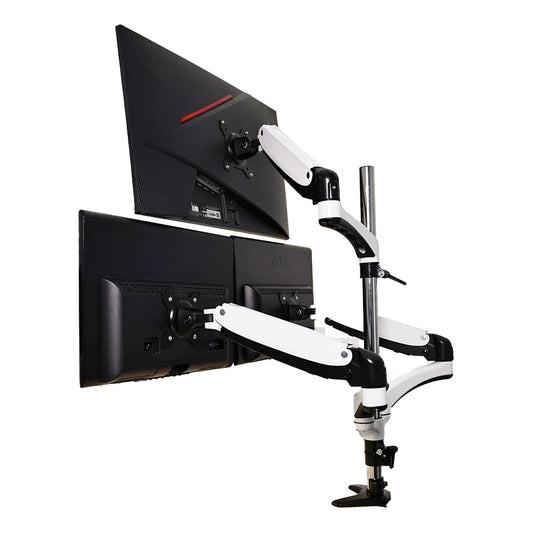
The desk isn't finished. The dual monitor arm is next.

If the monitor arm is something you're looking into, you can find options at Swelix.
Browse monitor arms → More desk setup inspiration



