

Wireless Desk Setup Inspiration: How I Keep My Desk Clean and Clutter-Free
Some people don't mind a busy desk. I'm the opposite. I love sitting down at a desk that feels clean, with everything in its place and no messy cables in sight.
I get quite a few questions about my wireless desk setup, so today I'm sharing four things that helped me get the look. You don't need to buy everything at once. Start with what bothers you most, then make small changes from there.

1. 🔌 Hide the Cables Under Your Desk
For me, good cable management is the first step toward a clean desk. Power strips, chargers, and extra cables can make even a nice setup look messy.
I use an under-desk cable tray to keep everything out of sight. Mine came with the desk, but you can easily find separate trays in different sizes and styles.
- Keep power strips and extra cables under the desk.
- Choose a tray that fits your desk and power strip.
- Leave enough cable length for devices that need to move.
No need to buy an expensive one. The main goal is simply to keep the cables organized and out of view.

2. 🖥️ Use a Computer Riser for More Than Just Your Monitor
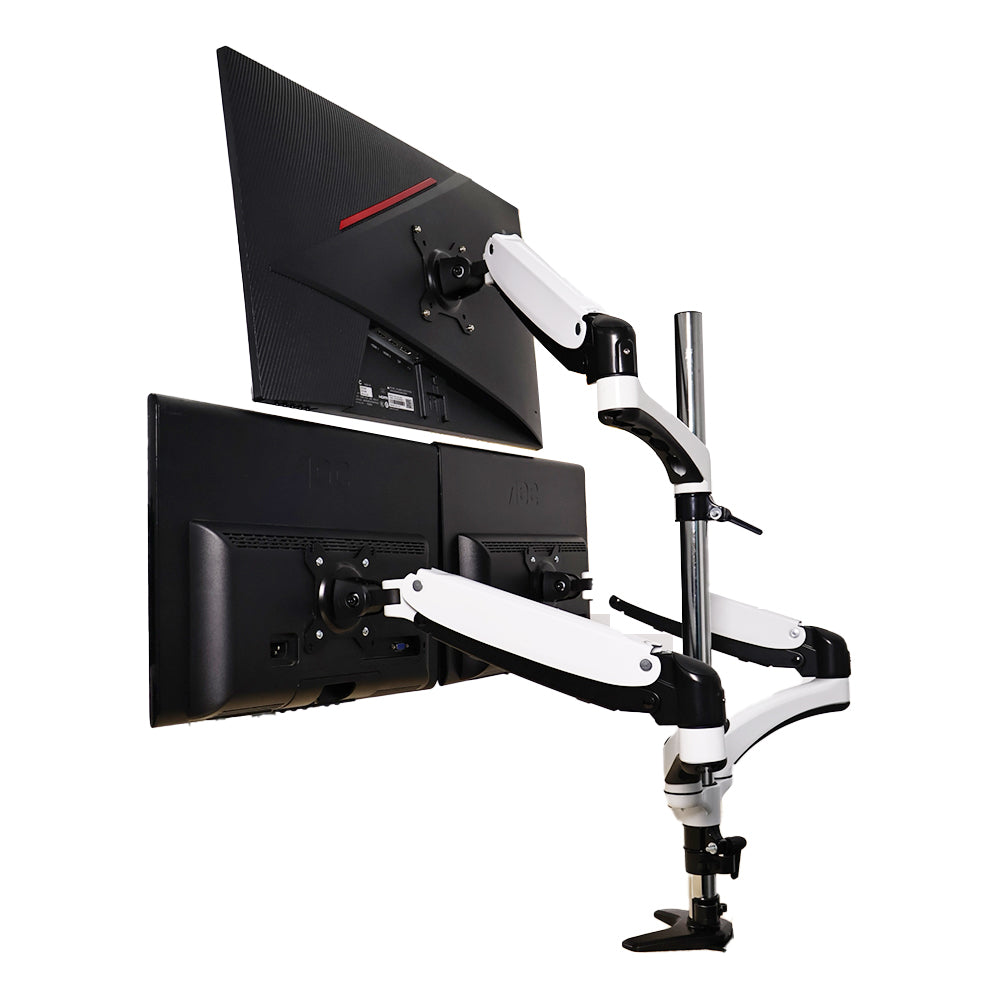
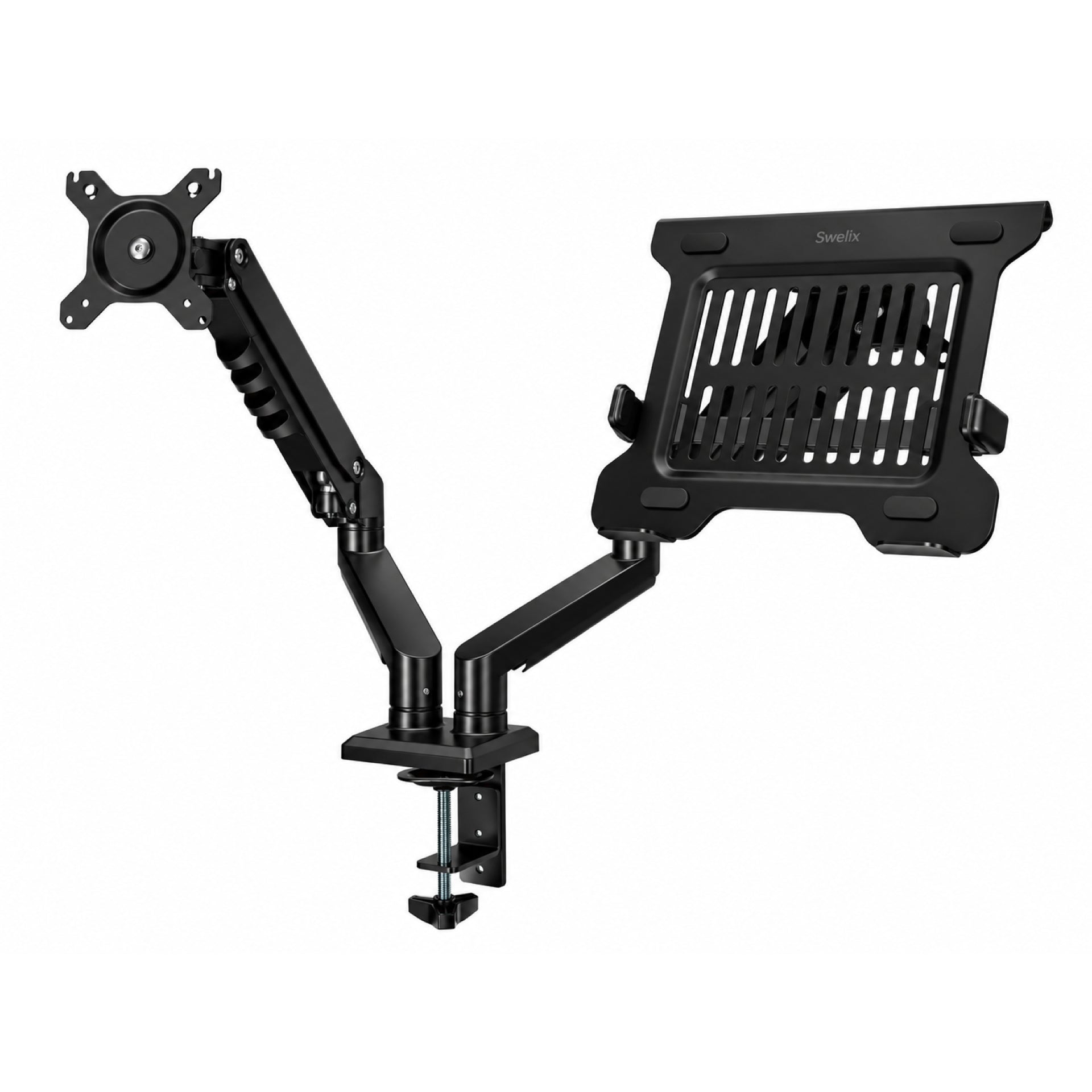
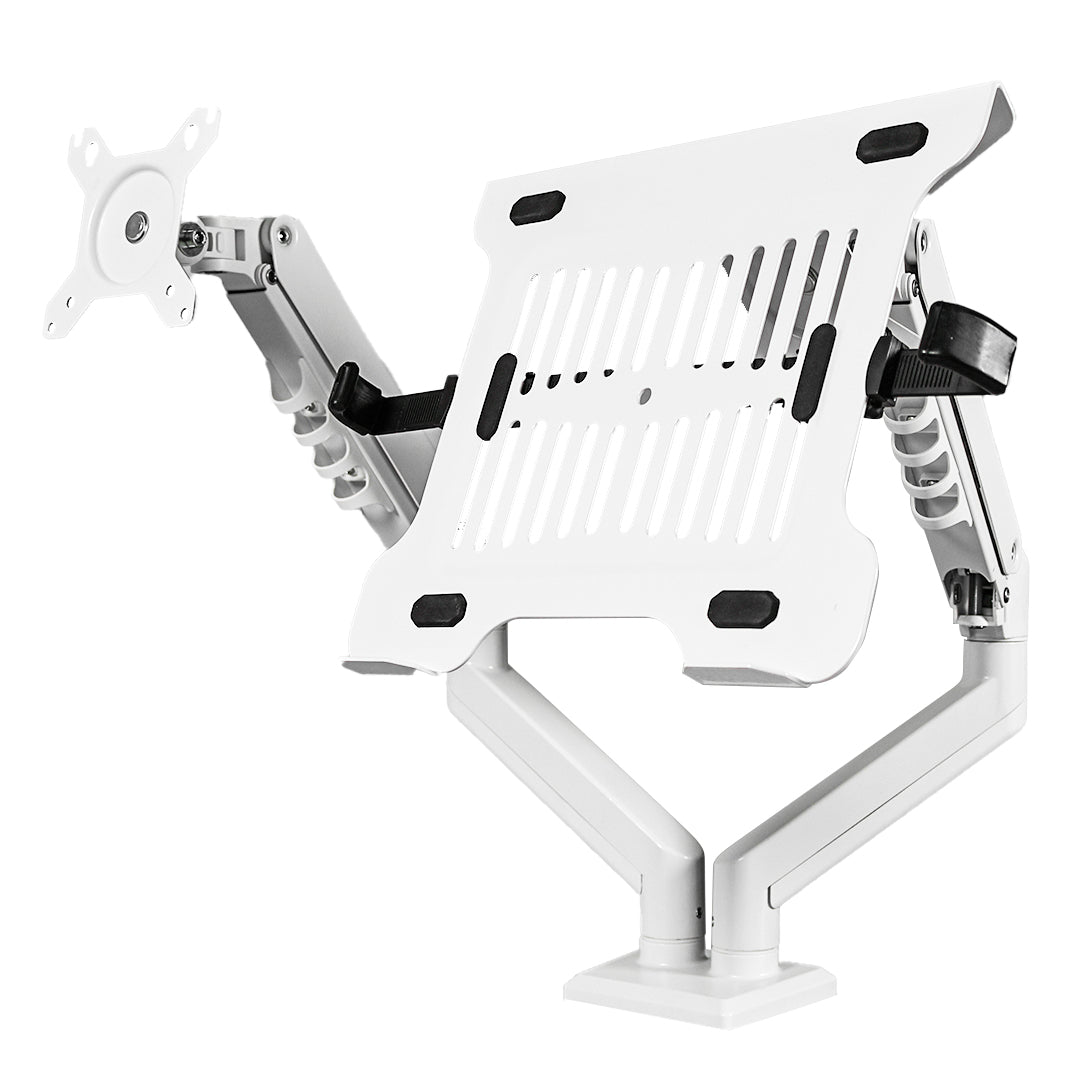
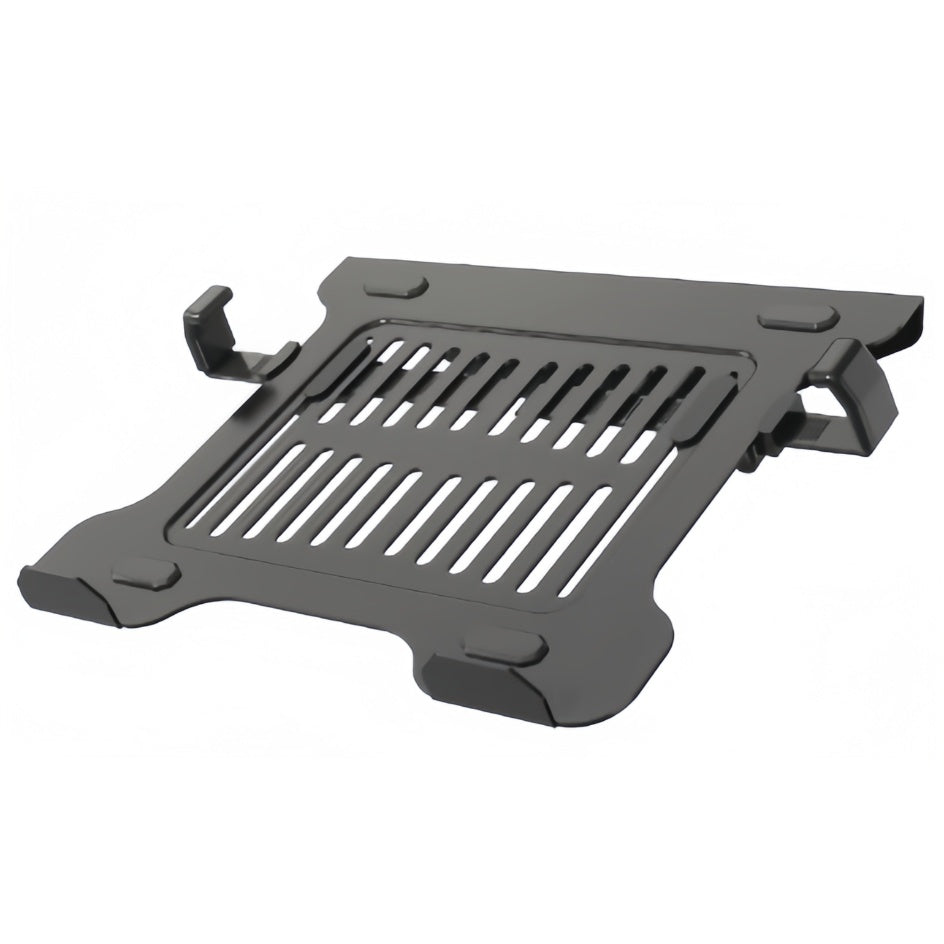
One of my favorite recent additions is my SWELIX computer riser. Since I already use dual monitor arms for my monitor and laptop, I mainly use the riser as a small shelf.
The two levels give me room for everyday items without spreading everything across the desk. It also has built-in ambient lighting that I can control with my phone or remote.
I like the aluminum frame and frosted acrylic top. They fit the look of my desk, and the included phone stand and headphone holder are useful extras.
You can use a riser to lift a monitor, create a little storage space, or simply add another layer to your setup. It depends on what you need.

3. 🦾 Free Up Space with a Monitor Arm
If a cable tray helps hide the mess under your desk, a monitor arm helps clean up the space above it.
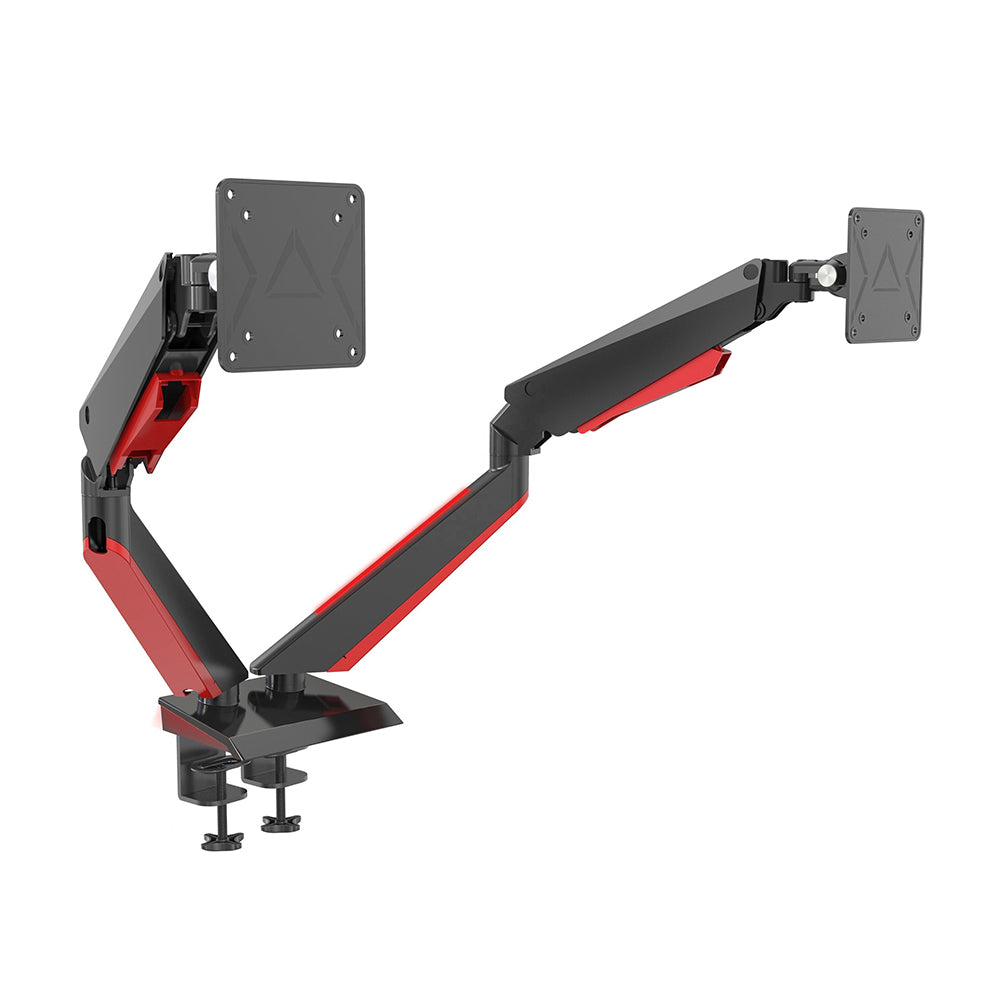
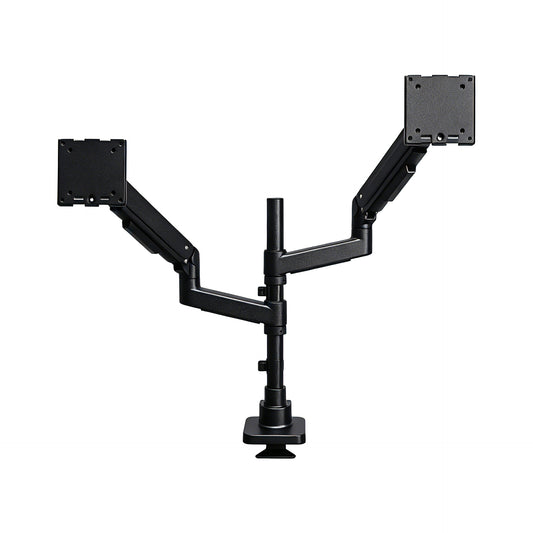
I use a SWELIX dual monitor arm to hold my monitor and laptop. It keeps them off the desk, and the built-in cable channel helps keep their wires organized too.
I'll admit that this one costs a little more than some basic options. But I like the build quality and the way it keeps my setup neat.
That said, you don't have to choose the same model. There are plenty of monitor arms at different price points, so look for one that fits your screen size, weight, and budget.

4. ⌨️ Go Wireless with Your Keyboard and Mouse
My keyboard and mouse are both wireless Bluetooth models. I usually charge them about once a month, so keeping them ready to use is pretty easy.
But I see wireless accessories as a bonus, not a must-have. If you prefer wired keyboards and mice, there's no reason to replace them just for the look.
One simple tip: match your accessories to your desk. Light-colored keyboards, mice, and cables work well with a light desk, while darker accessories suit darker setups.
The goal isn't to remove every cable. It's to make the whole space feel more put together.

5. ✨ A Few Simple Tips for a Cleaner Desk
If you're not sure where to start, try these small changes first:
- Sort out the cables you already have before buying new accessories.
- Give everyday items a proper place.
- Keep only what you use often within easy reach.
- Choose colors that work well together.
- Build your setup around your daily habits, not someone else's photos.
You don't need a perfect desk. You just need one that works for you.
Your Desk, Your Way
A clean wireless desk setup doesn't happen overnight, and it doesn't have to cost a fortune. For me, it started with better cable management and a few accessories that made everyday use easier.
Start with one small change and see how it feels. Over time, you can build a desk that looks good, works well, and feels like your own space.
At SWELIX, we believe the right desk accessories should make everyday work a little easier and your space a little more enjoyable.
Explore Our Desk Solutions →