




Your neck is stiff. Your shoulders ache. Your desk looks like a cable explosion. And you've tried everything — a new chair, a lumbar pillow, even a standing desk. But the one thing nobody told you? The real problem might be that your monitor has been sitting in the exact same wrong position since the day you set it up.
A monitor arm fixes that — and a lot more.

1. Your Neck and Back Will Actually Thank You
Most monitor stands are fixed. They sit at whatever height they come with, and you adapt your body to them — hunching forward, tilting your chin down, craning your neck up. Do that for eight hours a day and your body starts sending complaints.
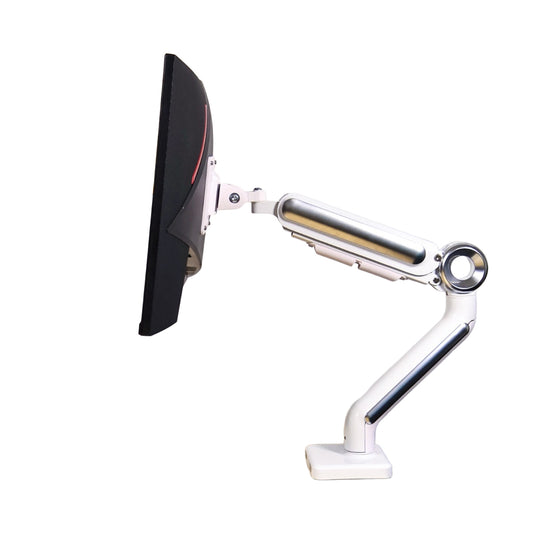
A monitor arm lets you position the screen exactly at your eye level — ergonomists recommend your gaze landing slightly downward at around 15–30 degrees. That one adjustment alone can eliminate a significant amount of neck and shoulder strain over time.

2. You Get Your Desk Space Back
Standard monitor bases are bulky. They sit right in the middle of your desk and take up valuable real estate you could be using for a notebook, a coffee, or just some breathing room.
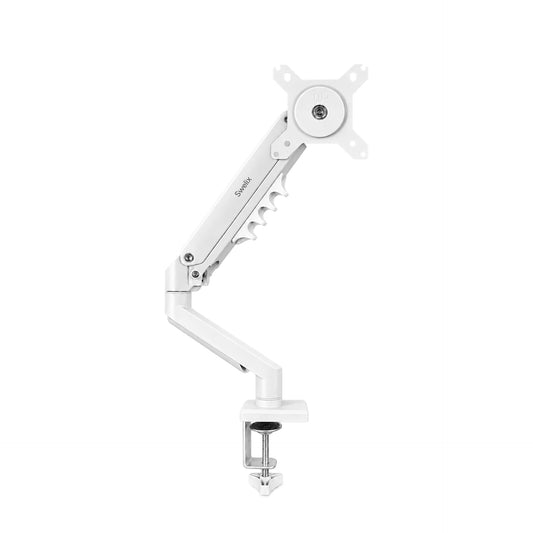
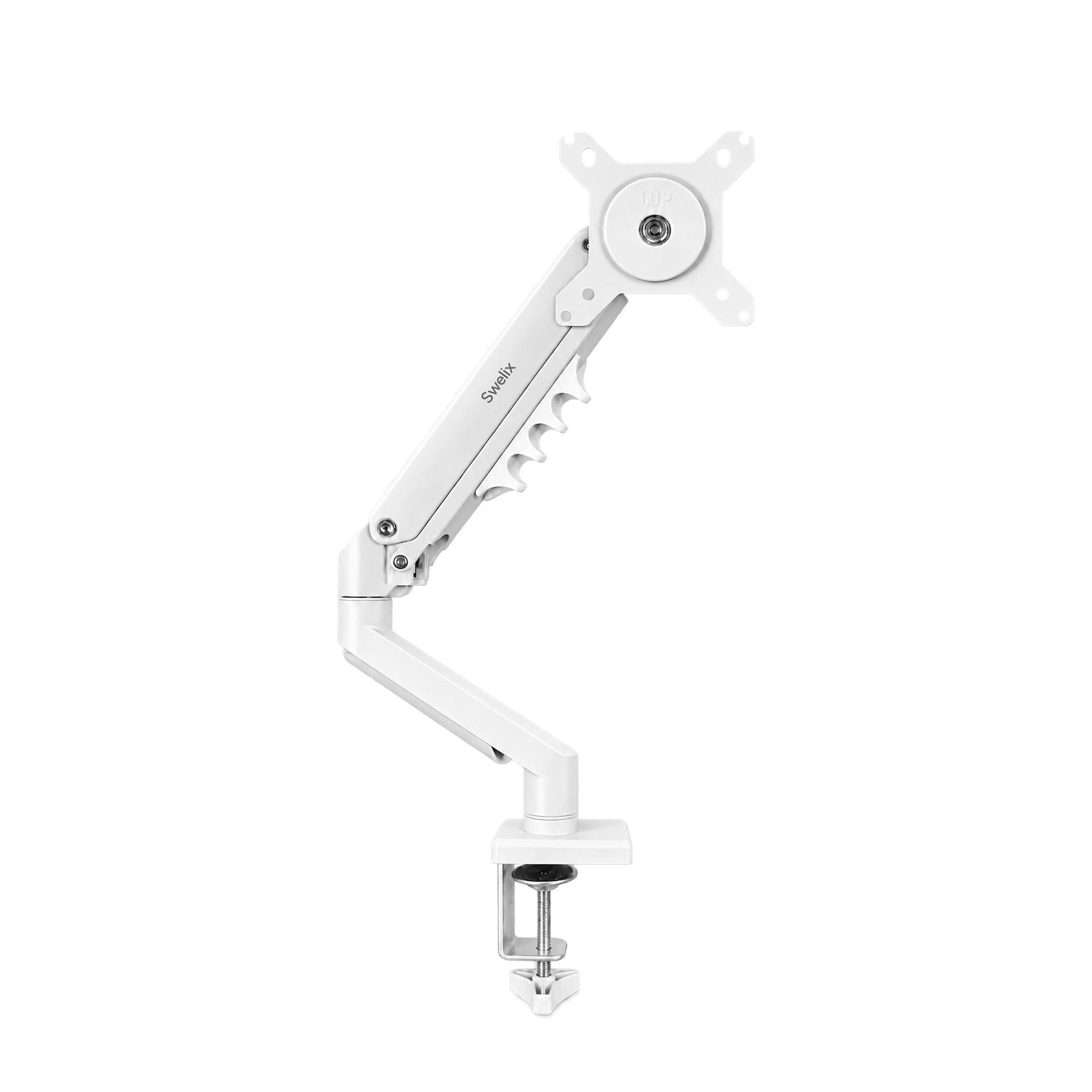
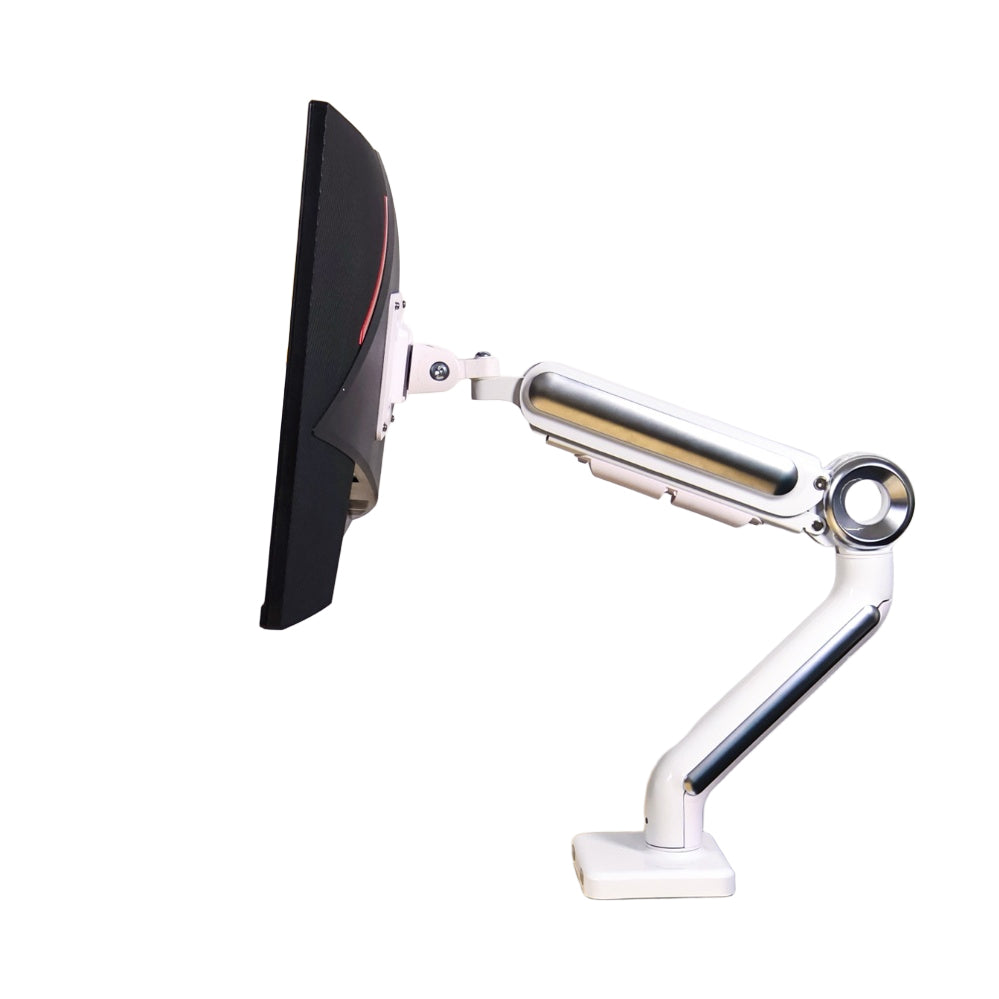
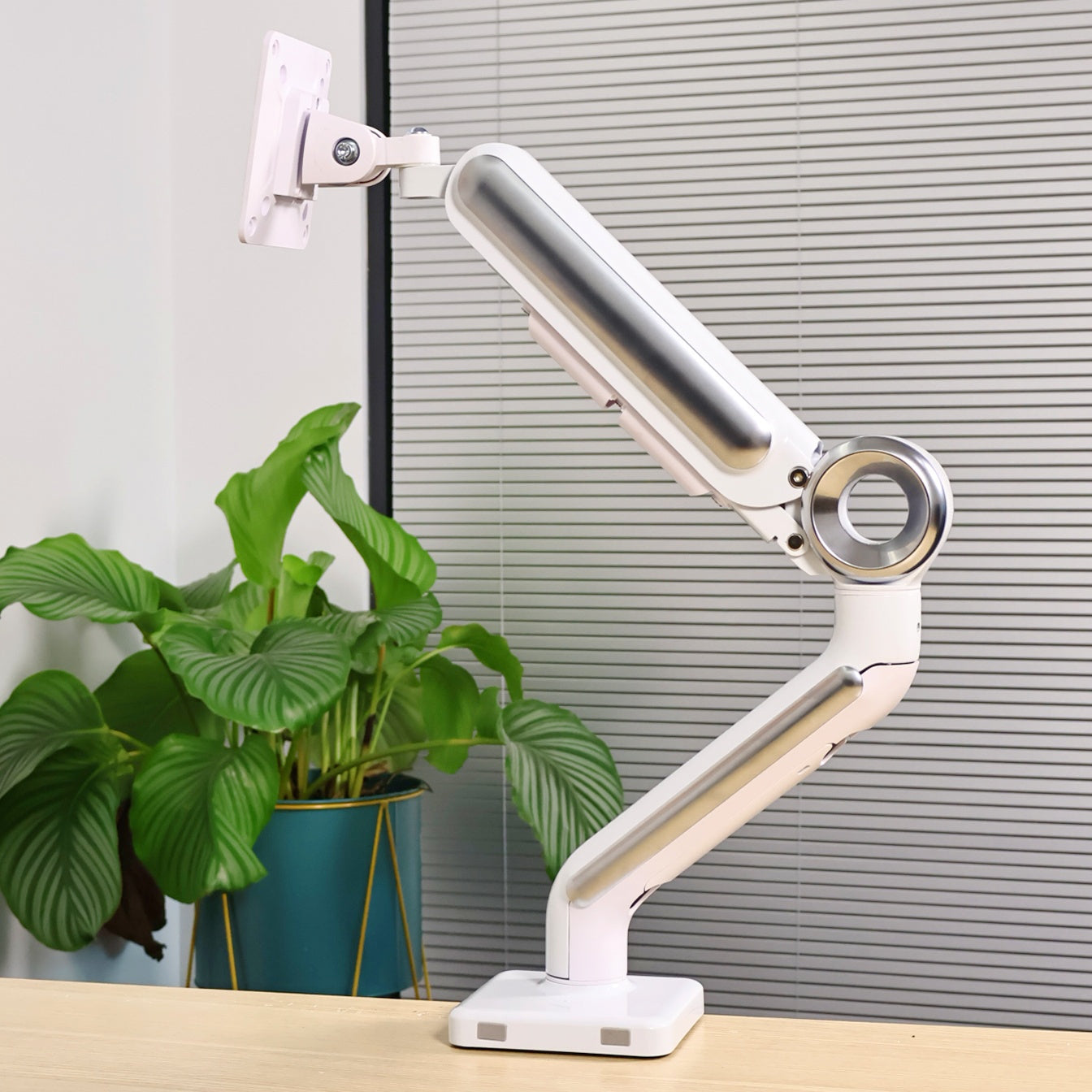
A monitor arm mounts to the edge of your desk and suspends the screen in the air. The base is gone. Suddenly you have a flat, open workspace again — and it feels like you got a bigger desk without spending a cent.
3. Adjust in Seconds, For Whatever You're Doing
Writing a document, joining a video call, reading a long article, sketching on a drawing tablet — each of these tasks has a slightly different ideal screen position. With a fixed stand, you're stuck. With a single monitor arm, you just reach out and move the screen where you need it.
No tools. No readjusting your whole setup. Just grab and position.
4. Multi-Monitor Setups That Actually Look Clean
If you're running two or three screens, the setup gets complicated fast. Mismatched stand heights, awkward gaps between monitors, cables going everywhere.
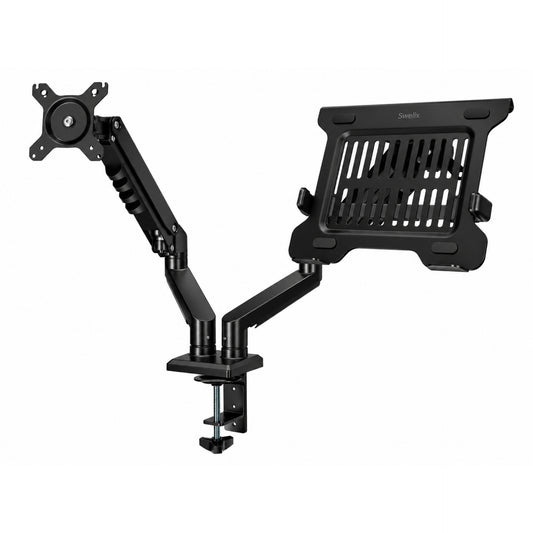
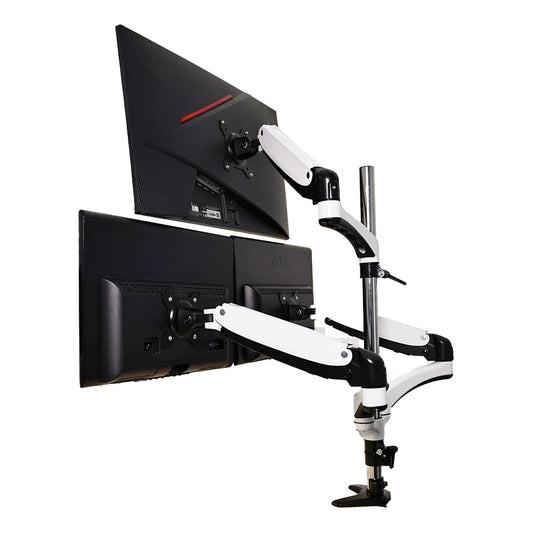
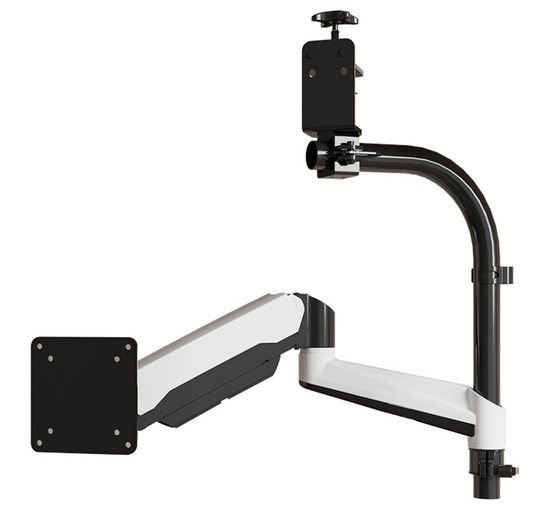
- A dual monitor stand lets you mount two screens side by side or stacked vertically on a single pole, perfectly aligned at the same height and angle
- Triple monitor arms take this further — ideal for traders, video editors, programmers, or anyone who needs a panoramic workspace without the chaos
The result is a setup that looks intentional, not improvised.
5. Collaboration Just Got Easier
Need to show something on your screen to a colleague sitting across from you? With a fixed monitor, you're both craning your necks at a bad angle. With a monitor arm, you just rotate the screen toward them in two seconds.
For remote workers doing frequent video calls, being able to quickly reposition your screen — and with it, your camera angle — is a small but genuinely useful daily advantage.
6. One Arm, Many Monitors — It's a Long-Term Investment
Good monitor arms use the VESA mounting standard — which means they're compatible with the vast majority of monitors on the market, regardless of brand or size. When you upgrade to a new screen, the arm stays. You're not buying new stands every time.
A quality arm also holds its position over years of daily use without drooping or loosening — which is more than can be said for most cheap stands.
7. The Aesthetic Upgrade Is Very Real
This one sounds shallow, but anyone who's made the switch will tell you: a desk with floating monitors just looks better. Cleaner. More professional. More intentional.
Whether you're setting up a home office, a streaming studio, or a corporate workstation, a monitor arm — single, dual, or triple — is one of those upgrades where the visual difference is immediately obvious to everyone who walks into the room.
The Bottom Line
You don't need to overhaul your entire workstation to work more comfortably and efficiently. Sometimes the highest-impact change is also the simplest one.
Start with what you actually need: a single monitor arm if you're a one-screen person, a dual monitor stand if you're running two, or triple monitor arms if your work demands a full panoramic setup. Get the position right, and everything else — your posture, your focus, your desk — starts to fall into place. 🖥️




