




Here I’ve put together some of the questions people have asked most often:
1. Why does my monitor look like it’s floating?
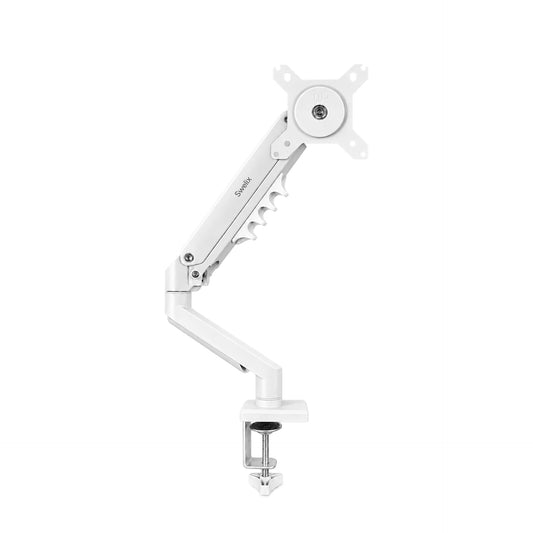
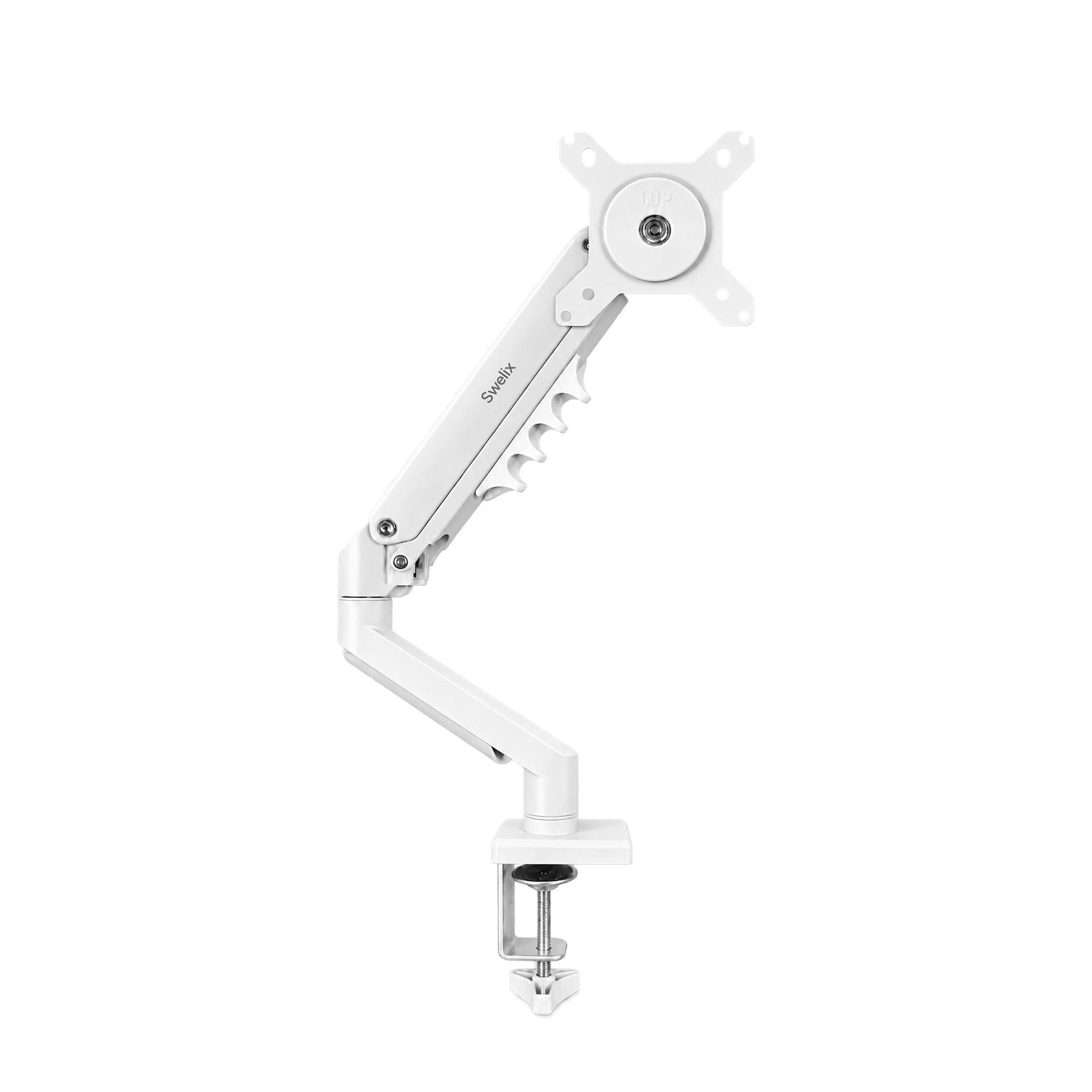
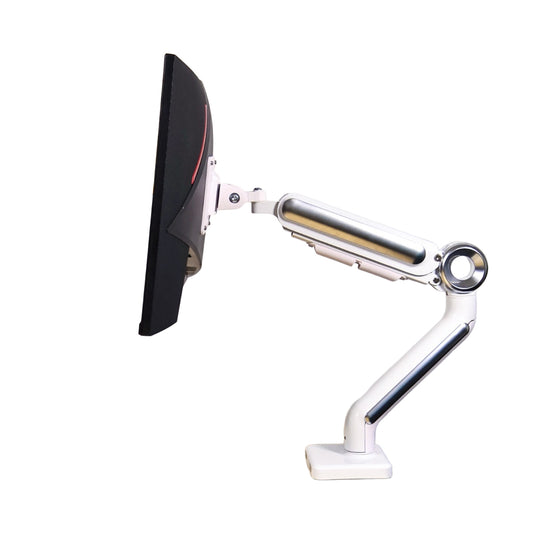
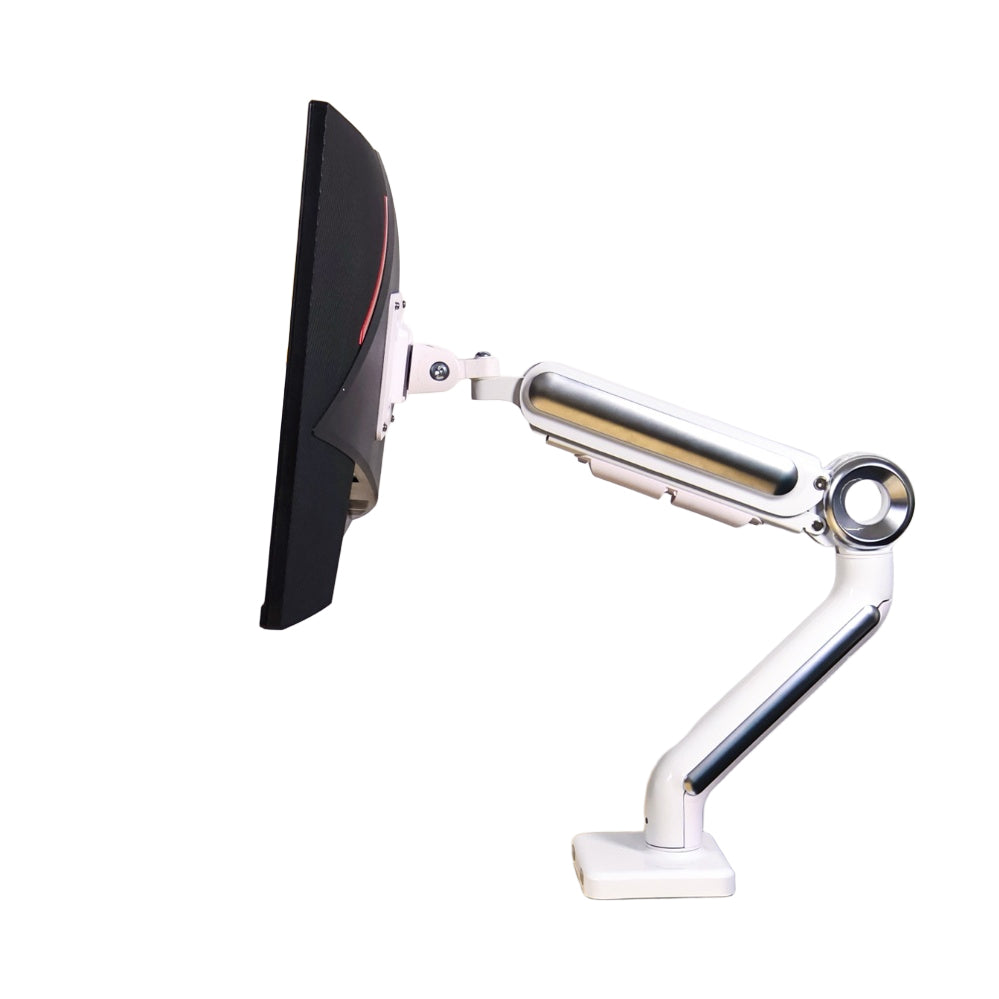
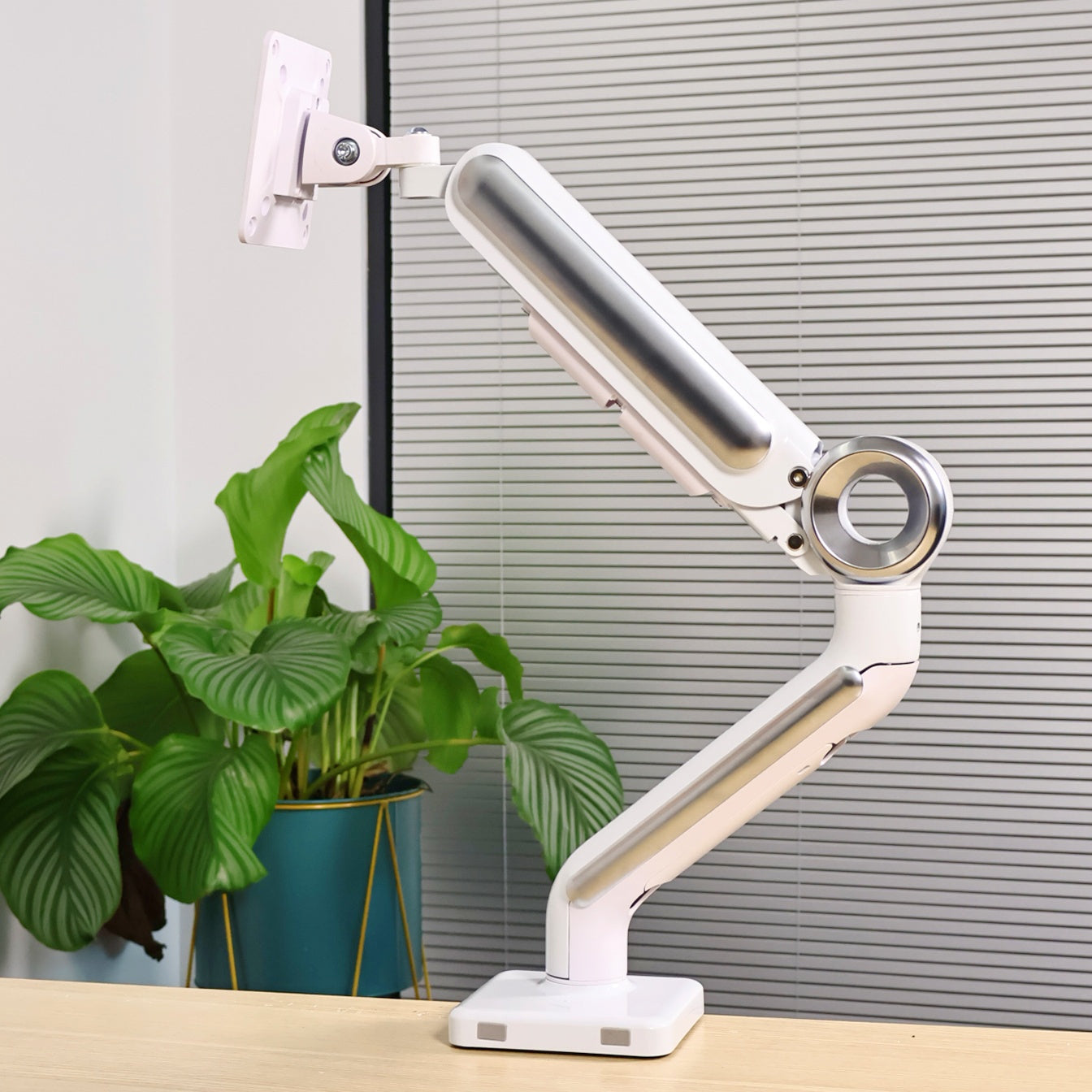
The main reason is that I installed a monitor arm.
The white color blends really well with the background (matching my desk and curtains).
Plus, the lighting on the monitor adds to the effect.
So it kind of looks like it’s “floating”—pretty magical, right?
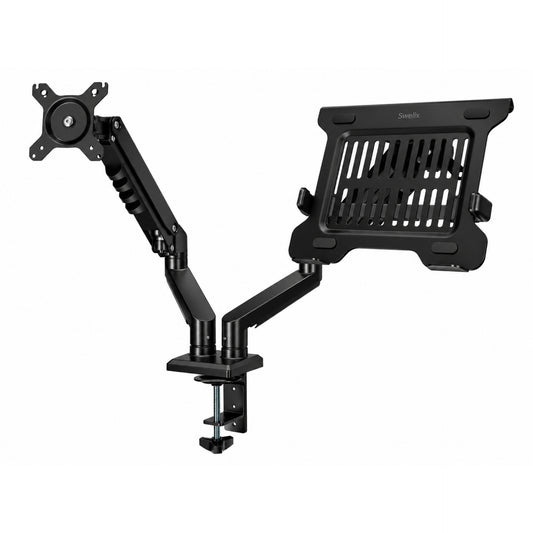
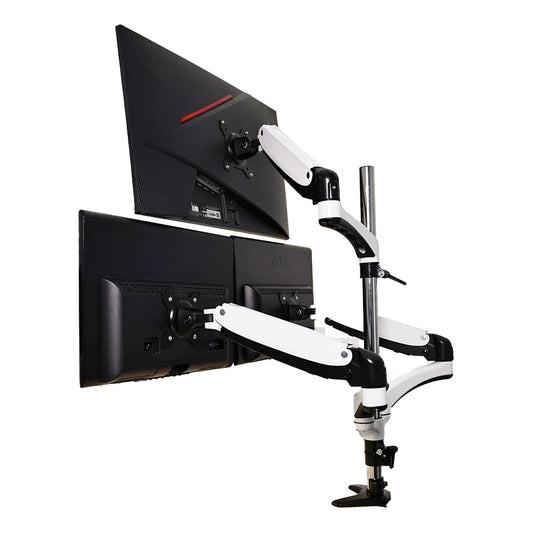
Also, why did I choose a dual-arm monitor stand?
Because my main job is a product designer, and I usually work with dual screens.
On top of that, I normally connect my laptop directly to an external monitor.
I have my monitor on the left, laptop on the right,
and the dual-arm setup is super convenient for that.
2. How did I make my desk “wireless”?
The biggest factor is going wireless wherever possible.
For example, my keyboard and mouse are mostly Bluetooth or multi-mode.
Cables for the monitor are harder to hide,
but the monitor arm helps a lot here, since it comes with built-in cable channels.
For clustered power strips and plugs, I put them in a power storage box under the desk.
This keeps the entire desk looking neat and clean.
3. The size of my desk Desk dimensions: 1.6 * 0.7 m
This is something people ask almost every time.
I previously had 1.2 * 0.6 m and 1.4 * 0.6 m desks.
As I added more stuff, I upgraded to this size, which is just right for me.
It’s a height-adjustable desk.
Honestly, I rarely use the standing feature,
but sometimes I raise it for a short while to stretch and move a bit.
As the saying goes: “I may not need it all the time, but I can’t be without it.”




