




Why My Desk Only Has One Visible Cable | Minimal Desk Setup Inspiration
Most people don’t realize how stressful cable clutter feels until it disappears.
Even when a desk looks “organized,” messy wires somehow still make everything feel busy.
That used to happen to my setup too.
No matter how often I cleaned it, the desk still felt visually noisy.
So this time, I gave myself one goal:
Make the desk feel as clean and distraction-free as possible.
And somehow… it ended up with almost only one visible cable.

The Desk Setup Goal — Clean, Functional, Realistic
🧹 Step 1: Why I Wanted a Cleaner Desk
I spend a lot of time at my desk every day.
Working, writing, gaming, watching videos… basically everything happens here.
But too many visible cables always made the space feel cluttered.
Even when the desk itself was clean.
I didn’t want a “showroom setup.”
I wanted something realistic that still felt comfortable after using it for hours.
Something calm.
Something easier on the eyes.
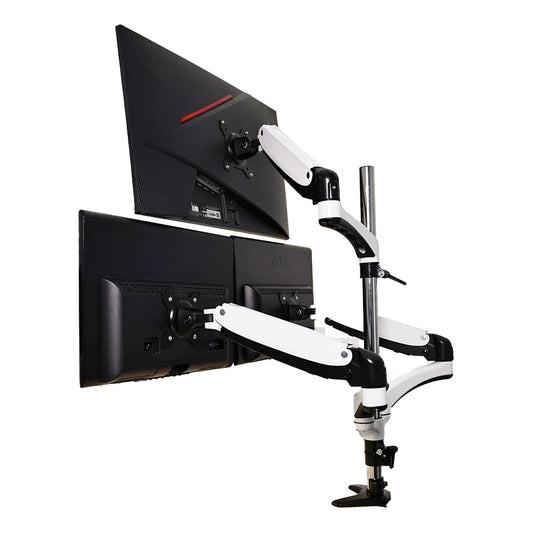
🖥️ Step 2: The Dual-Screen Setup That Changed Everything
My current setup uses a Redmi A27U as the main display.
The secondary screen is actually an old GobiggeR portable monitor I originally bought for my Nintendo Switch.
After leaving it unused for a while, I decided to repurpose it as a vertical side monitor.
And honestly… it works surprisingly well.
The 27-inch + 15.6-inch combination feels balanced without overwhelming the desk.
Large enough for multitasking.
Compact enough to still feel clean.
- – Main work on the larger display
- – References, music, and chat on the smaller screen
- – Easier multitasking without feeling crowded
The Biggest Problem — Portable Monitor Without VESA
🔧 Step 3: The DIY Fix Nobody Talks About
But honestly, the portable monitor setup wasn’t perfect.
Not even close.
The biggest issue?
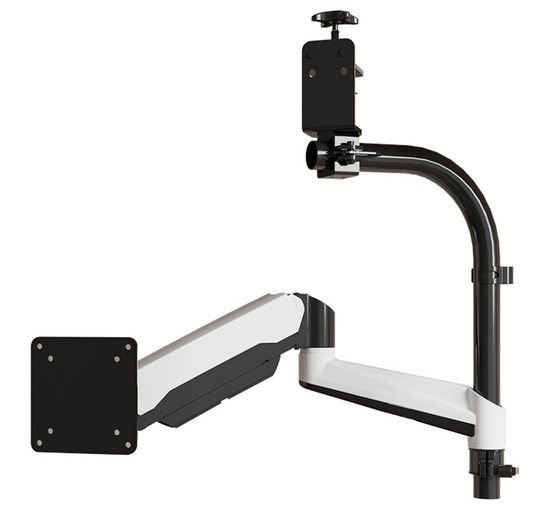
No VESA mounting holes.
Which basically means most normal monitor arms can’t support it properly.
I tried different mounting ideas and none of them really worked.
Eventually, I ended up drawing my own adapter design and using a custom 3D-printed accessory to make it work.
A little annoying?
Definitely.
But once it was mounted successfully, the whole desk setup instantly felt cleaner.
😅 Step 4: The Glossy vs Matte Screen Problem
Another thing I had to get used to:
The portable display uses a glossy screen.
My main monitor uses a matte panel.
So when they sit side-by-side, the reflection difference is actually pretty noticeable.
If you’re picky about visual consistency, it might bother you at first.
But after using it for a while, honestly, the extra screen space matters more.
And the functionality completely outweighs the downside for me.
The Core Upgrade — Monitor Arm & Cable Management
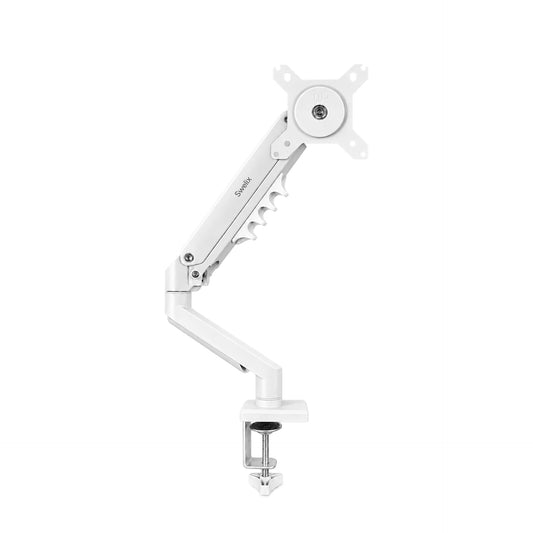
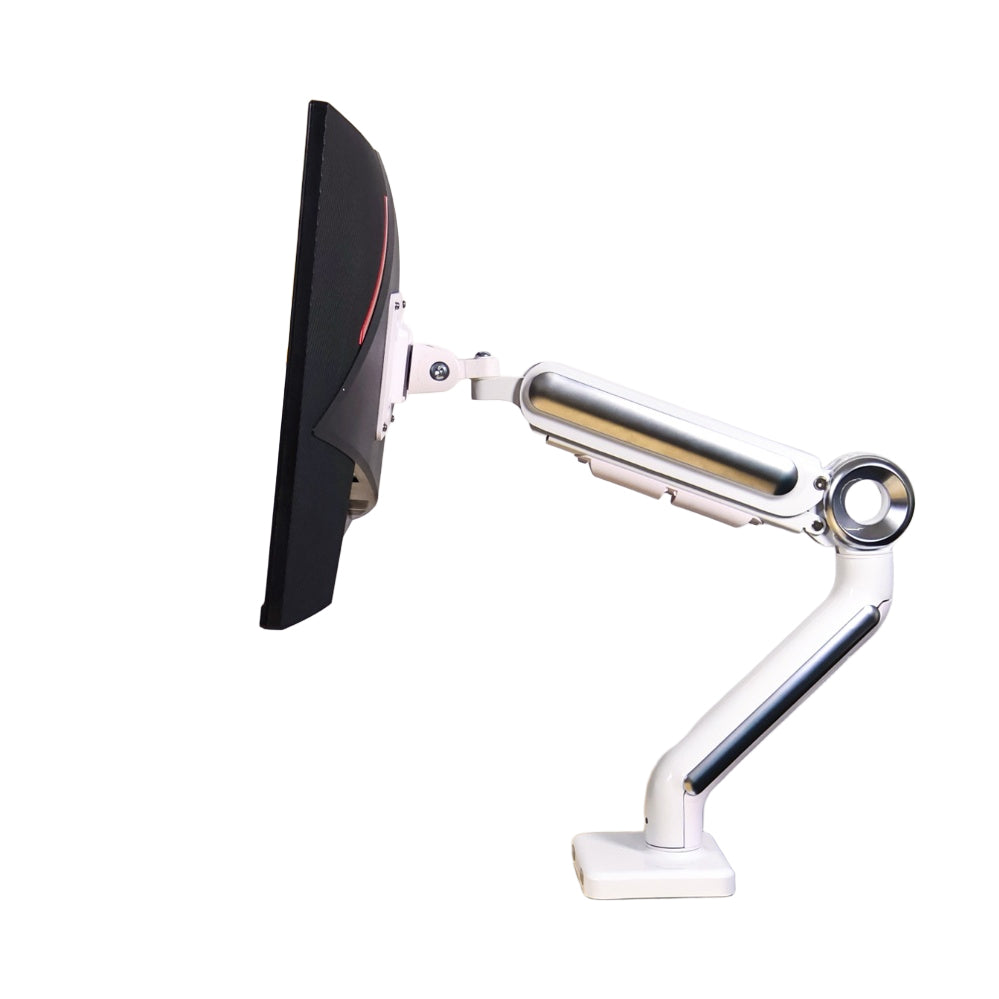
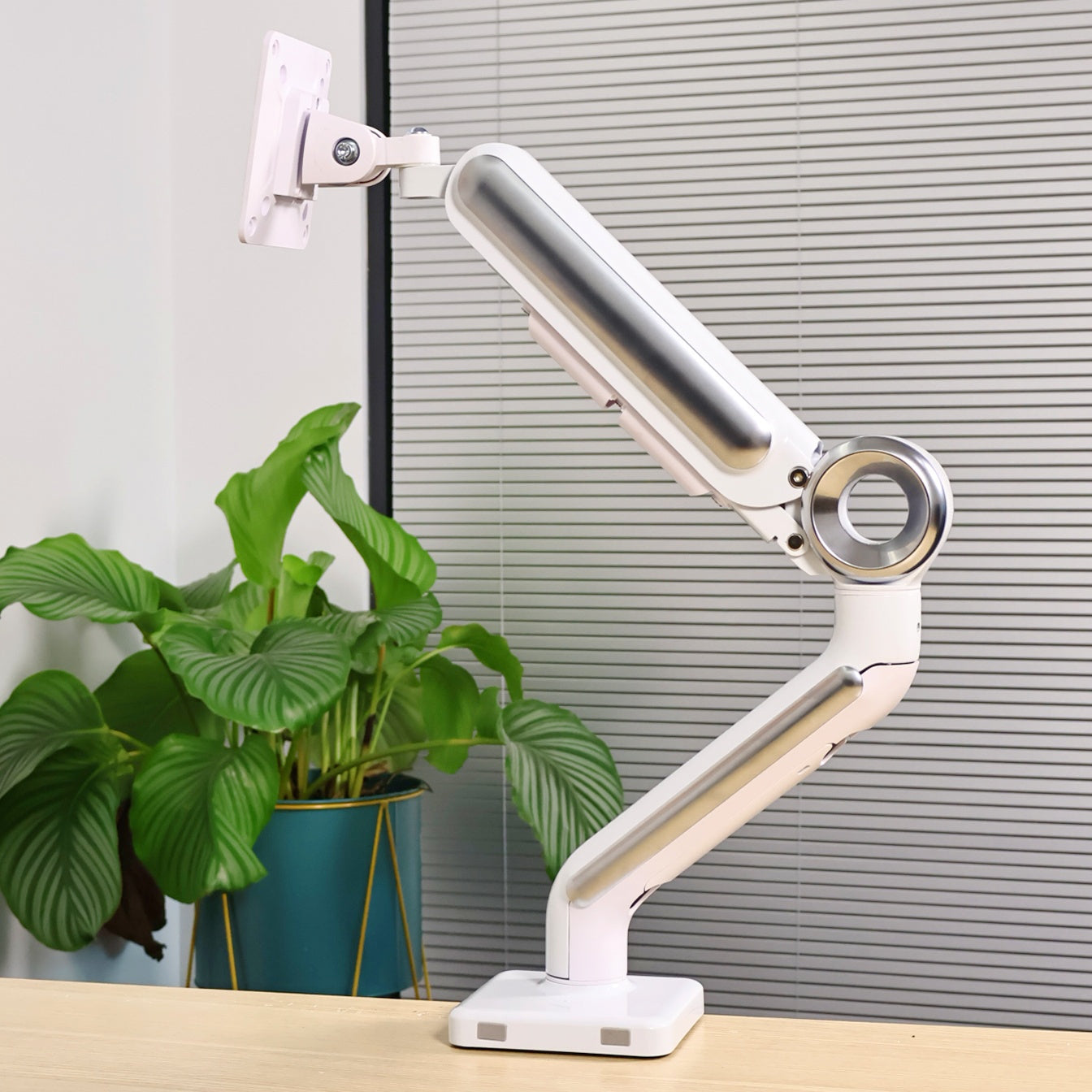
🦾 Step 5: Why the Swelix Monitor Arm Matters
The monitor arm was probably the biggest visual upgrade.
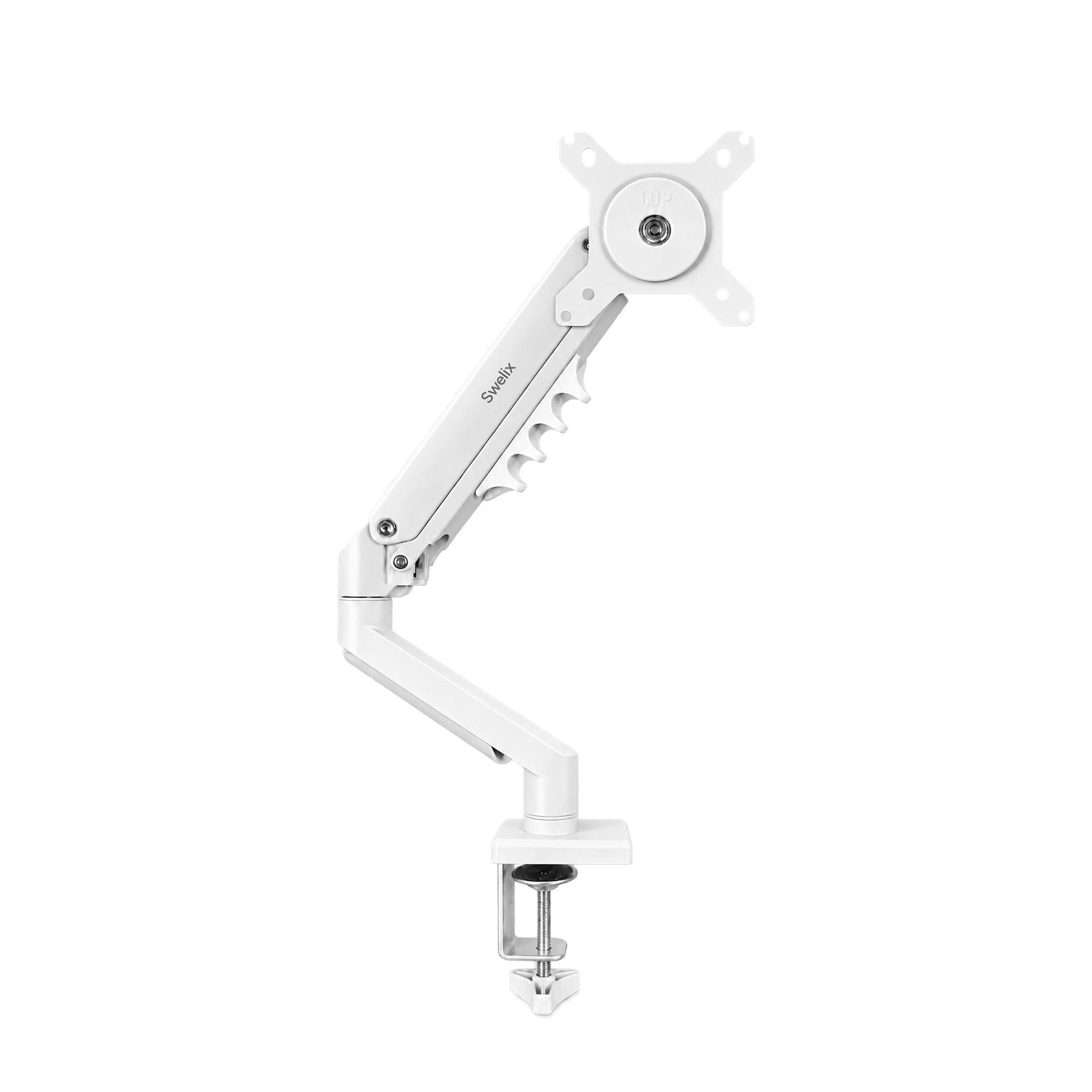
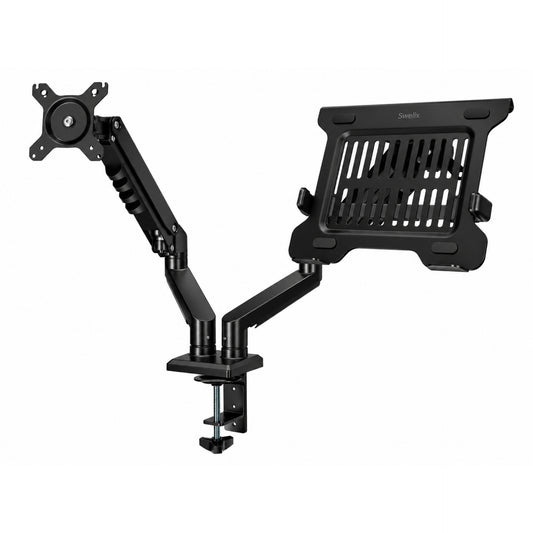
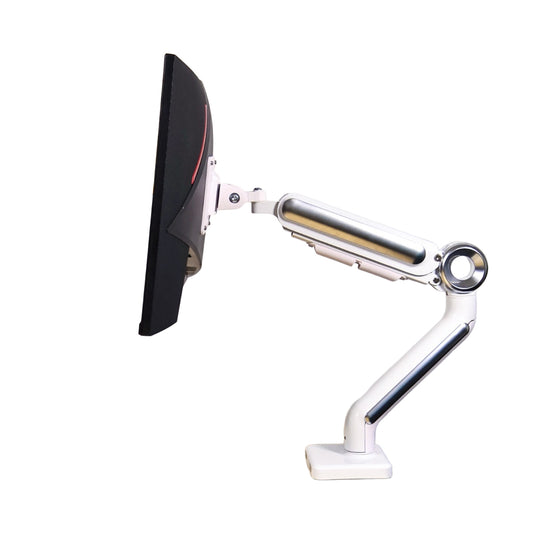
I’m currently using a Swelix monitor arm.
The moment the monitors lifted off the desk, everything immediately felt more open.
No bulky monitor stands.
No wasted space underneath.
And more importantly:
The cable routing became dramatically easier.
The arm helped hide most of the monitor cables naturally behind the setup.
That’s honestly one of the main reasons the desk now looks almost wireless.

🔌 Step 6: How I Hid Almost Every Cable
The truth is, the desk still has cables.
You just don’t really see them anymore.
That’s the difference.
Most of the power cables are routed behind the monitor riser and underneath the desk.
The power strip is hidden behind the setup.
And using wireless accessories reduced visual clutter way more than I expected.
- – Lift the monitors first
- – Hide the power strip
- – Route cables behind the riser
- – Wireless peripherals help a lot
- – Keep charging cables temporary, not permanent
The Desk Accessories That Made It Feel Complete
💡 Step 7: Lighting Setup
I’m using the Xiaomi 1S monitor light bar.
Honestly, it’s one of the safer desk lighting upgrades you can buy.
The lighting feels soft and even without creating annoying reflections on the screen.
I also added a simple IKEA desk lamp and a small ambient light for nighttime atmosphere.
Together, the lighting feels warm without being distracting.
⌨️ Step 8: Keyboard & Mouse Setup
The keyboard is a Wave75 paired with Polar Day keycaps.
Good sound. Good texture. Looks clean on the desk.
The mouse is the MCHOSE L7 Pro.
Very smooth, very quiet.
If you work long hours at a desk, honestly, silent peripherals make a bigger difference than people expect.
Less noise somehow makes the entire setup feel calmer.
🪵 Step 9: Warm Wood Tones & Texture
One thing I realized while building this setup:
Minimal doesn’t mean cold.
I added a walnut wood monitor riser and a felt desk mat to soften the overall feeling.
Without texture, minimalist setups can sometimes feel too sterile.
The wood tones help balance the tech-heavy look of the monitors and accessories.
It feels more lived-in.
More comfortable.
Full Desk Setup List
📋 Step 10: Complete Setup Breakdown
- – Main Monitor: Redmi A27U
- – Secondary Monitor: GobiggeR 15.6” Portable Display
- – Monitor Arm: Swelix
- – Monitor Light Bar: Xiaomi 1S
- – Keyboard: Wave75 + Polar Day Keycaps
- – Mouse: MCHOSE L7 Pro
- – Desk Mat: Felt Desk Mat
- – Monitor Riser: Walnut Wood Riser
- – Desk Lamp: IKEA
- – Ambient Light
- – Hidden Power Strip
What Changed After the Upgrade
Honestly, the desk didn’t suddenly become magical.
But daily life at the desk became easier.
Cleaner visually.
More relaxing mentally.
And surprisingly, that changes your mood more than expected.
- – Easier to focus
- – Faster cleanup
- – Less visual stress
- – Better workflow
- – More enjoyable gaming and watching videos
- – A calmer atmosphere overall
Final Thoughts
This setup definitely isn’t perfect.
The portable monitor still needed a DIY mounting solution.
The glossy screen still reflects more light than I’d like.
But honestly?
I enjoy using this desk every day now.
And that matters more.
The “one visible cable” idea was never really about perfection.
It was about building a space that feels lighter to use.
Start with one small upgrade, and slowly build a setup that feels right for you.
Upgrade Your Desk Setup Explore more desk setup inspiration




