




My crazy teammate is back again!
This time, he’s turning a messy desk into a wireless setup.
First, grab a power strip box and a cable organizer.
Hide all those ugly wires.
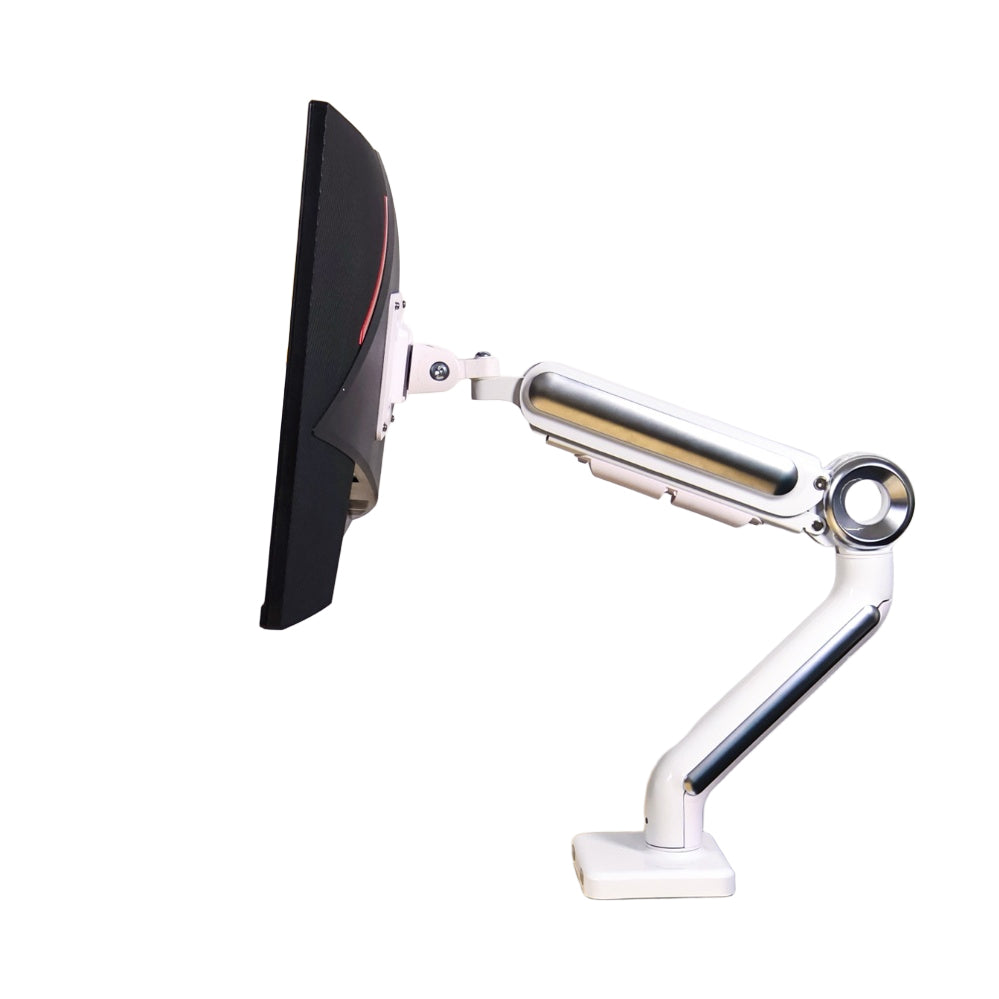
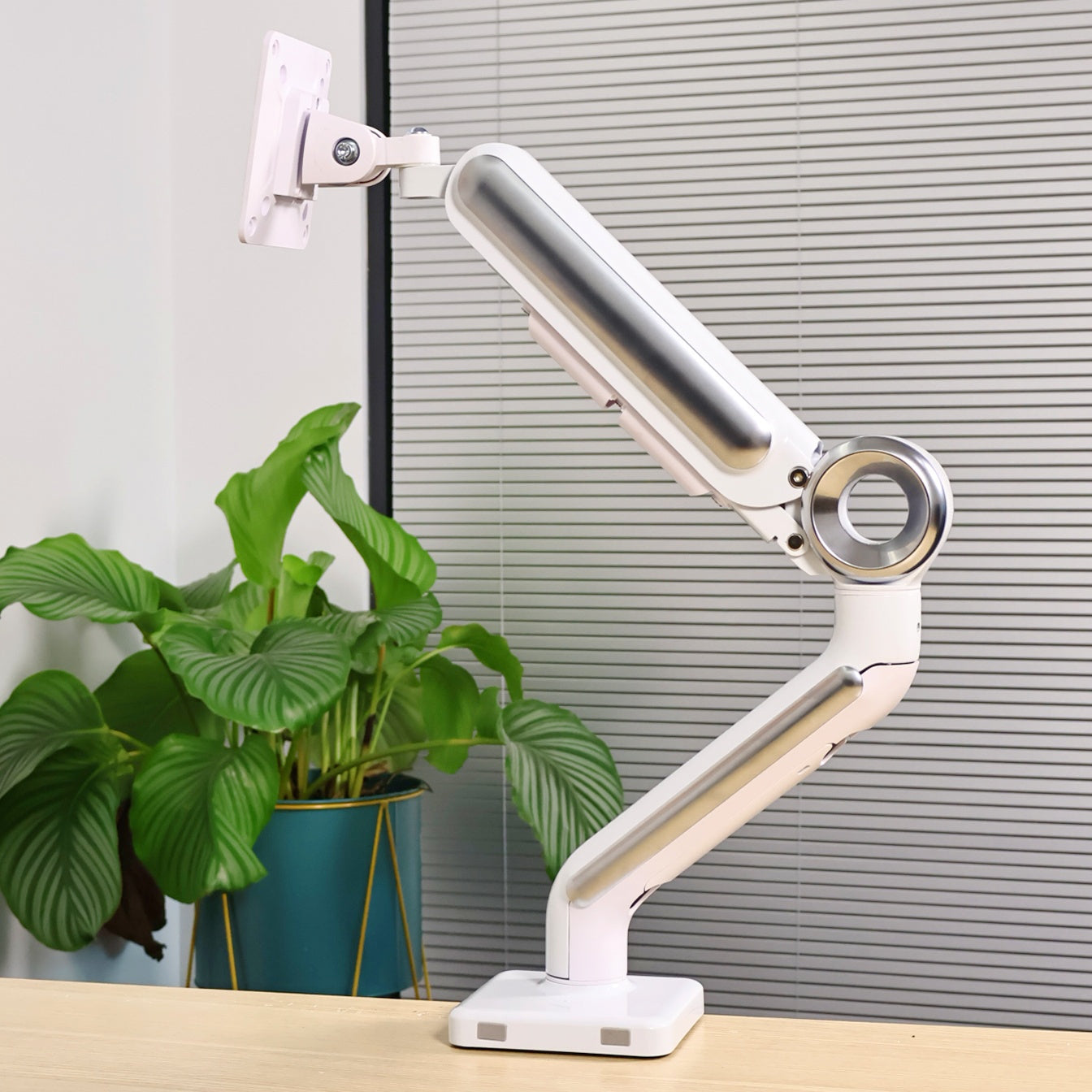
Then add a monitor arm that matches your setup.
All the desk cables run inside the arm.
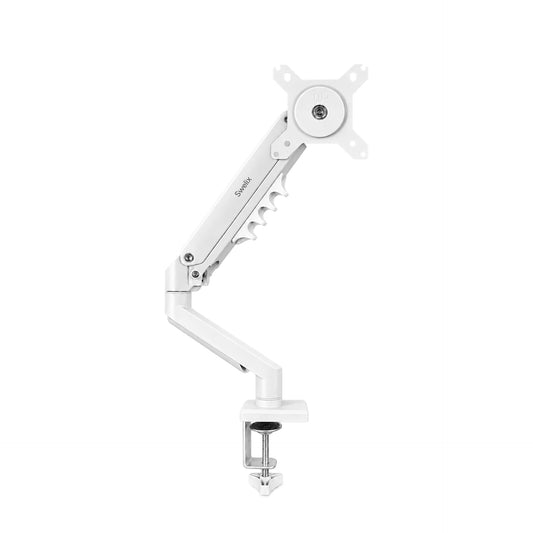
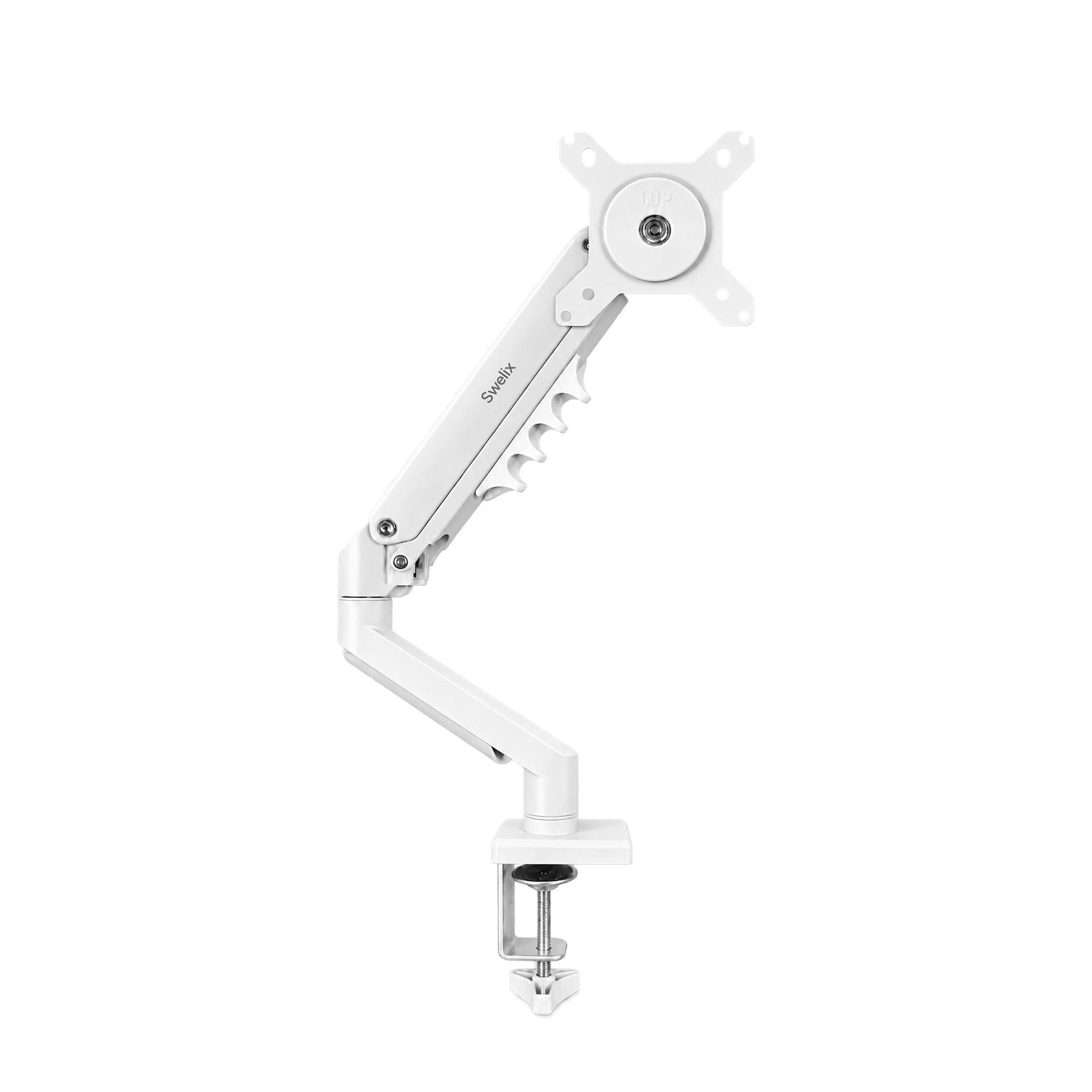
He said, “Just search Swelix monitor arm.”
Boom. No cables. Monitor floating. Full 360° rotation.
Honestly?
This is the best thing to stop me from looking down all day.
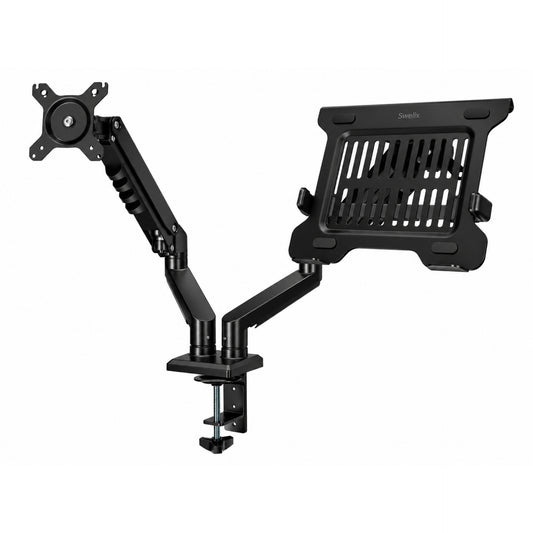
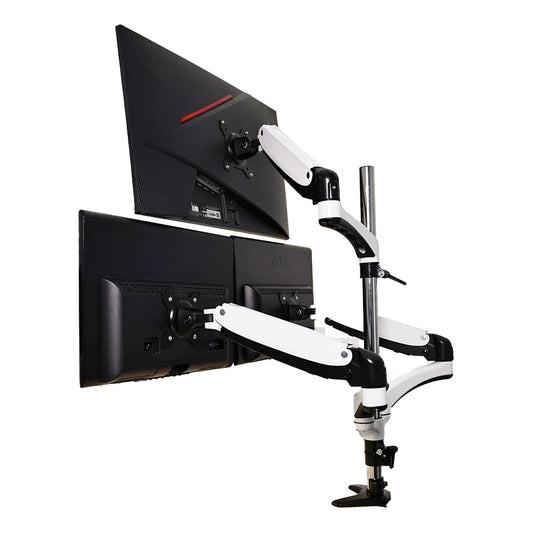
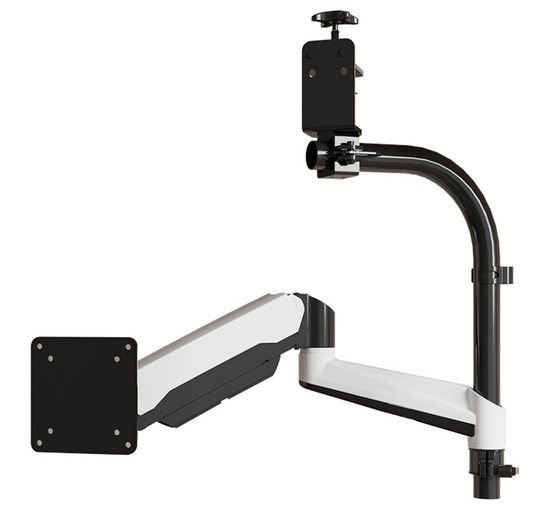
This is the Swelix dual-arm monitor mount.
Up, down, tilt, left, right—everything moves smooth as butter.
Thanks to the one-way bearing, even big adjustments stay stable.
No sudden drops.
The arm is so strong you can adjust it with one finger.
Setup is easy: 1-2-3.
Don’t let the slim look fool you.
It holds up to 9 kg and fits 15–32″ monitors—rock solid.
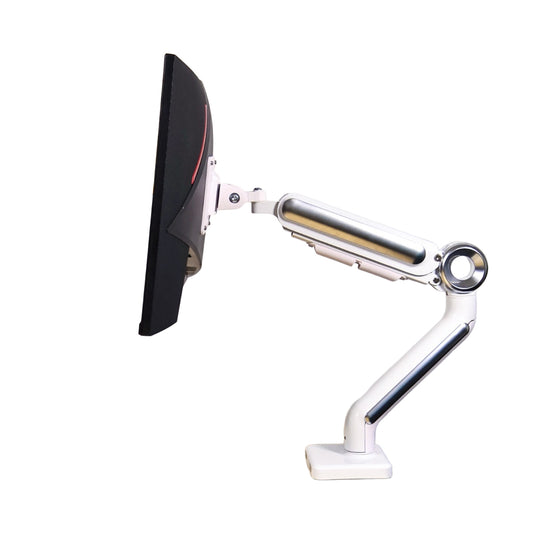
Now my whole desk is floating.
The screen’s just hanging there—crazy tech vibes.
Clean view, feels good no matter what.
The Swelix monitor arm isn’t just useful.
It looks insane!
👇Video Dual Monitor Arm as Picture below👇




