




Desk Cable Management Tips | The Simple Hidden Cable Tricks That Completely Changed My Desk Setup
Having a good desk atmosphere honestly changes everything.
Whether it’s working, gaming, editing, or simply relaxing at night, a clean and organized desk somehow makes the entire experience feel calmer.
But there’s one thing that quietly ruins even the best setups.
Cable clutter.
Too many wires hanging behind the desk.
Charging cables everywhere.
Power strips sitting on the floor.
Even expensive desk setups can instantly feel messy because of poor cable management.
I used to constantly wonder how desk setup creators always made their spaces look so clean.
Eventually I realized something simple.
Most aesthetic desk setups aren’t actually cable-free.
The cables are just hidden properly.
And honestly, once you understand a few simple cable management tricks, organizing your desk becomes much easier than people expect.

Why Cable Management Matters More Than People Realize
🧠 A Messy Desk Creates Visual Stress
I think people often underestimate how much visual clutter affects their mood.
When cables are tangled everywhere, the entire setup feels chaotic.
Even if the desk itself is expensive, exposed wires instantly make the space feel less relaxing.
That visual noise slowly creates mental noise too.
Especially when you spend long hours at your desk every day.
After improving my cable management, the entire room suddenly felt quieter.
Cleaner.
And much easier to focus in.
✨ Clean Cable Management Makes Any Setup Look More Premium
One thing I noticed while studying desk setup inspiration online is that good cable management completely changes how a setup feels.
Even minimal setups start looking intentional and high-end once the cables disappear.
And honestly, most digital creators rely heavily on hidden cable systems.
The secret usually isn’t expensive equipment.
It’s organization.
- – Cleaner visual atmosphere
- – Easier cleaning
- – Better productivity
- – Improved gaming immersion
- – More usable desk space
The Cable Management Tools That Helped the Most

🔗 Cable Velcro Straps
The simplest upgrade was honestly cable velcro straps.
They make grouping cables dramatically easier.
Instead of having loose wires hanging everywhere, you can quickly organize them into clean bundles.
And because they’re reusable, adjusting the setup later is still easy.
Small tool.
Huge difference.
📎 Cable Clips & Cable Holders
One of the most annoying things used to be charging cables constantly falling behind the desk.
Simple cable clips completely solved that problem.
Now the charging cables stay exactly where I want them.
Sometimes the best desk setup upgrades are the cheapest ones.
⚡ Under-Desk Cable Tray
If there’s one cable management product I’d recommend immediately, it’s an under-desk cable tray.
Honestly, it’s much more practical than cable storage boxes.
Instead of stuffing everything into a hidden container, the tray keeps cables elevated, organized, and easy to access.
Power strips, adapters, and extra cable length all disappear underneath the desk.
And visually, the difference is massive.
🖥️ Monitor Arm with Built-In Cable Routing
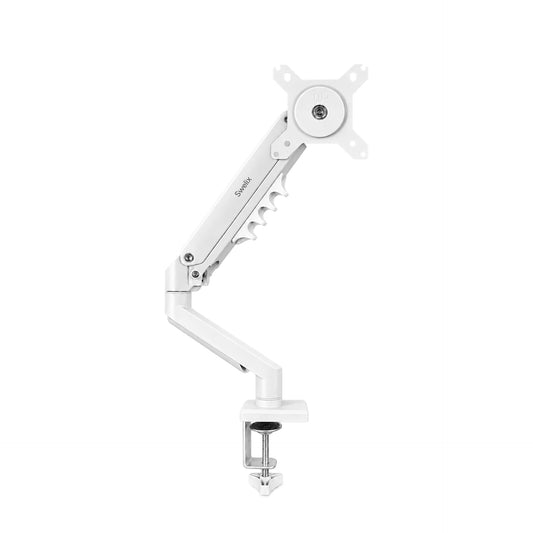
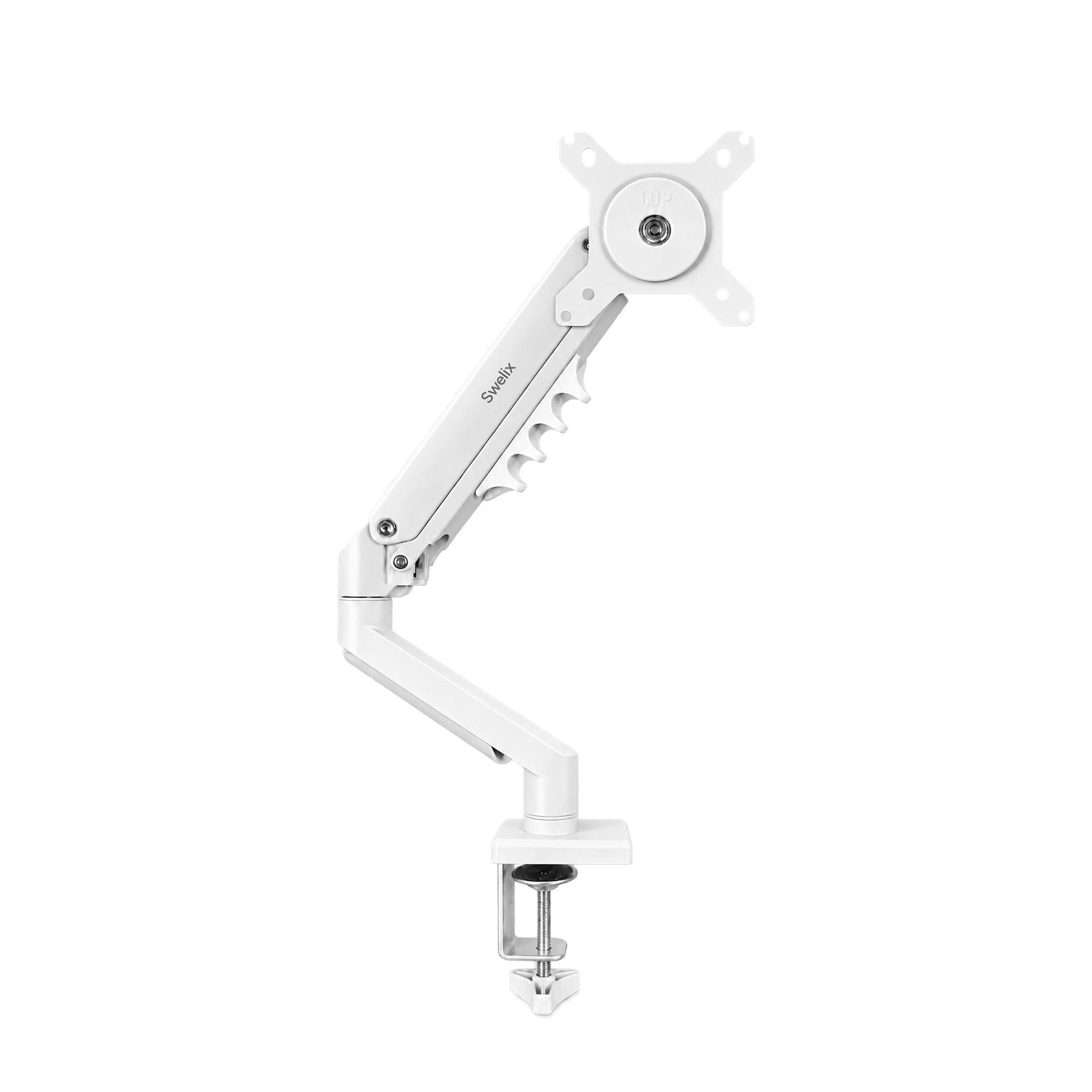
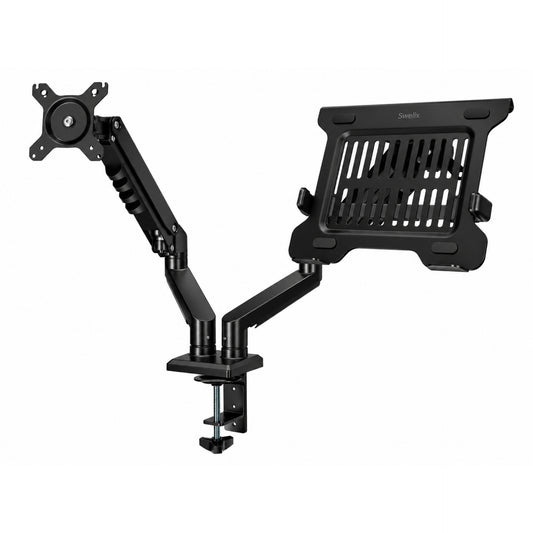
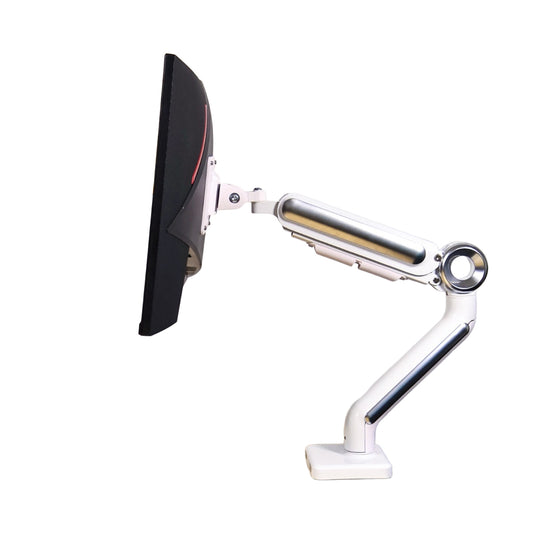
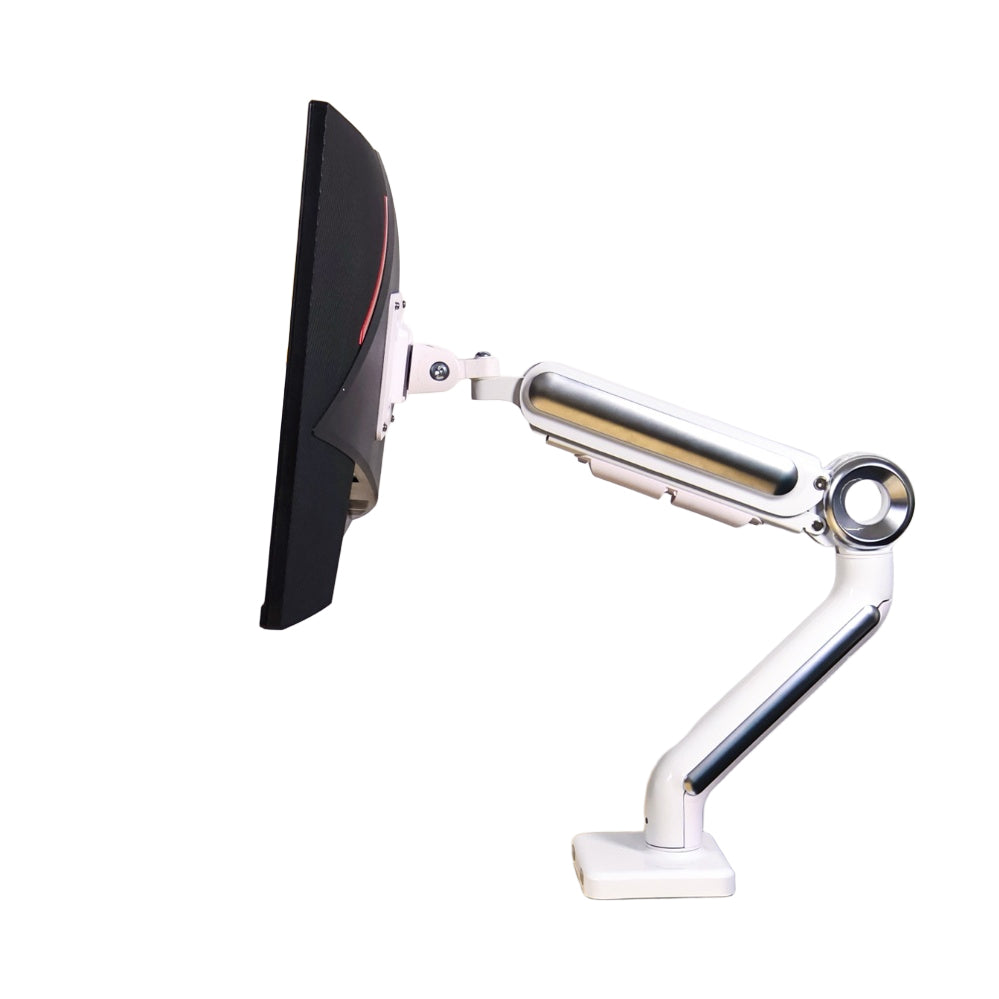
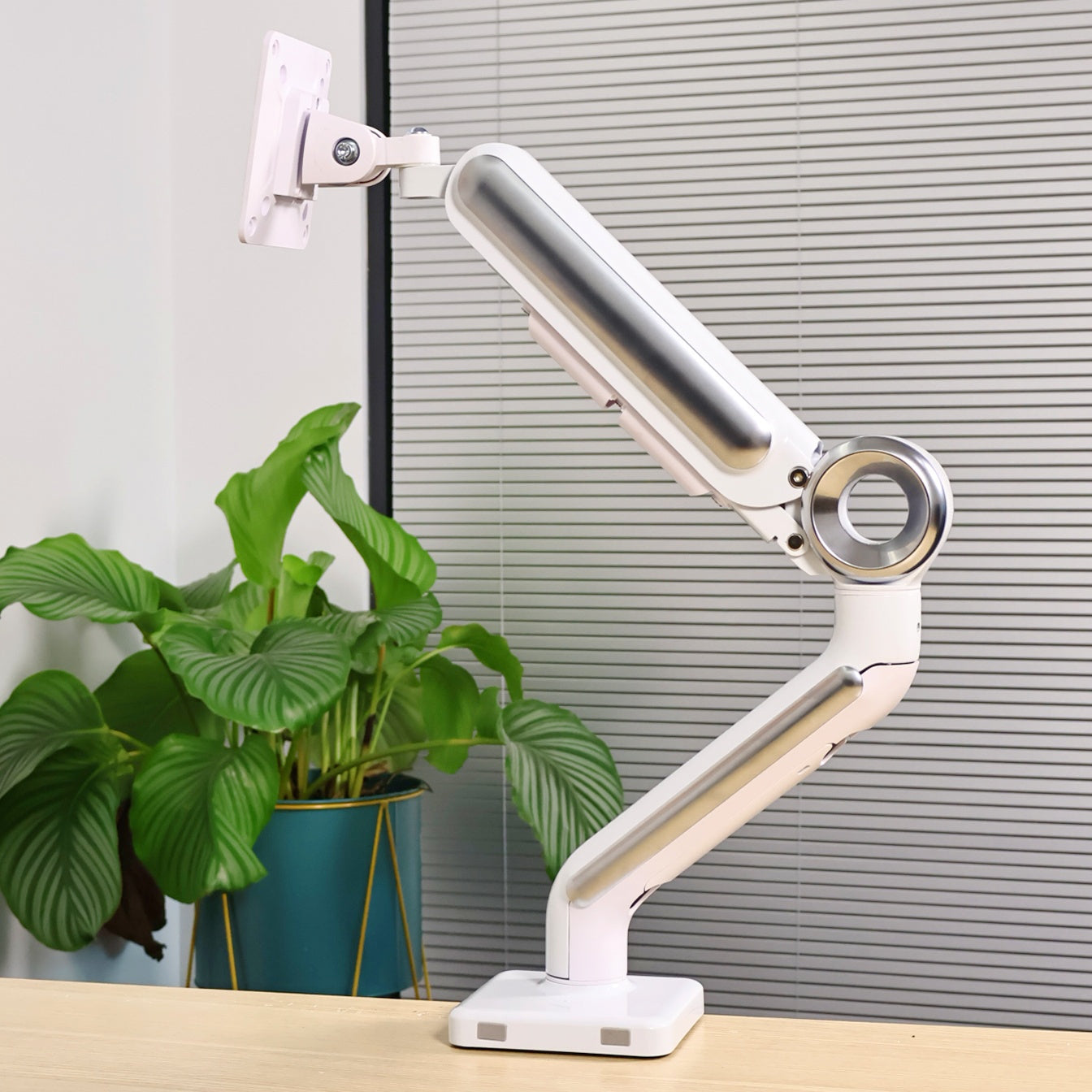
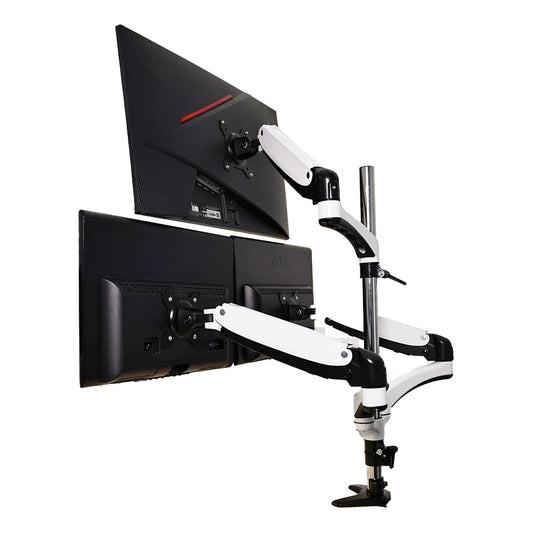
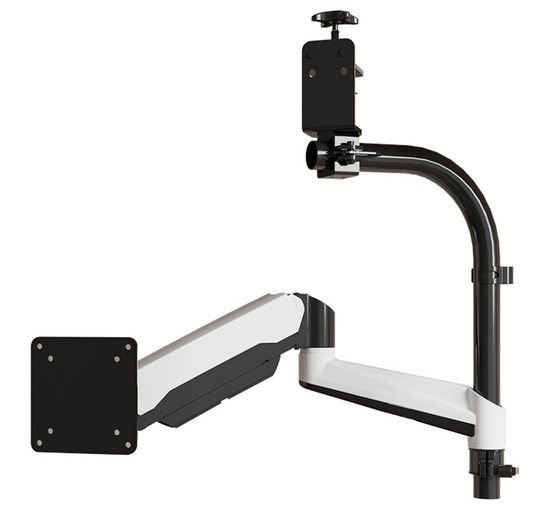
Another huge upgrade was switching to a Swelix monitor arm.
Besides improving ergonomics, monitor arms naturally help hide display and power cables inside the arm structure itself.
That instantly creates a much cleaner floating monitor look.
And because the cables follow the monitor arm downward, the setup feels dramatically more organized.
Honestly, monitor arms are one of the easiest ways to improve both aesthetics and functionality at the same time.

🪵 Monitor Riser for Hidden Storage
I also started using a monitor riser.
Besides adding visual layers to the desk setup, it gives extra hidden space underneath for adapters, cables, and small accessories.
That extra vertical organization helps the desk feel much cleaner without removing functionality.
The setup still has all the same devices.
They’re just organized more intentionally.
🔌 Integrated Desktop Power Strip
One underrated upgrade was switching to a cleaner desktop charging strip.
Instead of multiple bulky adapters everywhere, one integrated charging setup makes the entire desk feel simpler.
Fewer visible plugs.
Less cable overlap.
And much easier everyday charging.
My Actual Cable Management Process
📶 Step 1: Make Devices Wireless Whenever Possible
The easiest way to reduce cable clutter is simply reducing the number of cables.
I switched my mouse and keyboard to wireless Bluetooth devices.
And visually, the difference was immediate.
The desk instantly felt cleaner and more spacious.
Wireless setups also make the entire desk atmosphere feel calmer and more minimal.
🪛 Step 2: Route Everything Downward First
One thing that helped a lot was learning to guide cables downward immediately instead of letting them hang loosely behind the desk.
I try to follow the desk frame lines as much as possible.
That creates cleaner visual flow and prevents random cable loops from appearing.
📦 Step 3: Hide Large Power Cables Under the Desk
The thickest cables usually create the biggest visual mess.
That’s why I hide almost all power adapters and extension cables underneath the desk using a cable tray.
Once the large cables disappear, the setup immediately feels much more organized.
🧹 Step 4: Only Leave Necessary Cables Visible
I don’t actually try to hide every single cable perfectly.
That usually becomes unrealistic.
Instead, I focus on reducing unnecessary visual clutter.
Some visible cables are completely fine when they look intentional and organized.
- – Group cables before tying them
- – Separate power and charging cables
- – Leave extra slack for monitor arms
- – Use warm lighting to soften visibility
- – Clean underneath the desk regularly
Why Clean Desk Setups Feel So Addictive
☕ The Emotional Difference of a Clean Desk
After organizing the cables properly, I realized the biggest improvement wasn’t visual.
It was emotional.
Sitting down at a clean desk somehow feels less stressful.
It becomes easier to focus.
Easier to relax.
And honestly, you start enjoying the setup much more.
That calm feeling is difficult to explain until you experience it yourself.
🌙 Atmosphere Matters More Than Expensive Gear
I think many people assume good setups are built from expensive devices.
But honestly, atmosphere matters much more.
Good lighting.
Clean cable management.
Comfortable desk organization.
Those smaller details usually change the entire feeling of the room far more than upgrading another piece of hardware.
That’s why I’ve started focusing less on constantly buying new gear and more on improving the experience of using the setup every day.
Recommended Desk Cable Management Essentials
📋 Simple Desk Setup Organization Checklist
- – Cable Velcro Straps
- – Cable Clips & Cable Holders
- – Under-Desk Cable Tray
- – Swelix Monitor Arm
- – Monitor Riser
- – Desktop Power Strip
- – Wireless Keyboard & Mouse

Final Thoughts
Desk cable management honestly looks more complicated than it really is.
You don’t need to completely rebuild your setup overnight.
Most clean desk setups are built slowly, one small improvement at a time.
A few velcro straps.
A monitor arm.
A cleaner power setup.
Small upgrades quietly add up.
And eventually, the entire desk starts feeling calmer, cleaner, and much more personal.
My setup is still evolving too.
But honestly, that’s part of the fun.
Slowly building a space that genuinely feels enjoyable to come back to every day.
Start with one small organization upgrade, and slowly build a desk setup that feels cleaner, calmer, and truly yours.
Upgrade Your Desk Setup Explore more desk setup inspiration



