




Desk Setup Inspiration: A Designer’s Calm, Minimal Workspace That Actually Works
I like this corner.
Not because it’s filled with gear.
But because it feels quiet. Clean. Undisturbed.
The moment I sit down, I can feel myself settling into my own rhythm.
No rushing. No distractions.
Just space to think, create, and exist for a while.

Why This Desk Feels Different
This setup isn’t about building something impressive.
It’s about building something that feels right.
A space where nothing pulls your attention away.
A space that helps you focus — without trying too hard.
When everything looks clean, your mind follows.
And that changes how you work more than any upgrade ever could.
My Designer Desk Setup Breakdown
🖥️ Step 1: Dual Screen Setup for Focus

I run a Mac connected to a 32-inch external monitor.
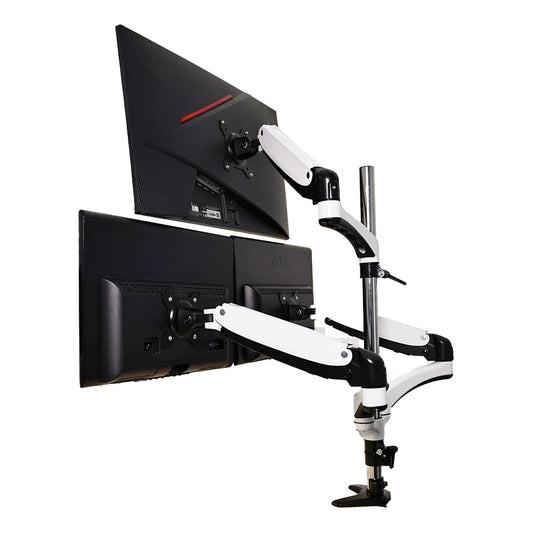
Together, they create a simple dual monitor setup.
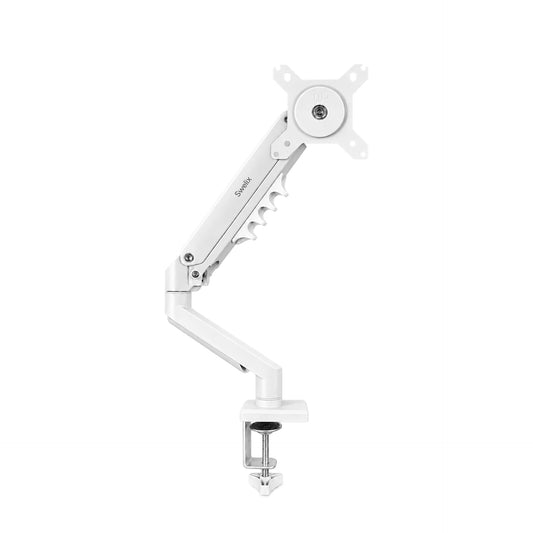
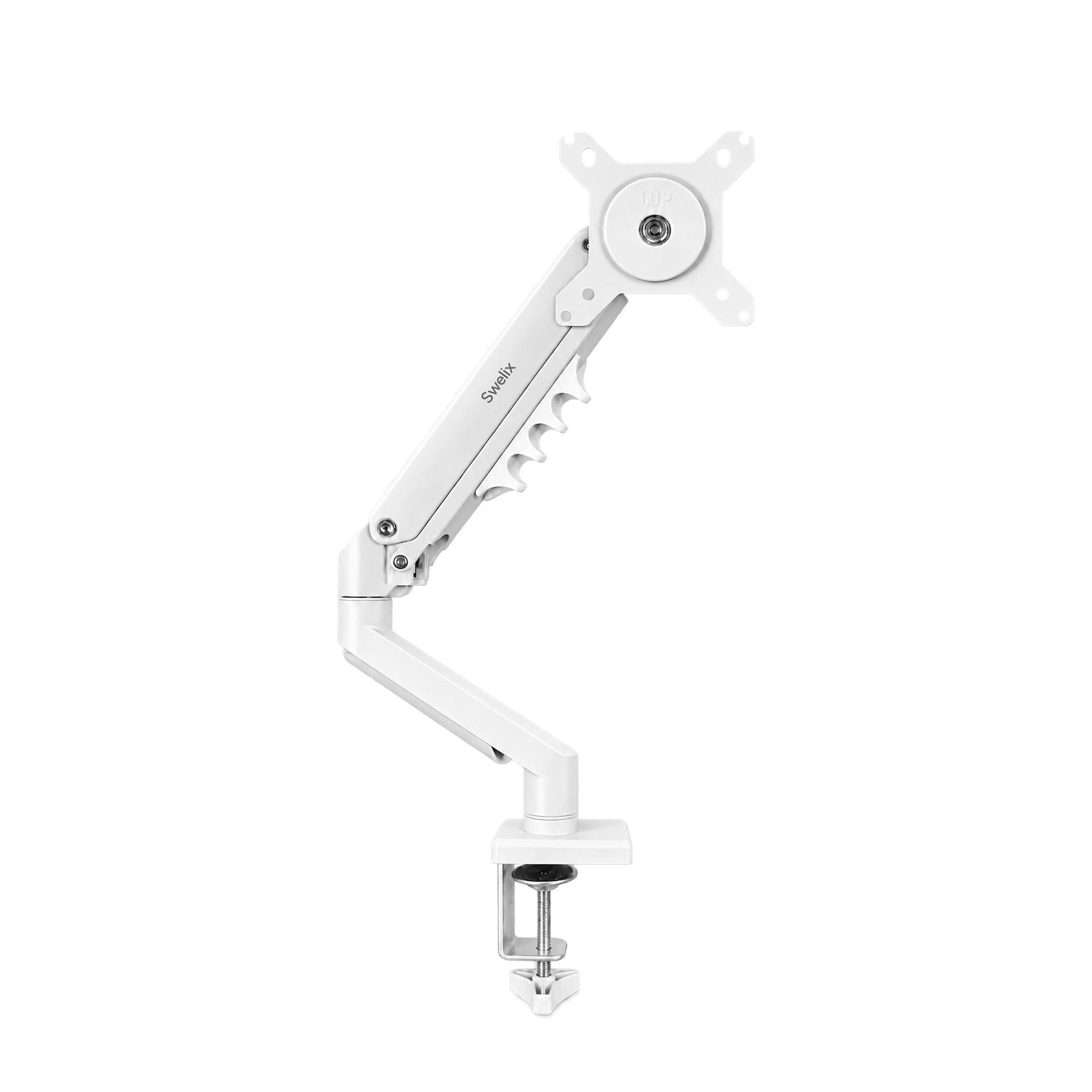
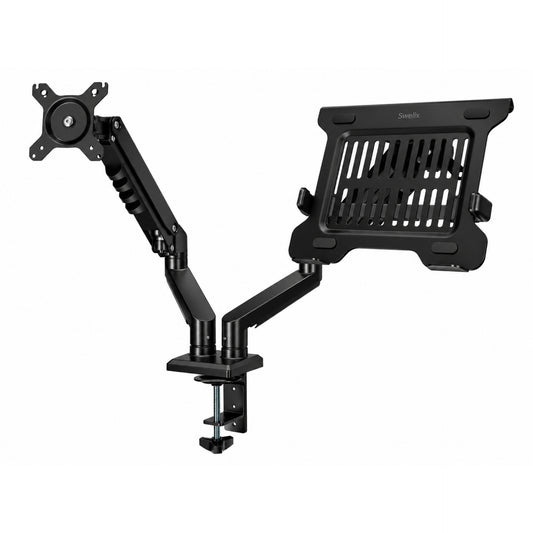
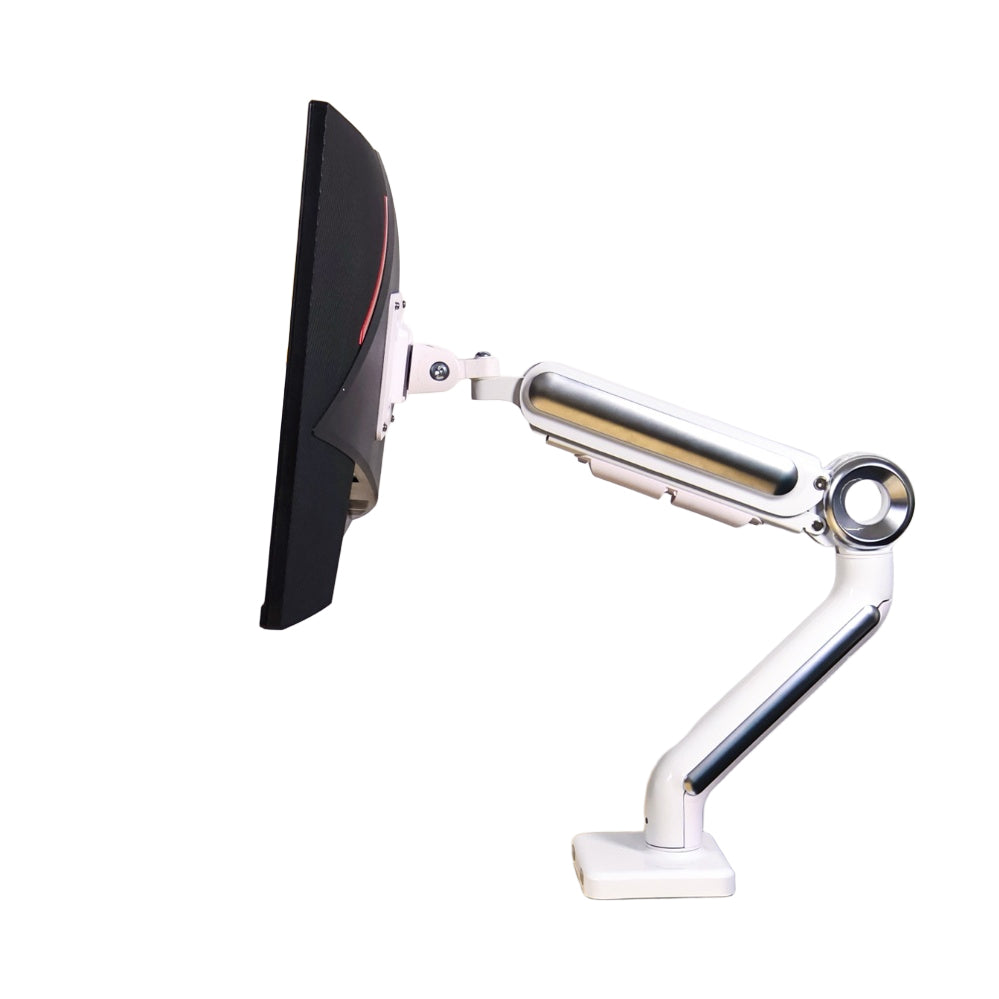
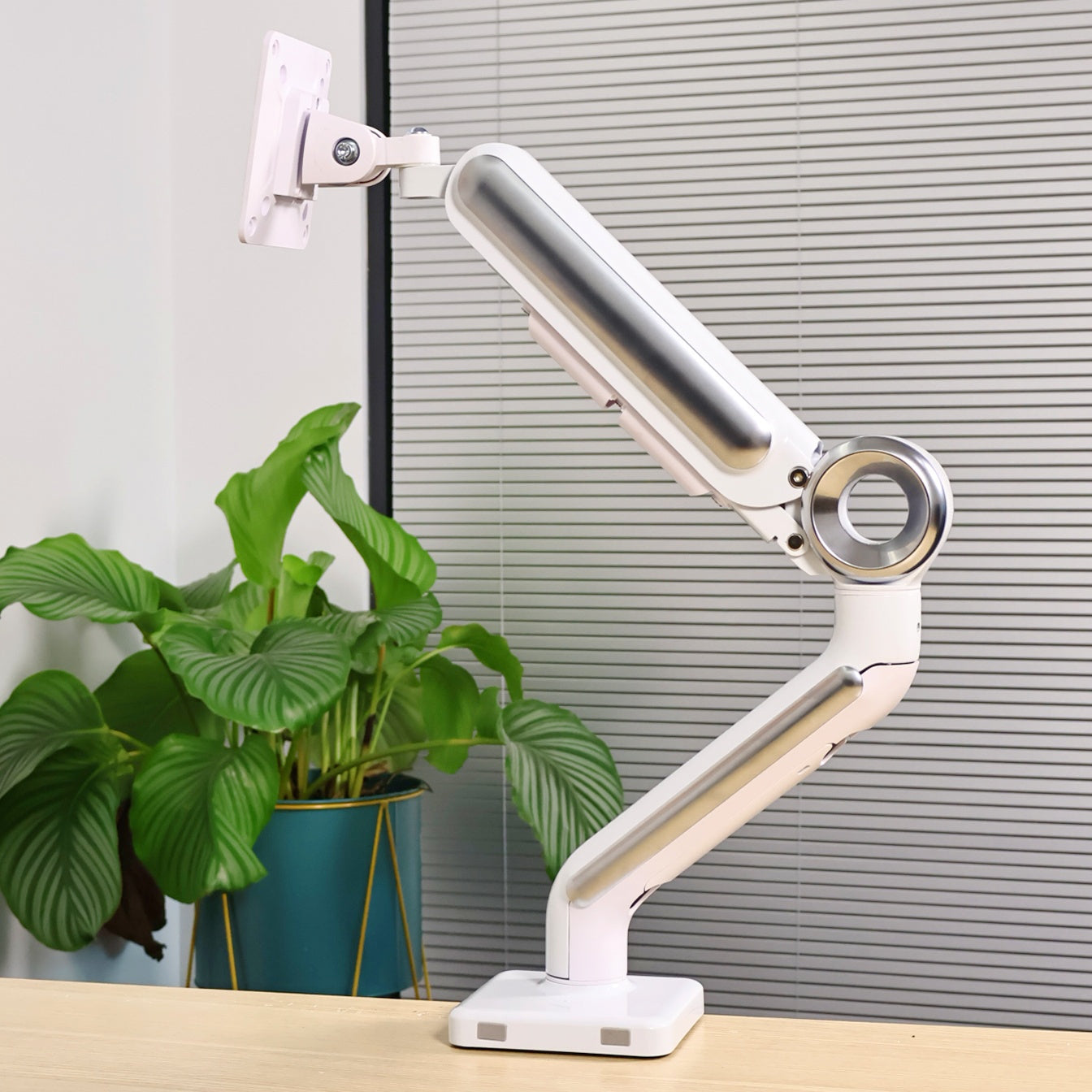
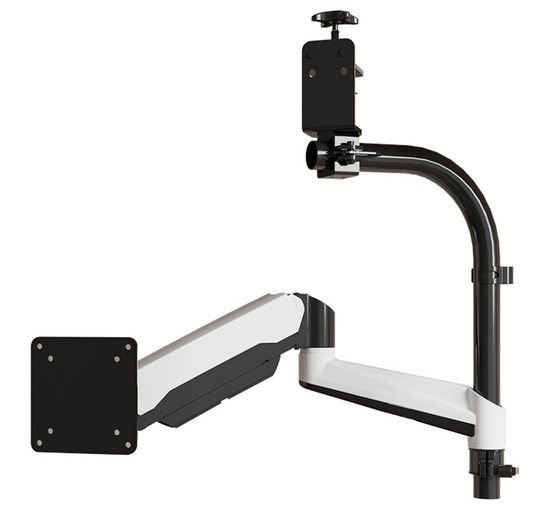
I’m using a Swelix dual monitor arm to hold everything in place.
The extra screen space makes a noticeable difference.
Less switching. Less interruption.
Just a smoother, more immersive workflow.
🦾 Step 2: Monitor Arm = Space + Posture Upgrade
One of the biggest changes came from lifting the screens off the desk.
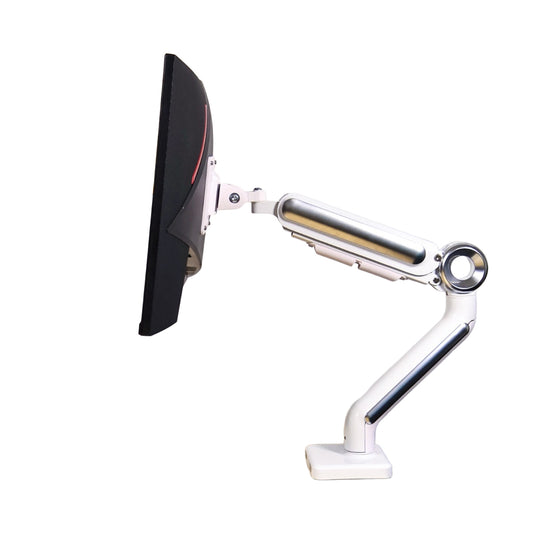
The monitor arm allows full adjustment — height, angle, and distance.
Now, the screen sits naturally at eye level.
No more looking down. No more neck tension.
And with the stands gone, the desk suddenly feels open again.
⌨️ Step 3: Wireless Setup = Clean Visual Space
I switched to a full wireless setup — keyboard, mouse, everything.
No cables running across the desk.
No visual noise.
It’s a small detail, but it makes a big difference.
The space feels lighter. Easier to breathe in.

💡 Step 4: Soft Lighting Changes Everything
Lighting plays a bigger role than most people think.
I keep it soft — closer to natural light.
Nothing harsh. Nothing distracting.
It reduces eye strain and makes long hours feel more comfortable.
More importantly, it changes the mood of the entire space.

What Actually Changed After This Setup
- – Less visual clutter
- – Better posture without thinking about it
- – More immersive workflow
- – A calmer, more focused mindset
- – A space I actually want to sit in
It’s Not About Productivity Alone
Yes, the setup improved my efficiency.
But that’s not the most important part.
It’s also where I write.
Where I edit.
Where I sit and do nothing sometimes.
And that matters just as much.
A good desk setup isn’t just about doing more.
It’s about feeling better while you do it.
Who This Setup Is For
- – Designers and creatives
- – Content creators
- – Remote workers
- – Anyone who prefers calm over clutter
Final Thoughts
This wasn’t something I designed all at once.
It came together slowly.
Adjusting things. Moving things. Removing what didn’t feel right.
You don’t need to build the perfect setup overnight.
Start with what you use most.
Make small improvements.
And let your space grow into something that truly feels yours.
If you’re thinking about upgrading your desk setup, start with small changes that make a real difference.
Upgrade Your Desk Setup Explore more desk setup inspiration




