




Dual Monitor Desk Setup Inspiration: A Simple Upgrade That Changed My Workflow
I didn’t realize my desk was the problem.
Everything technically worked — two screens, a decent setup — but it always felt crowded, messy, and a bit frustrating to use.
As someone working in creative production, I spend hours at my desk every day.
And over time, I started noticing something:
It wasn’t my workflow slowing me down — it was my setup.
Before: What Wasn’t Working

😵 Step 1: Bulky Monitor Stands Took Over My Desk
Both monitors sat on their own stands.
They were stable, but they took up way too much space.
The desk felt cramped, and I constantly had to work around them.
🤯 Step 2: Nothing Looked Cohesive
The two stands didn’t match.
Different shapes, different heights — it just looked off.
It worked, but it never felt comfortable to sit in front of.
The Upgrade: Switching to a Dual Monitor Arm
🦾 Step 3: What Changed Instantly

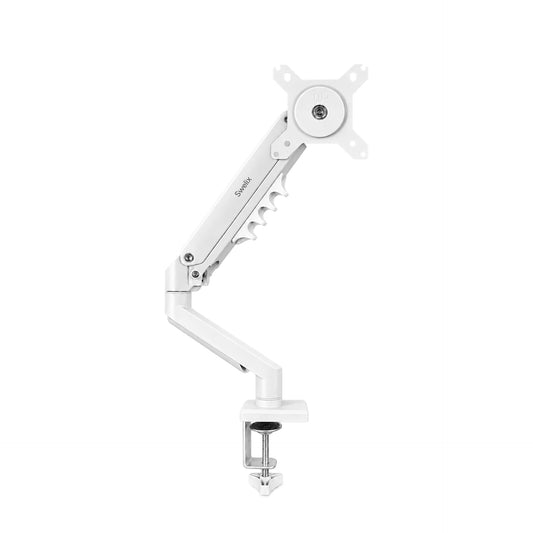
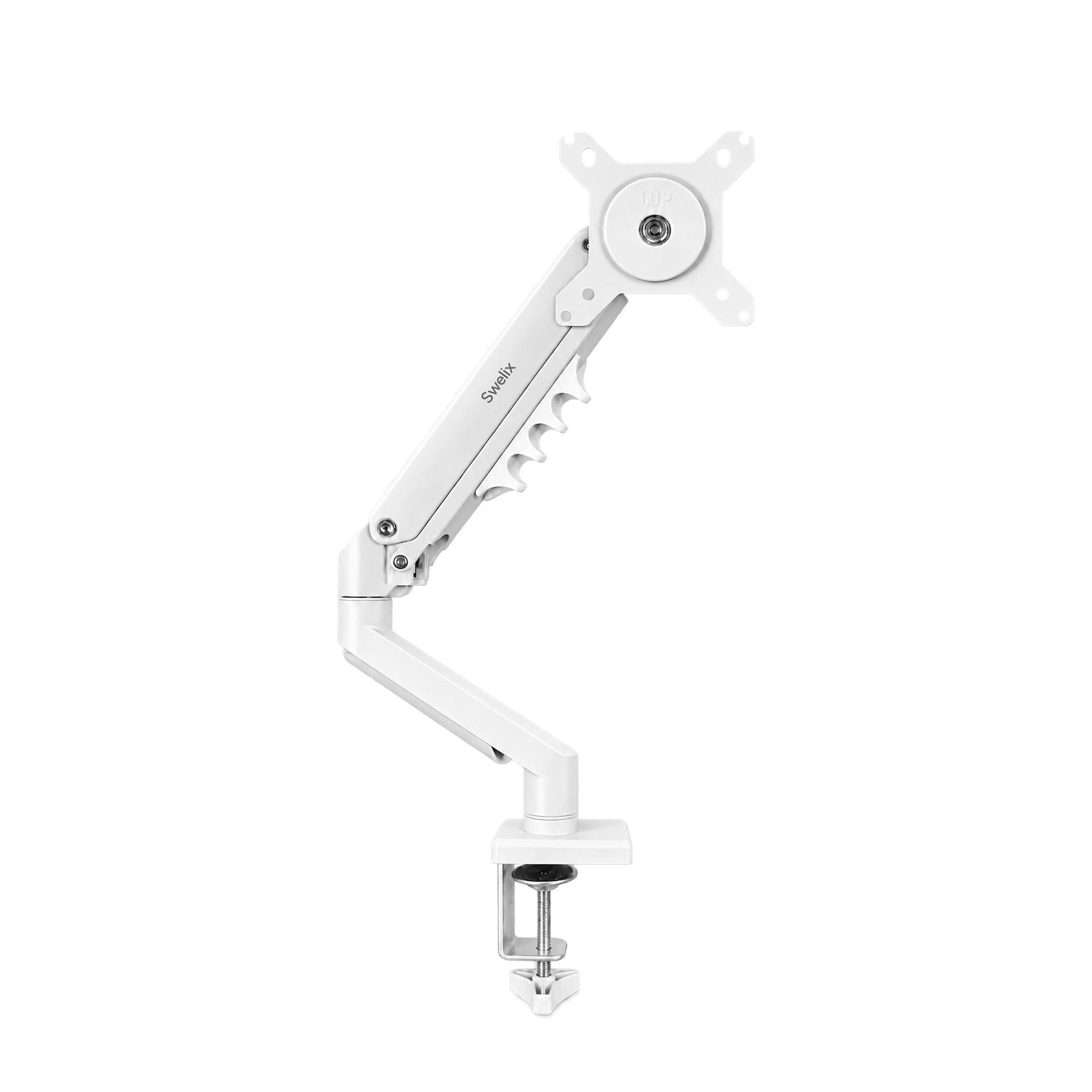
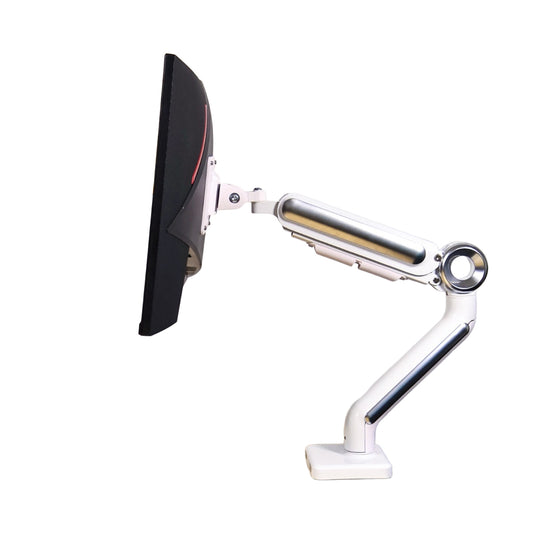
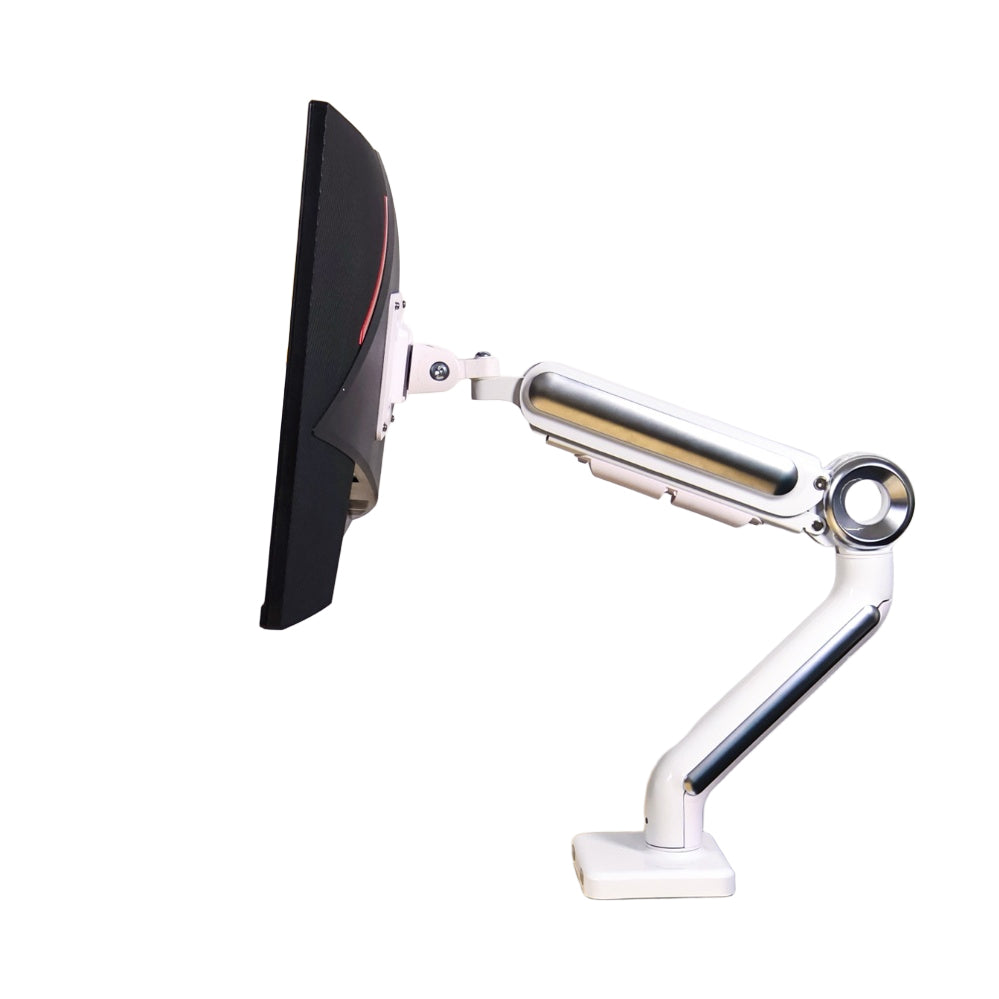
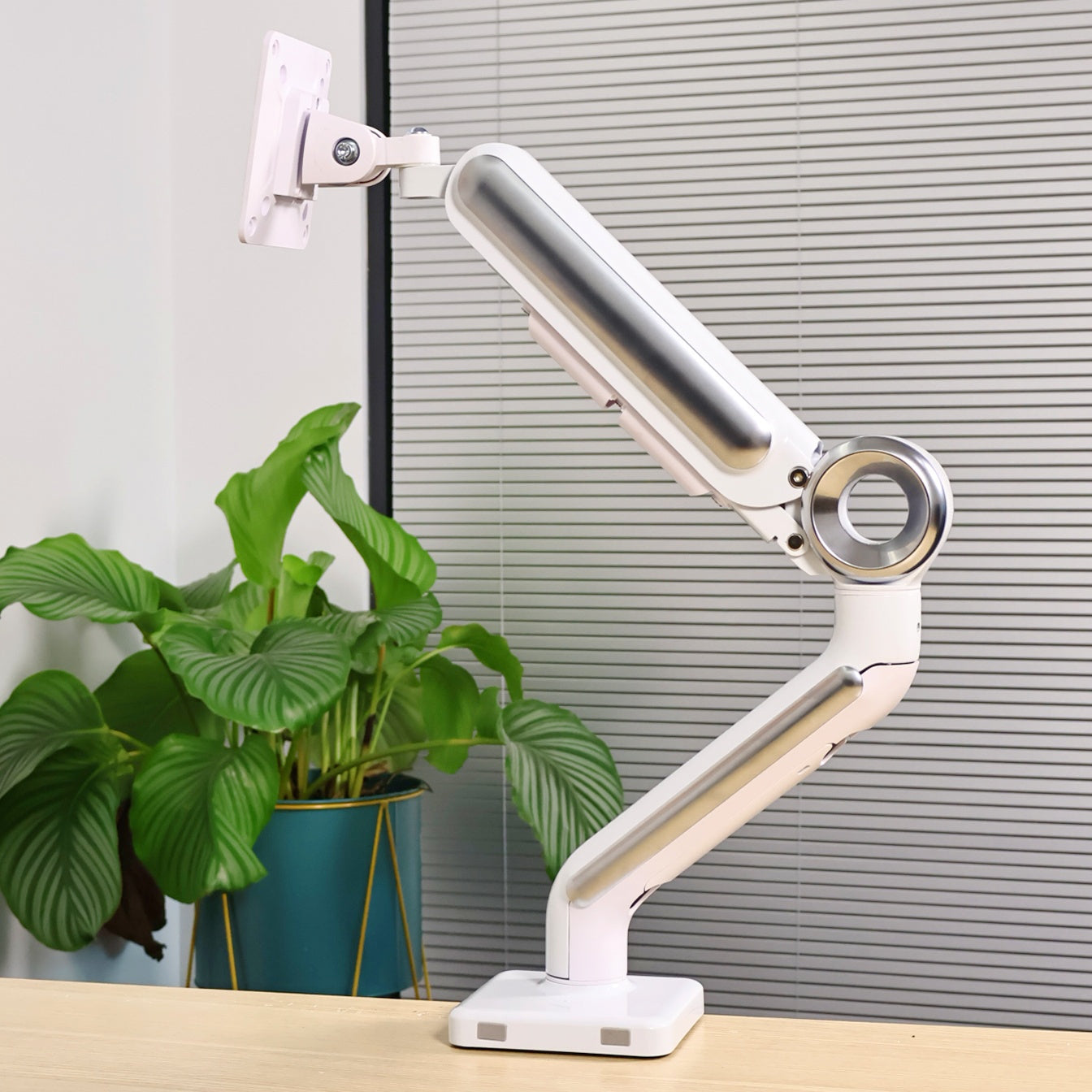
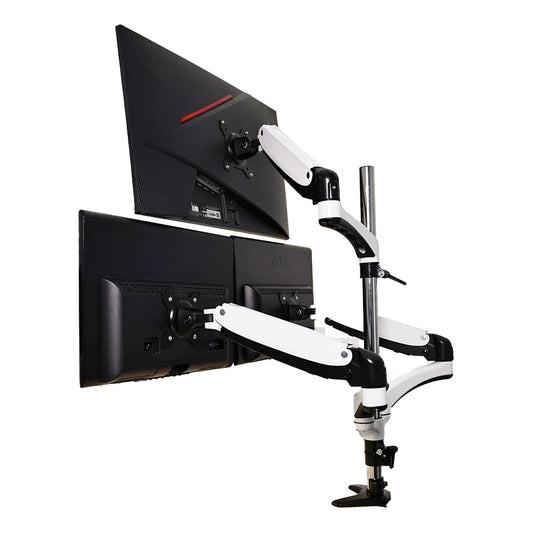
I replaced both stands with a dual monitor arm.
I’m using a Swelix dual monitor arm, and the difference was immediate.
The desk felt cleaner. Lighter. More open.
Once the screens were lifted, I finally had usable space again.
Why Dual Monitor Setup Actually Works
⚡ Step 4: Less Switching, More Flow
I don’t use two screens to look at everything at once.
I use them so I don’t have to keep switching.
One screen stays focused on the main work.
The other holds references, previews, or tools.
It’s a small shift, but it makes everything smoother.
🎬 Step 5: Built for Creative Work
For editing and content work, this setup just makes sense.
Main screen for timeline and editing.
Second screen for footage, scripts, or preview.
No interruptions. No constant tab switching.
More Flexible Than You Think
🔄 Step 6: Screen + Laptop Combo
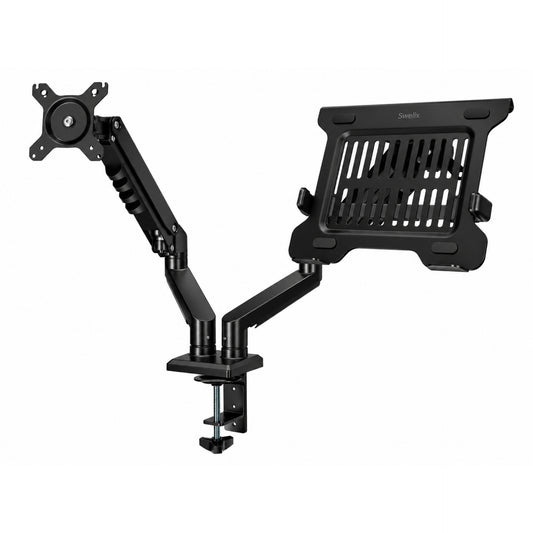
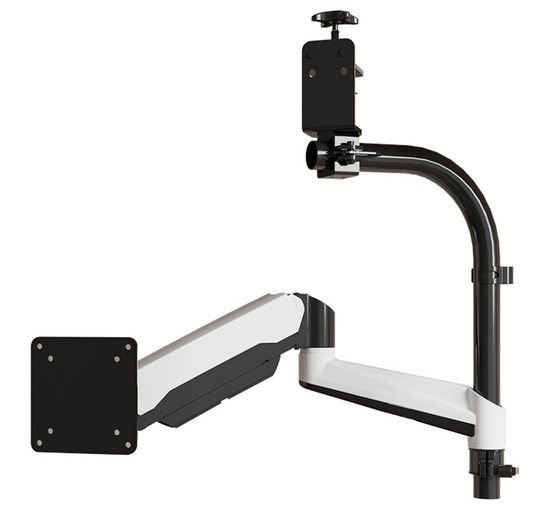
One feature I didn’t expect to use this much is the laptop tray.
You can run two monitors, or swap one for a laptop.
It’s flexible depending on what you need that day.
That kind of setup freedom makes a big difference over time.
What Actually Improved

- – More usable desk space
- – Cleaner overall setup
- – Better screen positioning
- – Less visual clutter
- – Smoother workflow
Before vs After
- Before: crowded desk, mismatched setup
- After: clean, balanced workspace
- Before: constant switching
- After: smoother, more focused workflow
Who This Setup Is For
- – Designers and editors
- – Content creators
- – Remote workers
- – Anyone using a computer for hours daily
Final Thoughts
This wasn’t a big upgrade.
But it changed how my workspace feels every day.
If your desk feels messy or uncomfortable, it’s probably not about having too much.
It’s about how things are placed.
Fix that, and everything else gets easier.
If you’re thinking about upgrading your setup, this is a simple place to start.
Upgrade Your Desk Setup Explore more desk setup inspiration




