




Dual Monitor Desk Setup Inspiration: My Simple Work-from-Home Setup
I didn’t expect working from home to feel this different.
At first, it sounded simple — just move your laptop home and continue working.
But after a few days, I realized something was off.
The space didn’t feel right. The desk felt temporary. And I couldn’t really focus the way I used to.
That’s when I started paying attention to my setup.
Not just for efficiency, but for how it made me feel every day.
Why Desk Setup Matters More When You Work From Home
At an office, everything is already set up for you.
You don’t think much about the desk, the lighting, or even the layout.
But at home, it’s different.
Your workspace becomes part of your daily life — not just a place to work, but also a place to think, relax, and reset.
If the space feels cluttered or uncomfortable, it slowly affects your mood and focus.
And over time, you start noticing it more than you expect.
That’s why I stopped treating my desk as just a tool.
I started treating it as a small personal space.
My Desk Isn’t Big — It’s Just Built Around What I Need
My desk at home isn’t large.
I didn’t have extra space to work with.
So instead of adding more things, I focused on making better use of what I already had.
- – Make daily work smoother
- – Keep the space clean and easy to manage
- – Create a setup I actually enjoy sitting at
That’s where the dual monitor setup came in.
Step 1: Dual Monitor Setup 🖥️

I didn’t build this setup for aesthetics.
I built it because I needed it.
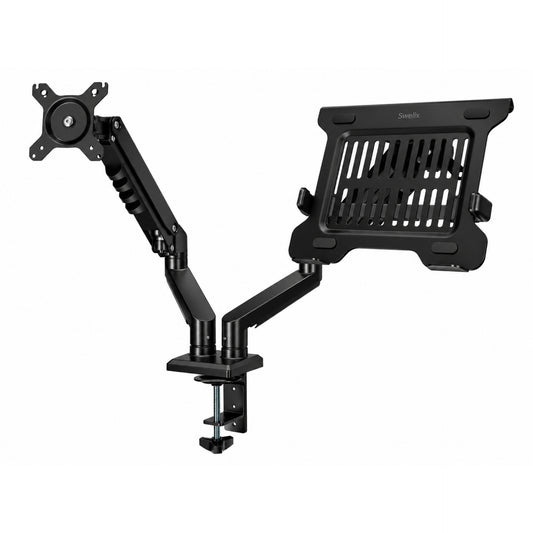
My main screen is a 27-inch monitor, and I use a MacBook Air as the second screen.
This combination works really well for my workflow.
One screen is always focused on the main task — design, layout, or editing.
The other screen stays open for references, documents, or anything I need to check quickly.
It’s not about doing more at the same time.
It’s about not having to switch back and forth constantly.
Once you get used to it, it’s hard to go back.
Step 2: Monitor Arm Setup 🦾

After setting up two screens, I realized something else.
The desk still felt crowded.
The monitor stands were taking up a lot of space.
And the angles weren’t always comfortable.
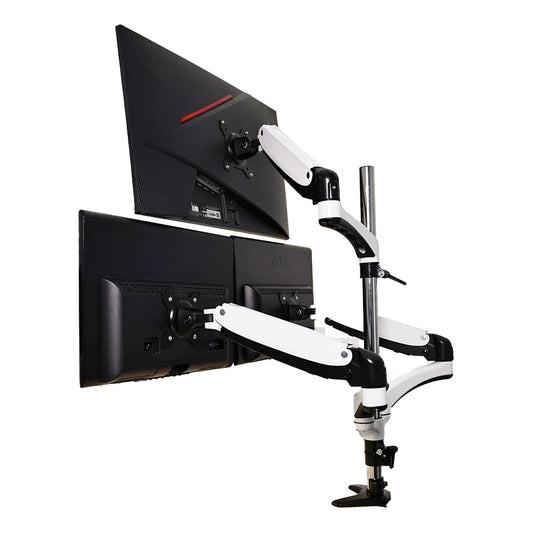
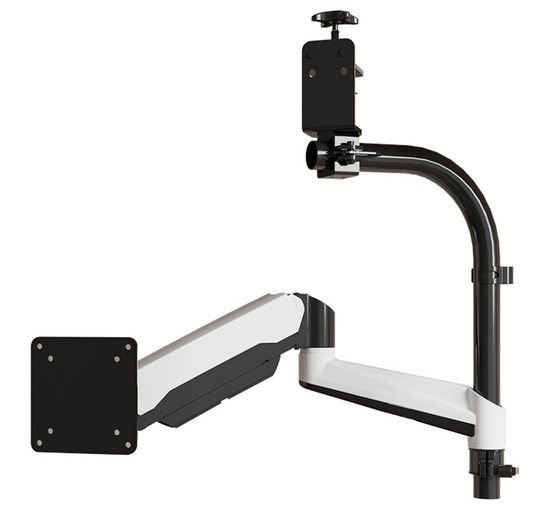
That’s when I decided to switch to a dual monitor arm.
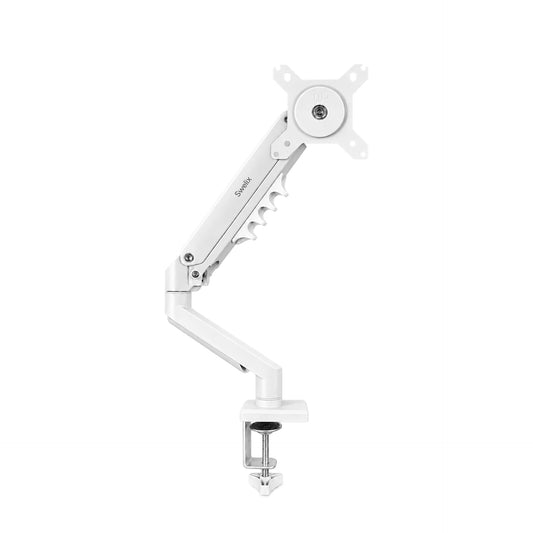
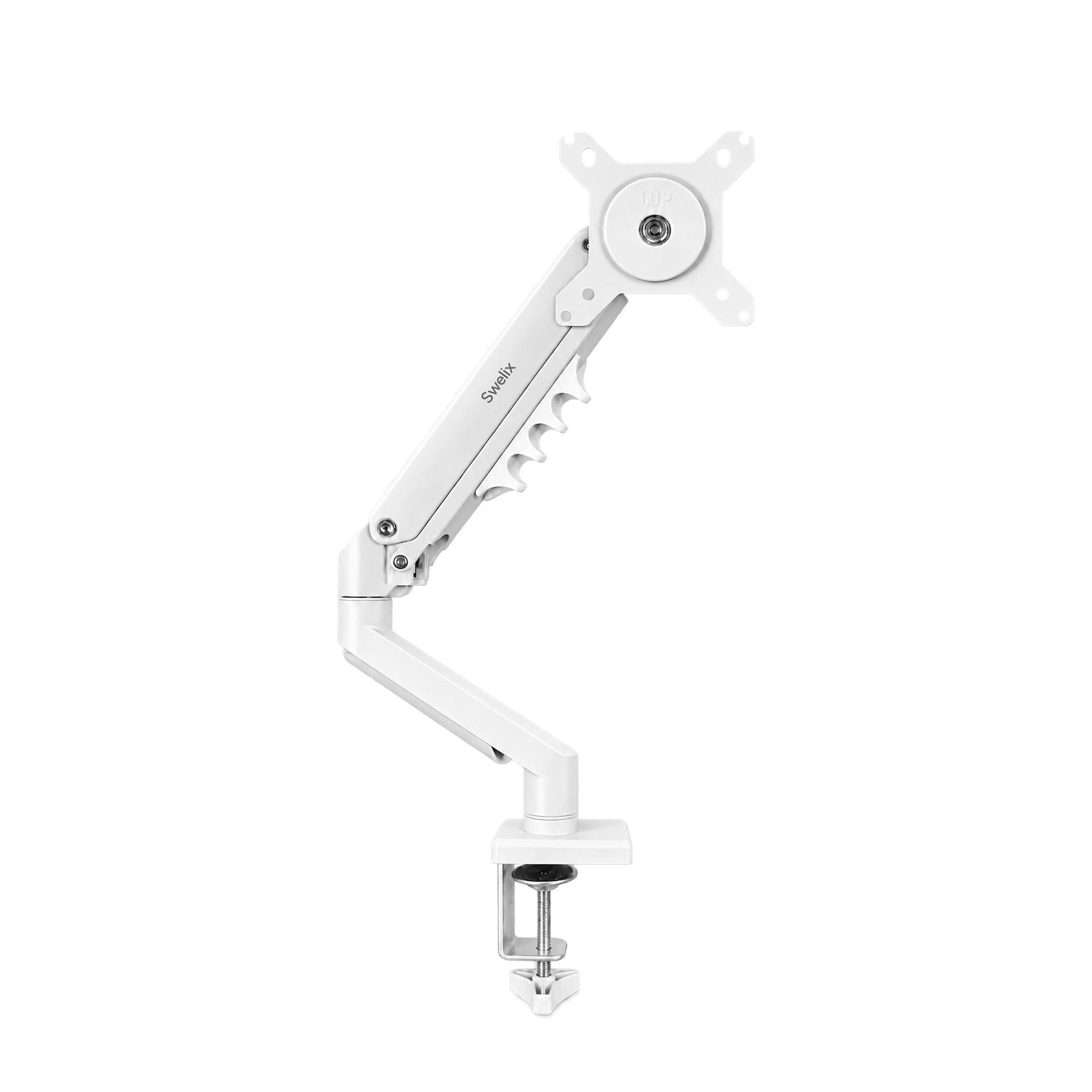
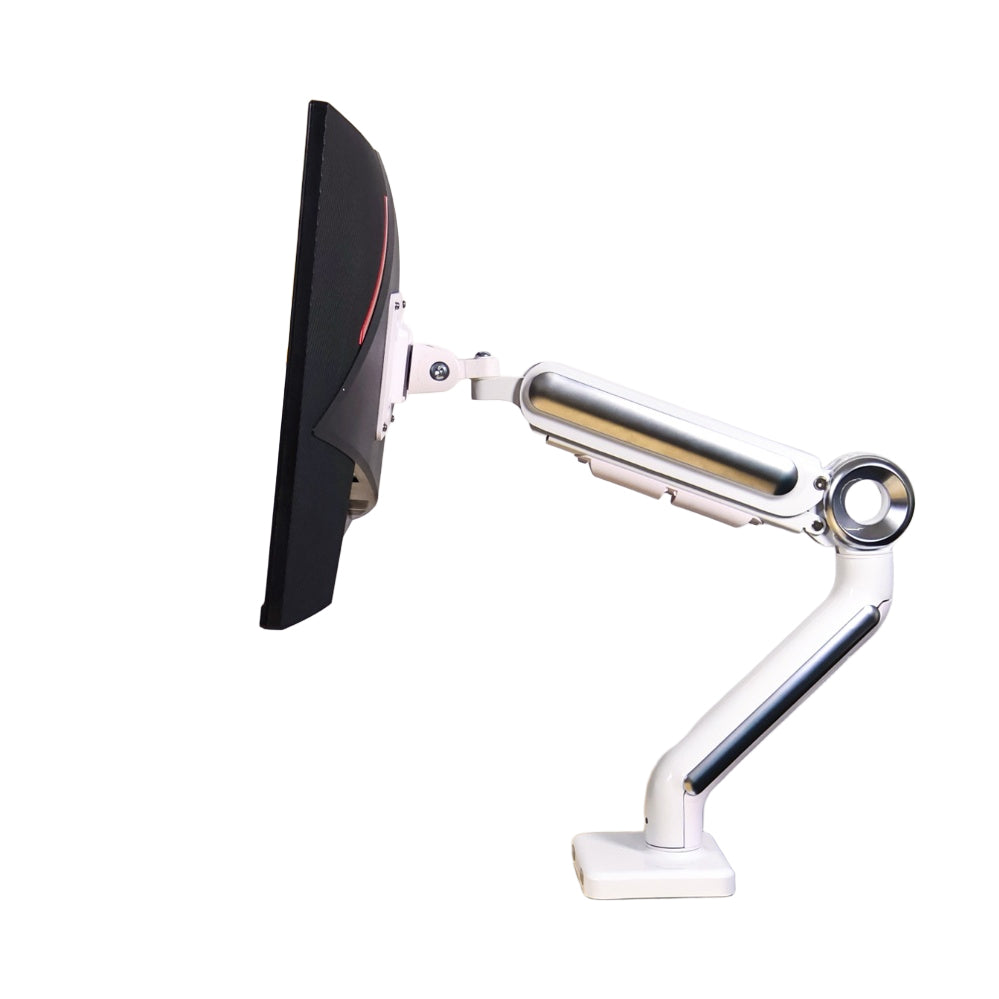
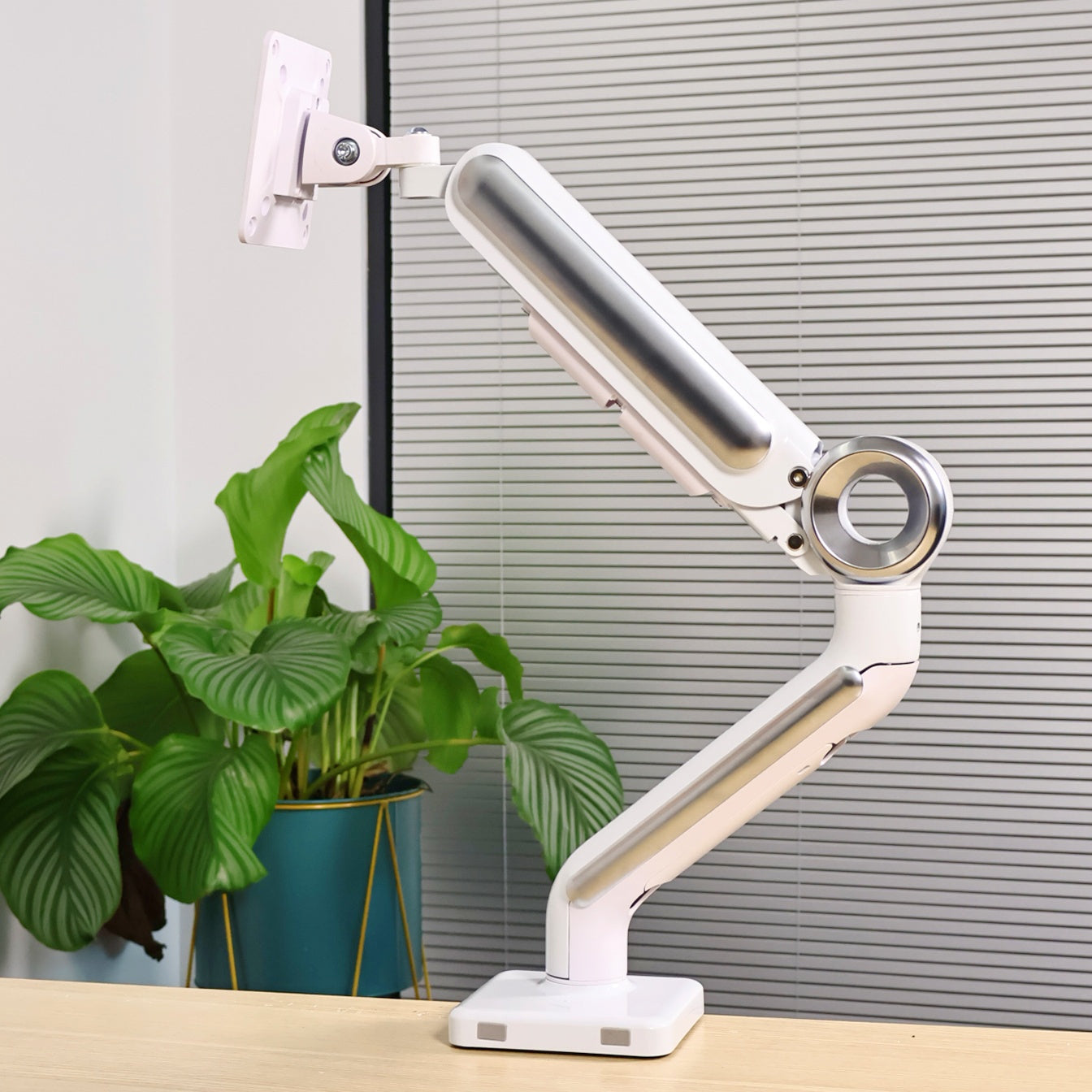
I’m using a Swelix dual monitor arm, and it changed more than I expected.
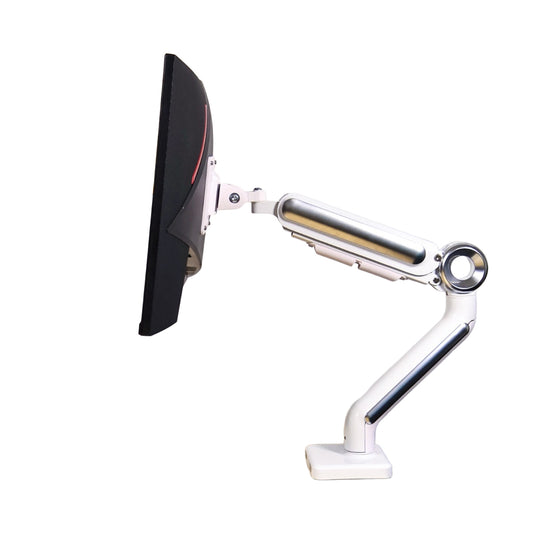
With the arm, both screens can be adjusted freely — height, angle, distance.
It’s not something I adjust every minute, but when I need to, it makes a big difference.
More importantly, it frees up the entire space underneath.
Once the screens are lifted, the desk feels instantly lighter and more open.
Step 3: Clean Desk Through Cable Management ✨
Most people think clutter comes from having too many things.
But in reality, it’s often the cables.
Once wires start overlapping, everything looks messy — even if you don’t have much on the desk.
This is where the monitor arm helped a lot.
It has built-in cable management, so all the wires run along the arm and stay hidden behind the screens.
From the front, I can barely see any cables now.
It’s a small detail, but it completely changes how the desk feels.
Step 4: Aesthetic and Material Choices
Another thing I cared about was how the setup looked overall.
I chose a dark-colored monitor arm with a matte finish.
It blends well with almost any setup and doesn’t feel too heavy visually.
Paired with a wooden riser shelf, the whole desk feels more balanced.
Simple, but not boring.
What surprised me most is that it doesn’t look like a budget setup at all.
Even after using it for a long time, everything still feels stable and solid.
It’s one of those upgrades that doesn’t feel expensive, but makes a noticeable difference every day.
What This Setup Actually Improved
- – More usable desk space without changing the desk size
- – Better screen positioning for long hours of work
- – Less visual clutter from cables
- – A more comfortable and focused workflow
- – A space that feels calmer to sit in
Final Thoughts
I didn’t build this setup all at once.
It changed slowly as I figured out what I actually needed.
You don’t need a big desk or expensive gear.
Even small changes can improve your workspace more than you expect.
If you’re thinking about improving your desk setup, this is a simple place to start.
Upgrade Your Desk Setup Explore more desk setup inspiration



