




Less Is More — How One Dual Monitor Arm Gave Me a Cleaner, Calmer Desk Setup
My desk used to work fine. Laptop on the left, external monitor on the right, a tangle of cables somewhere in between. Everything I needed was there. But every time I sat down, something about it felt off — slightly too crowded, slightly too chaotic, hard to settle into.
It took me a while to figure out that the problem wasn't the devices. It was how they were sitting. Both screens flat on the desk, both taking up surface area, neither at quite the right height. The setup was functional but not comfortable, and that friction adds up over a full workday.
The fix ended up being one thing: a dual monitor arm. Not a desk upgrade, not a full renovation — just one piece of hardware that changed how the whole surface felt. And the total cost was well under what I'd spent on things that made far less difference.
The minimalist desk idea — spend on the right thing, not everything
There's a version of desk setup culture that's basically a shopping list: new keyboard, new mouse, new lamp, new cable organizer, new this, new that. It's easy to spend a lot and end up with a desk that looks busier, not better.
The approach I've come around to is different. Start by asking what's actually taking up space — physically and visually — and whether it needs to be there. In my case, the answer was obvious: two chunky monitor stands, sitting right in the middle of my desk, eating up surface area I could be using.
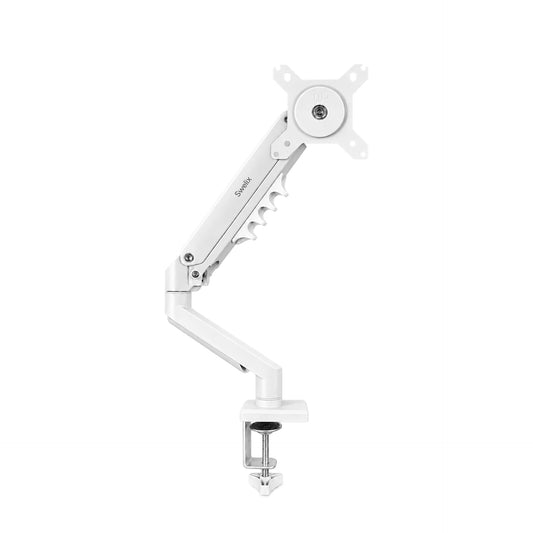
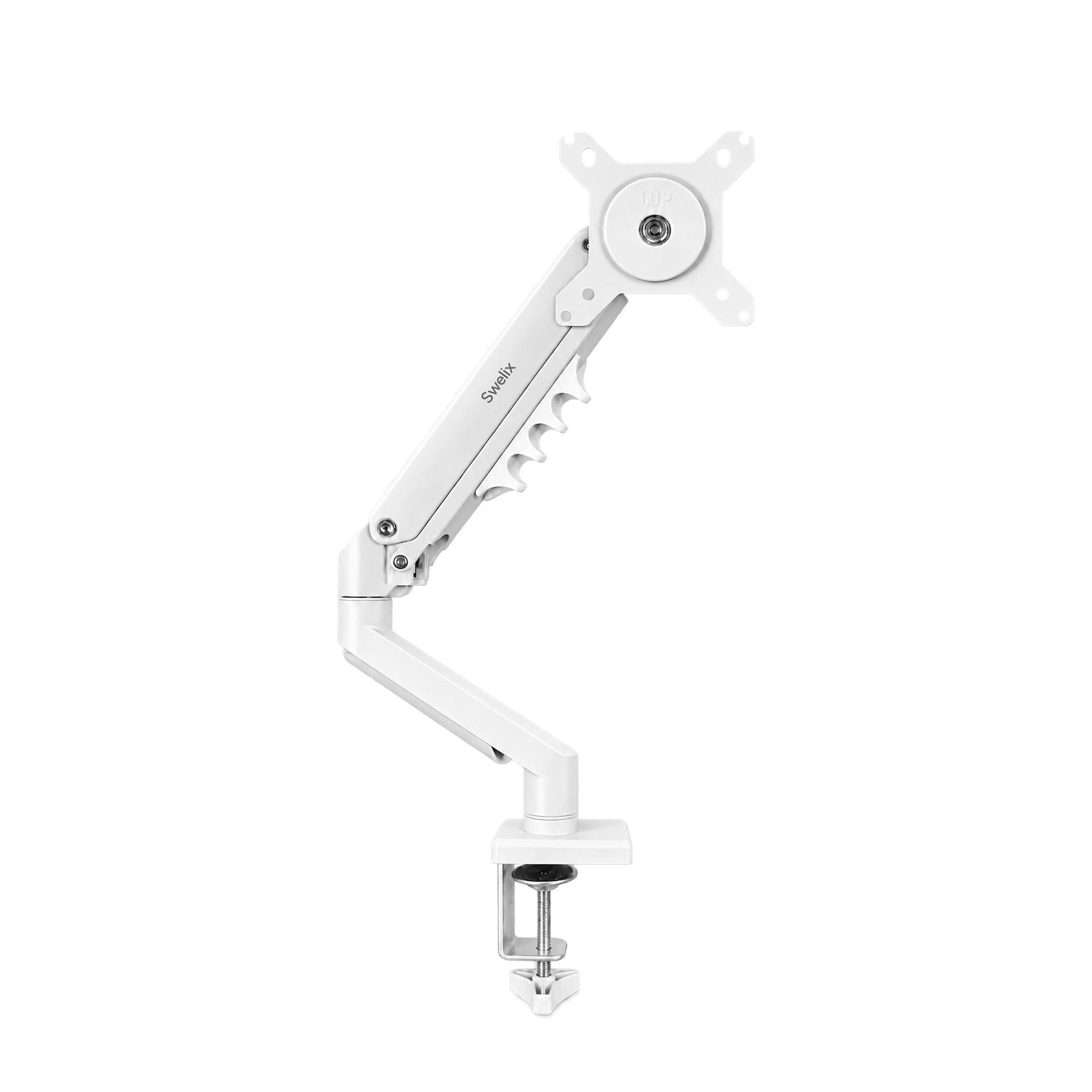
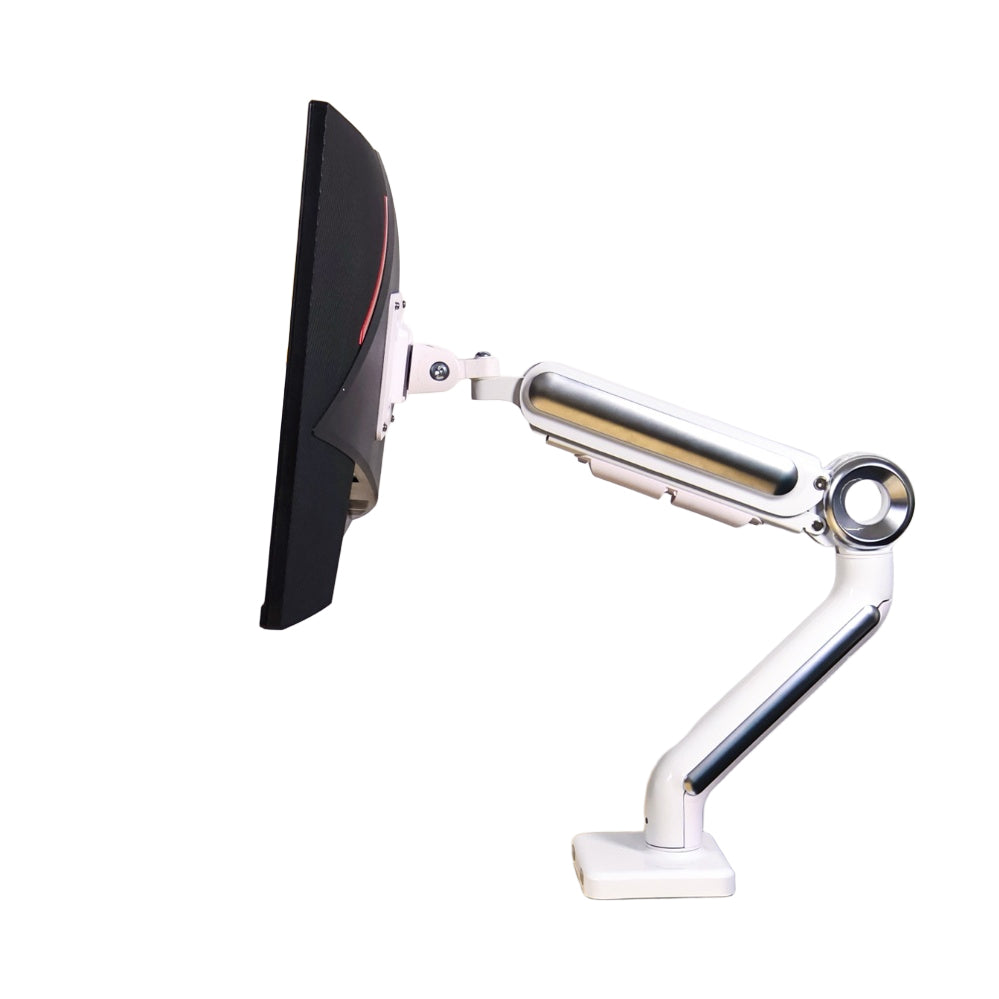
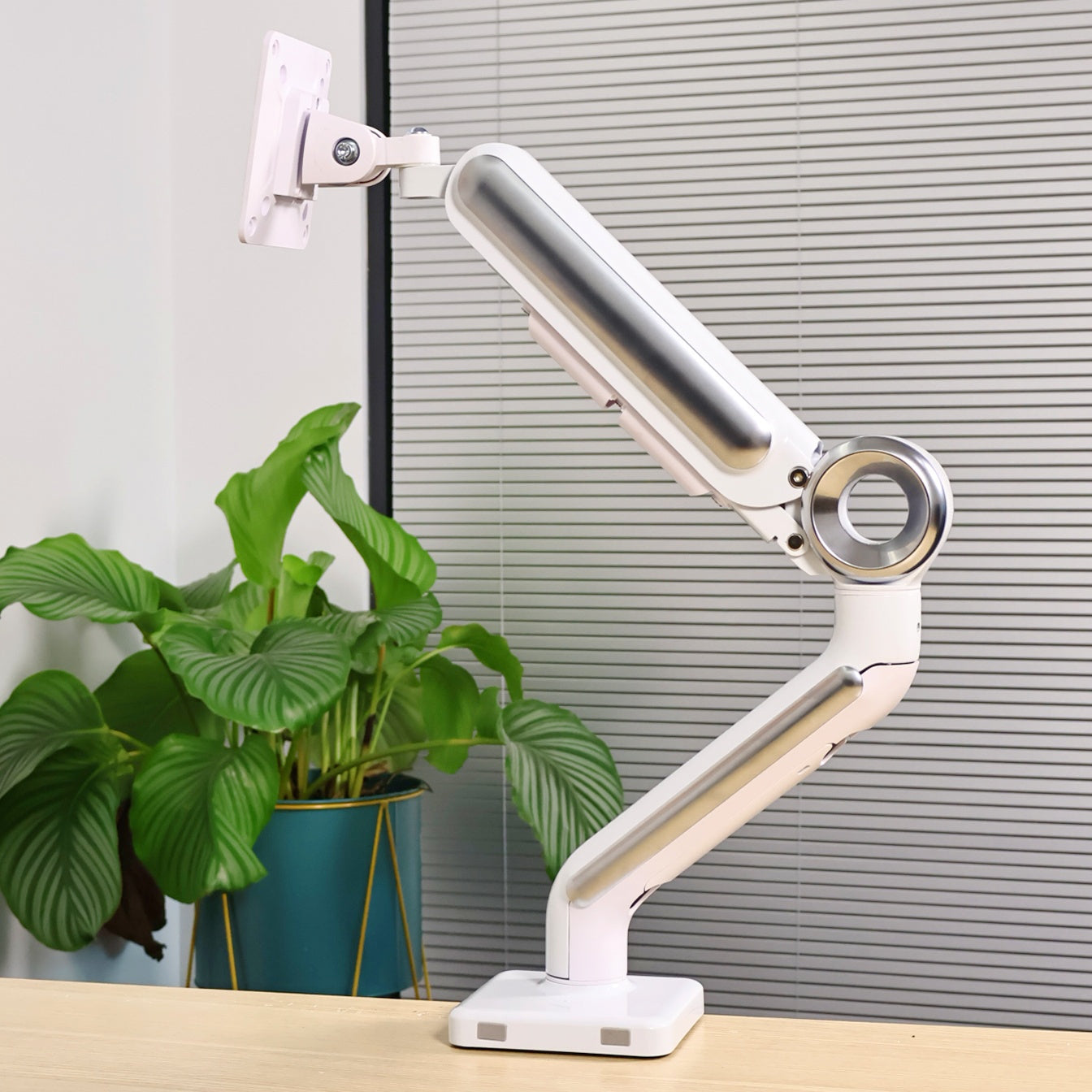
A dual monitor arm removes both stands in one go. The screens lift off the desk entirely. The surface underneath is suddenly free. That single change does more for the feel of a desk than almost any other upgrade, and a good arm costs less than most people expect.
The goal isn't a perfect desk. It's a desk that stops getting in the way — one where you can sit down and just get on with things.
How I actually have it set up
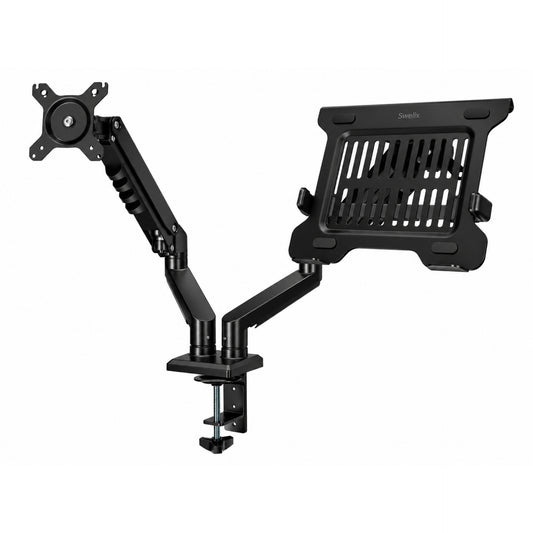
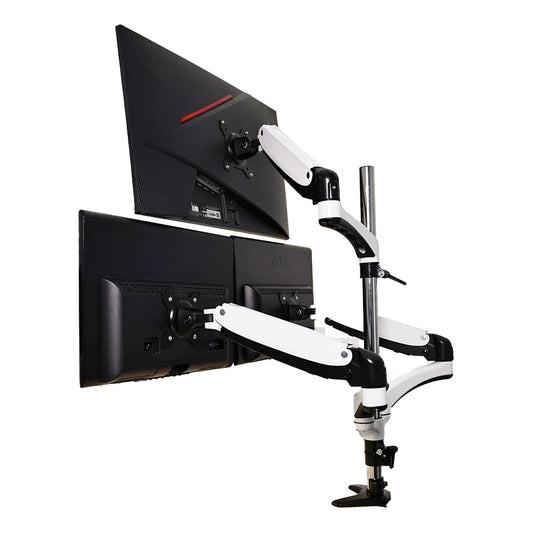
My current layout uses a dual monitor arm with one screen on each side. It took about 20 minutes to install and maybe another 10 to dial in the positions. Here's how it breaks down:

🖥️ Left side — large external monitor
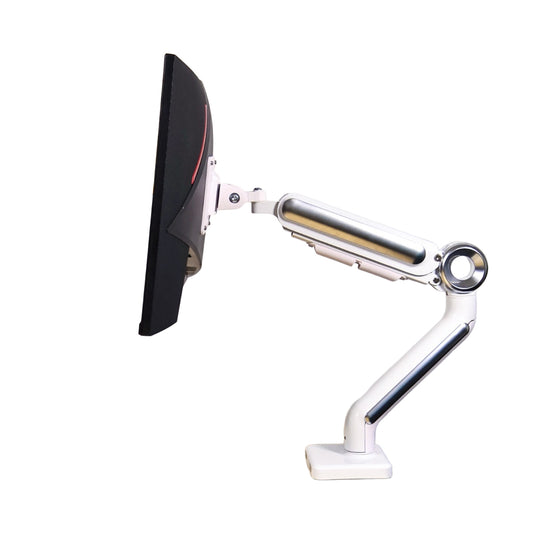
The left arm holds a large external display at eye level, roughly an arm's length away. This is my main screen — the one I'm looking at most of the day, whether I'm working in a document, on a call, or watching something in the evening.
The cables run inside the arm itself, so nothing drapes across the desk. From the front, you just see the screen. No stand, no base, no cable trail.
Having it at the correct height made a noticeable difference to posture. My previous setup had the screen slightly too low, which meant I was tilting my head down without realizing it. The arm puts it exactly where it should be.
💻 Right side — laptop on the tray
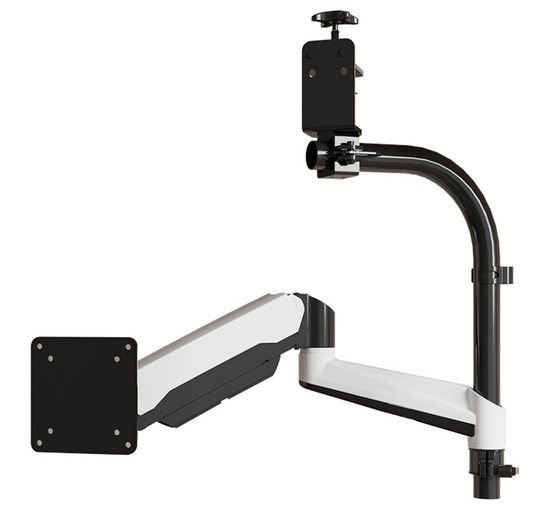
The right arm holds my laptop on a dedicated tray. The laptop sits raised and stable, angled slightly toward me, screen open at a comfortable height. This means I effectively have two screens without needing a second external monitor.
What I didn't expect was how much difference this would make to the desk surface. A laptop sitting flat takes up a significant footprint — and it's oddly hard to arrange anything else around it. Lifted off the desk, that whole area is freed up. The desk just breathes differently.
It's also more comfortable to type on when needed, and the angle is easy to adjust if I want to use it as a secondary display or close it entirely and work only from the main screen.
✨ What the desk looks like now
Two screens floating. Surface mostly clear. Room for a small plant on one side, a notebook and a pen in the middle, nothing else that doesn't need to be there.
The cables are managed inside the arm, so the only wire visible is a single run dropping from the desk to the wall. Everything else is handled.
It sounds like a small thing until you actually experience it. A clear desk is a calmer desk, and a calmer desk genuinely changes how it feels to sit down and start the day.

It's not just for work
The reason I'd recommend this setup to almost anyone — not just people who work from home — is how well it handles different modes of use throughout a day.
In the morning, extended display across both screens: one for the main task, one for reference or communication. The multi-screen workflow is genuinely useful and not something I'd want to go back from.
In the afternoon, when I need to focus, I'll often pull the main monitor slightly closer and close the laptop lid. Single screen, fewer distractions, same desk.
In the evening, the large monitor becomes a proper screen for streaming or gaming. Pull it a little closer, angle it slightly, and it's a completely different experience from watching something on a laptop propped on a stand.
The desk doesn't change. The arm just makes it easy to adjust the setup to whatever you're doing.
The best desk setups aren't optimized for one thing. They're flexible enough to work for all of them.
A few practical things worth knowing before you buy
Before picking up a dual arm, a few things are worth checking:
- Measure your desk depth. A dual arm works best on a desk that's at least 60cm deep. Shallower than that and the screens may end up too close, even at the arm's minimum reach.
- Check your monitor's VESA mount. Look for a grid of four screw holes on the back of your monitor — usually 75×75mm or 100×100mm. Most monitors have one; a small number of all-in-one designs don't.
- Check your laptop dimensions. Laptop trays have a maximum width they'll accommodate. Most fit up to 17 inches comfortably, but worth confirming before ordering.
- Think about cable length. Once your screens are elevated, the cables need to reach comfortably without pulling. If your current cables are just barely long enough, it's worth having a slightly longer spare on hand.
- Check your desk edge. Clamp-mount arms need a certain amount of clearance under the desk edge. Most standard desks are fine, but very thick edges or lips underneath can be an issue.
None of these are dealbreakers for most people — just two minutes of checking that makes the whole process smoother.
What actually changed
I'd been on the fence about a monitor arm for a while. It seemed like a nice-to-have rather than a genuine upgrade. Having used this setup every day for months, I'd push back on that.
The posture thing is real. When screens are at the right height and distance, you sit differently — without thinking about it. Less forward tilt, less neck strain, less of that low-level physical fatigue that accumulates over a long day at a desk.
The cleared surface matters more than I expected. Having room to put a notebook, a drink, something that isn't a piece of tech — it makes the desk feel less like a workstation and more like a place to actually be.
And the visual calm of fewer objects on the surface, cables mostly hidden, screens floating rather than sitting on chunky bases — it changes the mood of the room. Subtle, but real.
For the cost of one arm, the return across all of those things is hard to argue with.
If you're thinking about it
If your desk is currently full of things that work fine but feel like too much, a dual monitor arm is probably the place to start. It's the one purchase that changes the spatial logic of a desk rather than just adding to it.
The Swelix dual monitor arm is what I use — one screen on one side, laptop tray on the other. Worth a look if you want to see the specs before deciding.
If you're curious, you can find the dual arm and other monitor arm options at Swelix. No rush — just worth knowing it exists.
Browse monitor arms → More desk setup inspiration



