




Under $50 and It Changed Every Desk I Own — My Honest Review of the Swelix Single Monitor Arm
By 3pm, my neck was done. Every day, the same thing — hours hunched toward a screen that sat too low, too far forward, at an angle that made sense for the monitor stand but not for my spine. I'd adjusted my chair, tried a laptop riser, bought a lumbar pillow. The screen stayed where it was.
Then I got a monitor arm. A single one, under $50. And I haven't thought about my neck at 3pm since.
I'm an ergonomic gear enthusiast, and I own three monitors across three very different desk setups. Every single one now uses the same monitor arm — gray, white, and black respectively. Not because I planned it that way, but because after the first one, the other two were obvious.
Three desks, three colorways, one arm
Part of what won me over before I even thought about ergonomics was how well this thing disappears into whatever setup it's in. I have three monitors at home, each living in a completely different aesthetic environment:
My daily work desk has a gray, tech-forward look — clean lines, neutral tones. The gray arm fits so naturally it looks like it came with the monitor.
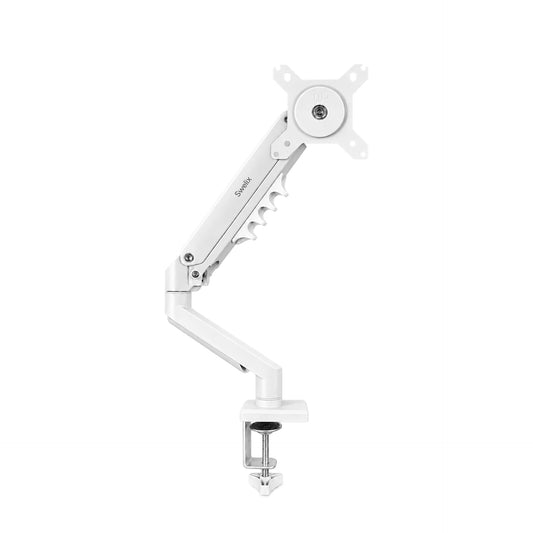
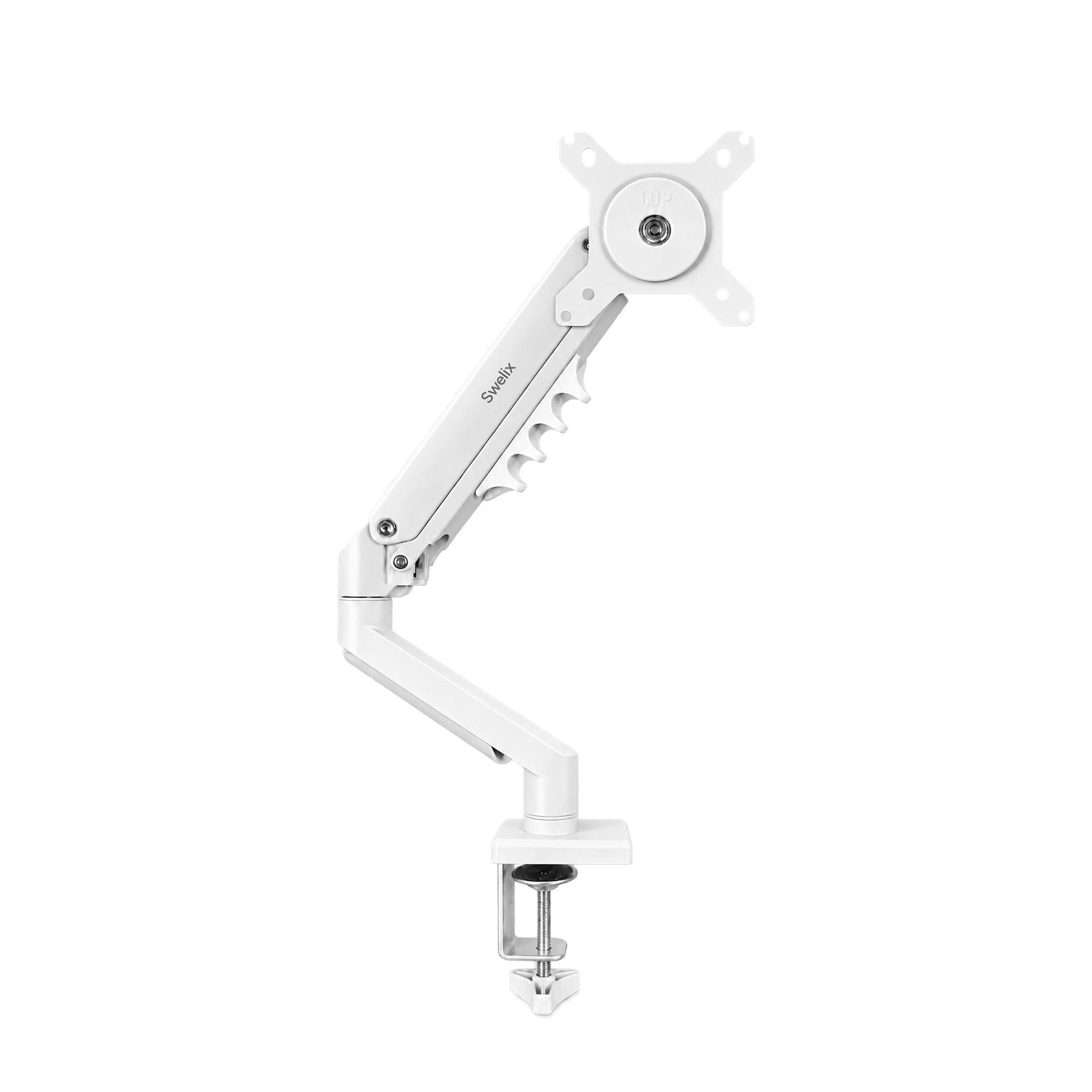
My Apple-style desk is white everything — white desk, white peripherals, white wall. The white arm keeps that minimal, uncluttered look intact. No visual noise, no compromise.
My gaming setup runs dark — dark desk, dark lighting, dark accessories. The black arm slots right in and actually sharpens the whole vibe rather than breaking it.
Most monitor arms come in one color, maybe two. The fact that this one comes in all three, at under $50 each, means you're not forced to work around it aesthetically. It adapts to the desk you already have.

I didn't buy three of the same arm because I was loyal to the brand. I bought three because the first one worked so well there was no reason to look anywhere else.
The problems it actually fixes
🪴 Your desk is smaller than your monitor thinks it is
My main work desk is 1.2 × 0.6 meters. Not tiny, but not huge. A monitor on a stand occupies that space physically and visually — the base sits on the desk surface, the cable drapes over the back, and the whole thing creates a kind of visual wall between you and the rest of the desk.
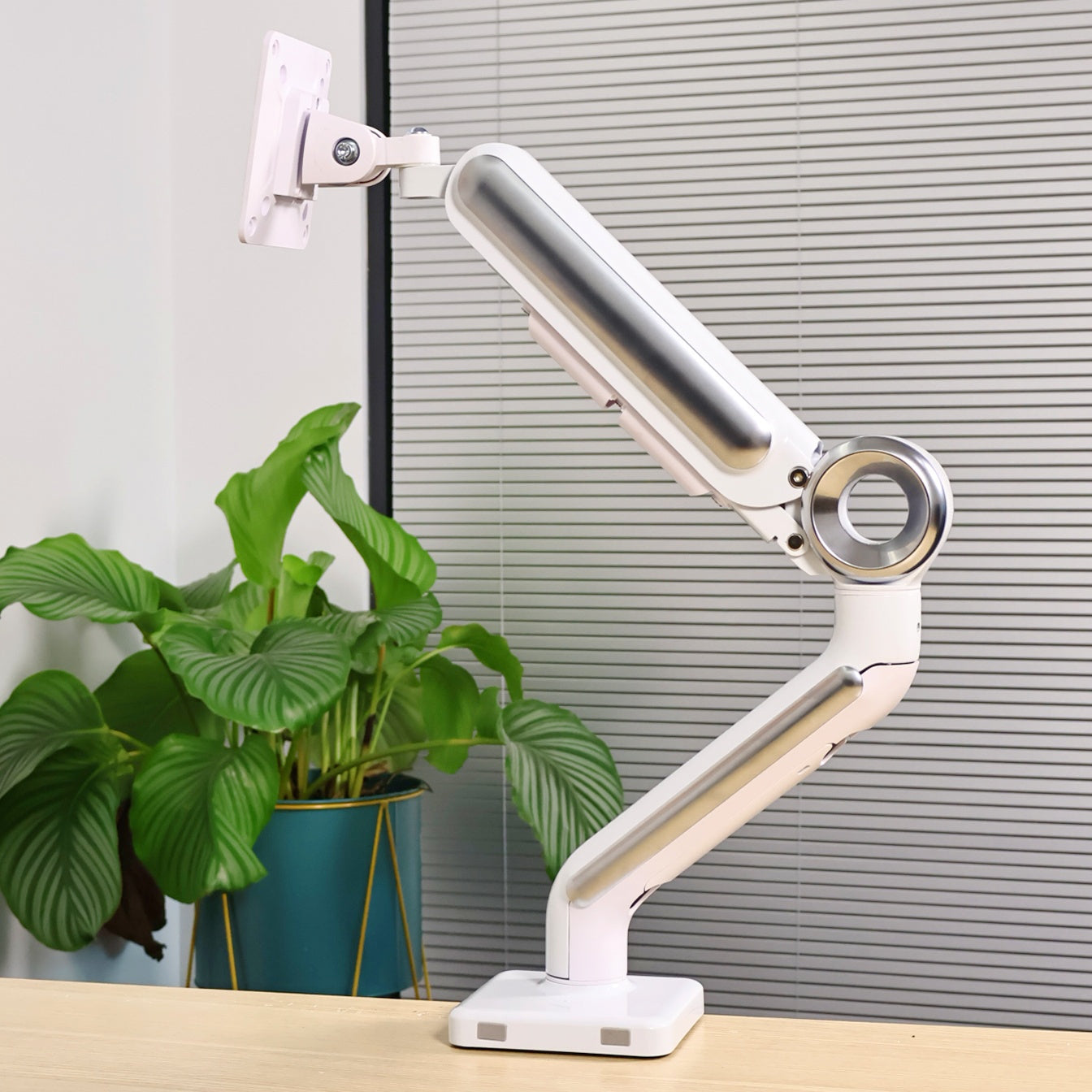
The arm lifts the monitor off the surface entirely. The screen floats. The desk underneath is suddenly free — open enough for a small plant, a notebook, a coffee cup, whatever you actually want there. It sounds like a small thing until you experience how different a desk feels when there's actual room to breathe.
🔌 Cables, handled quietly
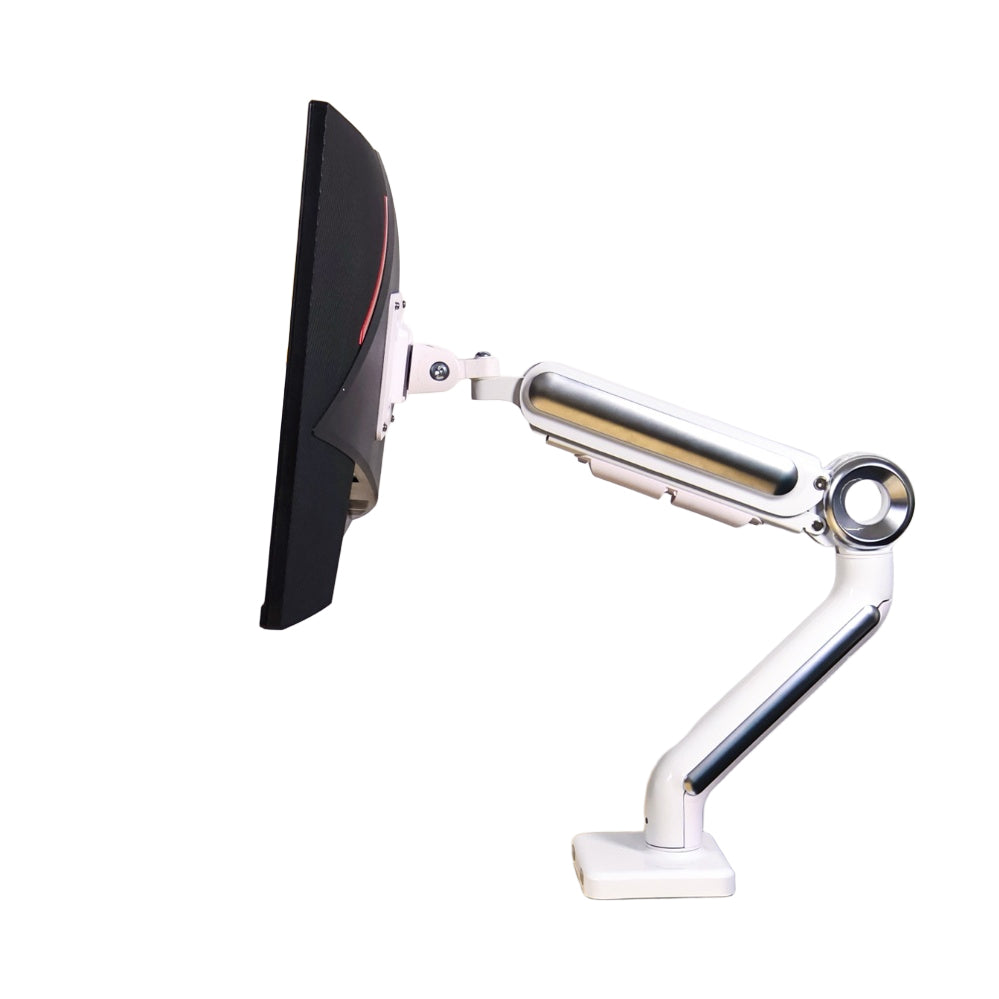
This arm has a built-in cable channel running through it. Power cable and display cable feed in at the monitor end and exit at the desk end, inside the arm the whole way. From the front, you see the screen and nothing else.
This isn't a groundbreaking feature, but it's one that matters a lot to anyone who cares about how their desk looks. A clean desk is noticeably calmer to work at. The cables haven't gone anywhere — they're just no longer the first thing you see.
😮💨 The neck thing — and why it matters more than people realize
Most monitor stands aren't adjustable in any meaningful way. They let you tilt the screen slightly and that's it. Height is fixed, distance is fixed, so your body adapts to wherever the screen happens to be — chin slightly down, shoulders subtly rounding, hour after hour without noticing.
By mid-afternoon the neck aches, by evening the shoulders are stiff. You stretch, feel better for a few minutes. The next day, same thing.
A monitor arm lets you put the screen where it should actually be for your body — top of the screen at or just below eye level, roughly an arm's length away, tilted slightly upward. In that position you sit up naturally, stop leaning forward, and the cumulative strain simply doesn't build the same way.
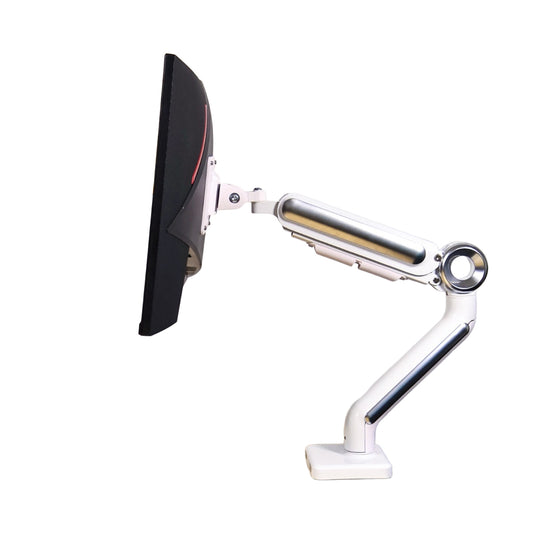
The arm I landed on adjusts smoothly in every direction — height, tilt, swivel, reach. Once set, it holds. No drift, no gradual sag. Pull it closer for a movie at the end of the day and it stays exactly where you put it.
I noticed the difference within the first week. Not dramatically — just a quieter end to the day. Less of that low-grade stiffness I'd started to think was just what sitting at a desk felt like.
The specs, quickly
- Weight capacity: up to 9 kg — handles the vast majority of monitors without issue
- Monitor size: fits 17–32 inch screens, including ultrawide
- VESA compatibility: standard 75×75 and 100×100 mm — check your monitor's back panel before ordering
- Mounting: desk clamp or grommet (check your desk edge thickness before ordering)
- Adjustment: height, tilt, swivel, and horizontal reach — all tool-free once installed
- Colorways: black, white, gray — each under $50
- Cable management: built-in internal channel
Who this is genuinely for
I'd hand this to almost anyone who works at a desk, but it's especially right for:
- People who sit for long hours. If your workday regularly runs 6+ hours at a screen, the ergonomic case for a proper monitor position is real. This is the most affordable way to get there.
- Anyone with a small desk. Freeing up the monitor's footprint changes what a small desk can hold and how it feels to work at.
- Clean desk people. The built-in cable management and the visual lightness of a floating screen both contribute to a calmer, more minimal setup without extra effort.
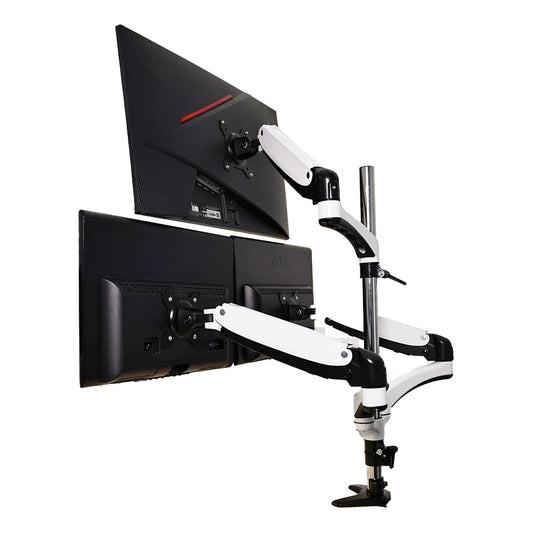
- Multi-monitor setups. If you already have two or three screens, getting each one on its own arm makes the whole arrangement easier to position and adjust independently.
- Budget-conscious buyers. Under $50 for an arm that genuinely holds position, moves smoothly, and comes in three colorways is good value. There are more expensive arms — I've tried some — but the difference in everyday use is smaller than the price gap suggests.
A couple of things to check first
Your monitor's VESA mount. Almost all modern monitors have one, but a small number don't — particularly some all-in-one designs. Flip your monitor around and look for a grid of four screw holes on the back. If they're there, you're good.
Your desk edge. The clamp mount needs a certain amount of clearance under your desk edge to grip properly. Most standard desks are fine, but if yours has a very thick edge or a lip underneath, worth measuring before you order.
Neither of these is a deal-breaker for most people — just two minutes of checking that saves any back-and-forth later.
I've bought more expensive arms since. They're fine. But every time I sit down at one of these three desks, I'm reminded that this arm does everything I actually need, at a price that still surprises me.

Would I buy it again?
I already did — three times. And if I add a fourth monitor, I know exactly where I'm looking first.
Your neck will thank you. Probably by the end of the first week.
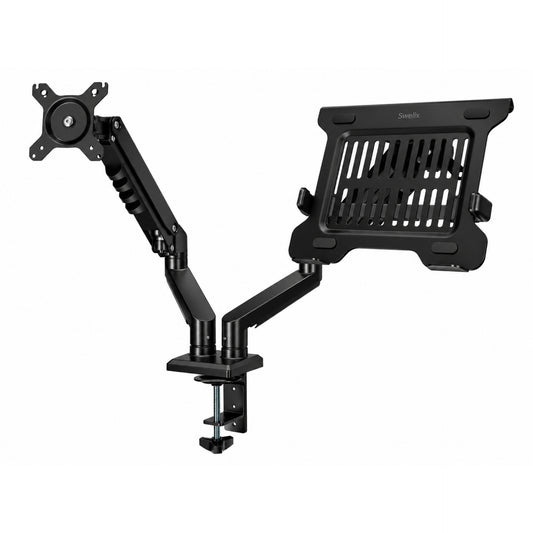
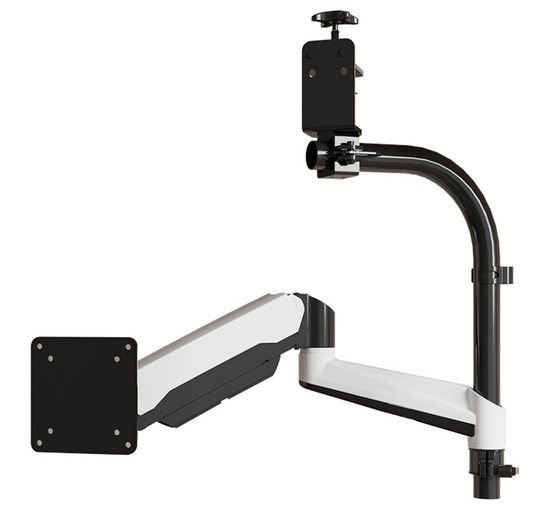
One thing worth mentioning: Swelix has expanded their lineup quite a bit since I bought my first arm. There are newer models and updated versions that might suit your setup even better — dual-arm options, laptop tray combinations, different weight ratings. Worth browsing the full range rather than just going straight to the single arm I happened to start with.

The arm I use is at Swelix — but honestly, have a look at their other models too. The range has grown a lot and some of the newer options are worth knowing about.
Browse all monitor arms → More desk setup inspiration



