




Wireless Desk Setup Inspiration: How I Finally Achieved a Clean, Cable-Free Workspace in 2026
My desk didn’t always look like this.
There used to be cables everywhere — under the monitor, around the laptop, even hanging off the side of the desk. It worked, but it never really felt clean.
I didn’t start this thinking I needed some perfect setup.
I just wanted my desk to feel a bit more organized, a bit easier to sit down and use every day.
The Question I Always Got: “Where Are All Your Cables?”
After I shared a few photos online, people kept asking me the same thing:
“Where are all your cables?”
And honestly, I get why.
Most desks have wires everywhere — monitors, chargers, keyboards — it adds up quickly.
What I realized over time is that it’s not really about hiding cables perfectly.
It’s more about setting things up so they don’t stand out in the first place.
Step 1: Centralizing Everything Behind the Monitor 🎯
The biggest change I made was actually pretty simple.
I stopped letting cables run across the desk and started keeping everything behind the monitor.
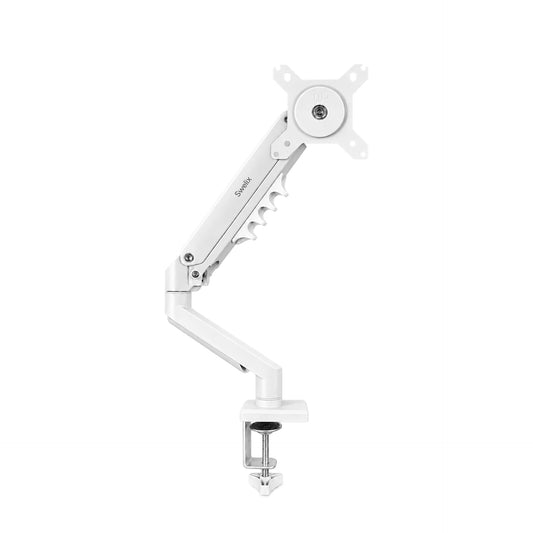
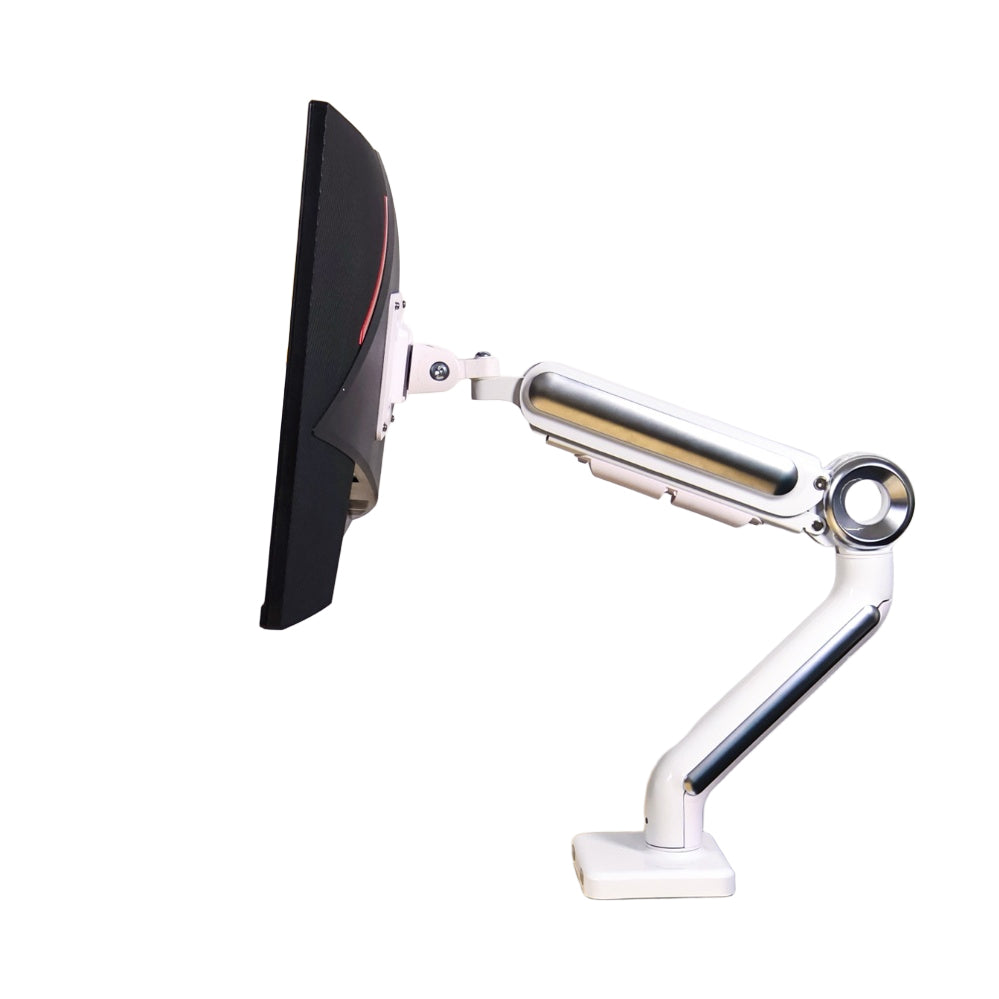
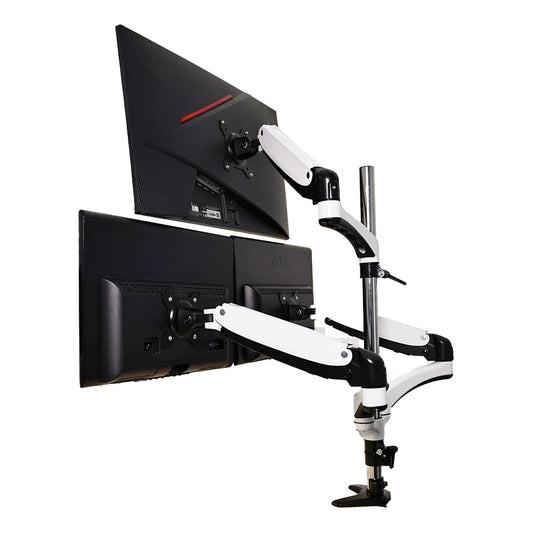
Why I Chose a Dual Monitor Arm
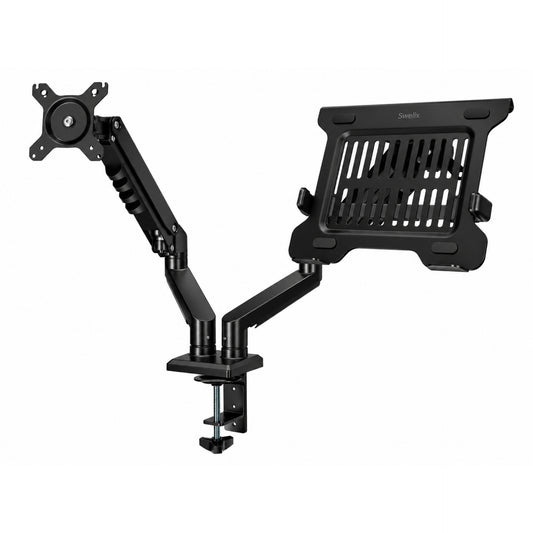
I do design work, so I usually have two screens — one monitor and my laptop.
Before, both just sat on the desk. It worked, but it took up space and made things messy.
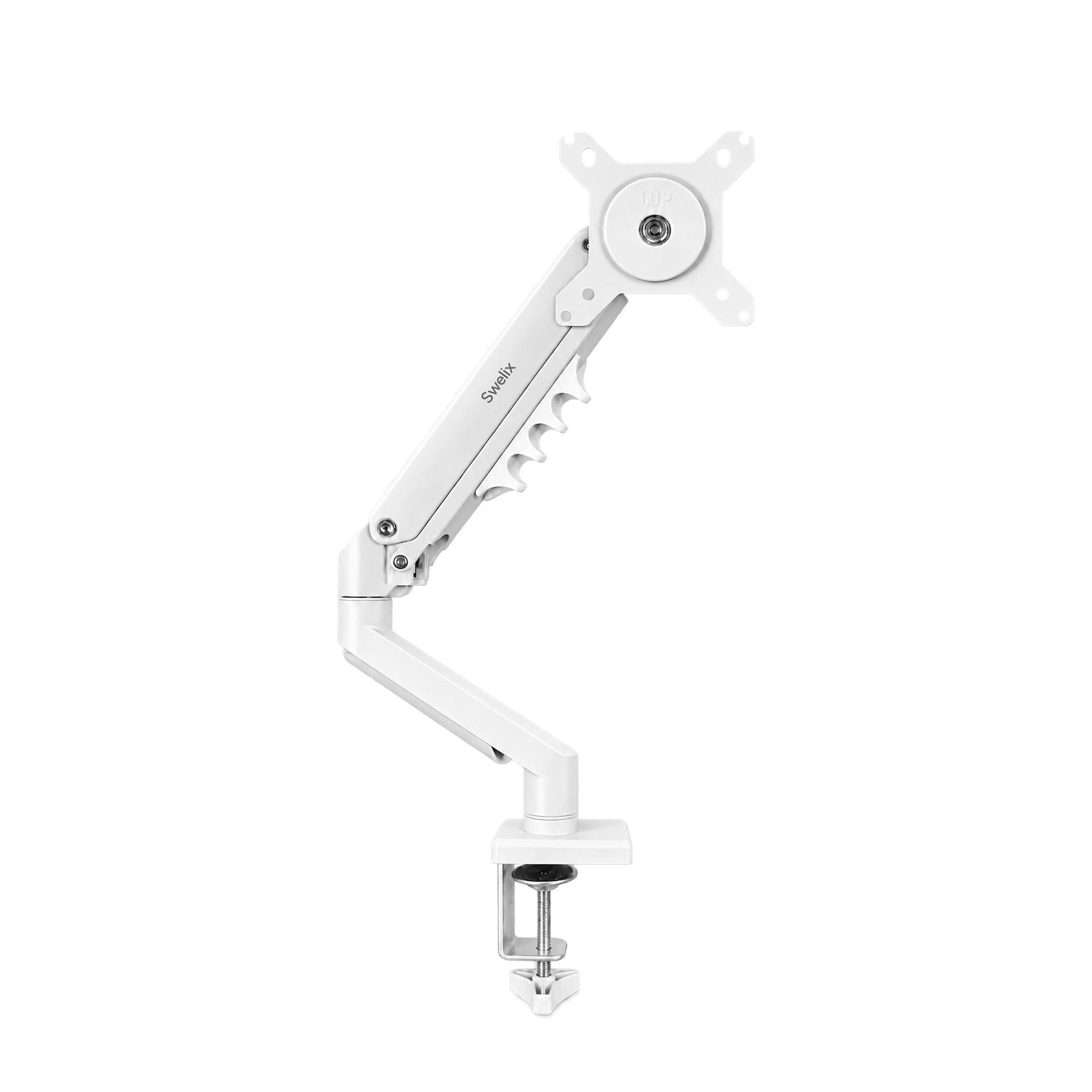
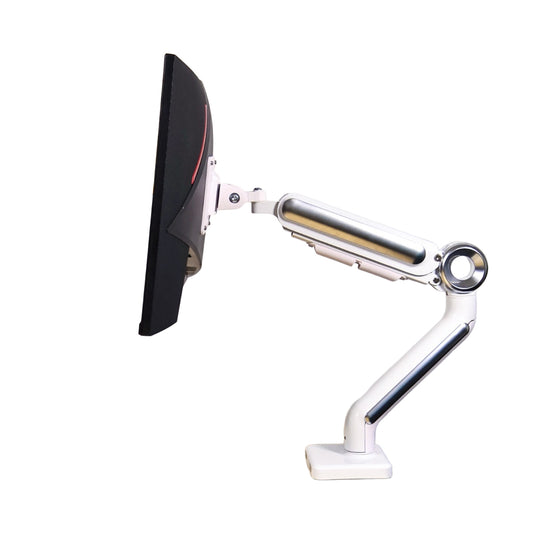
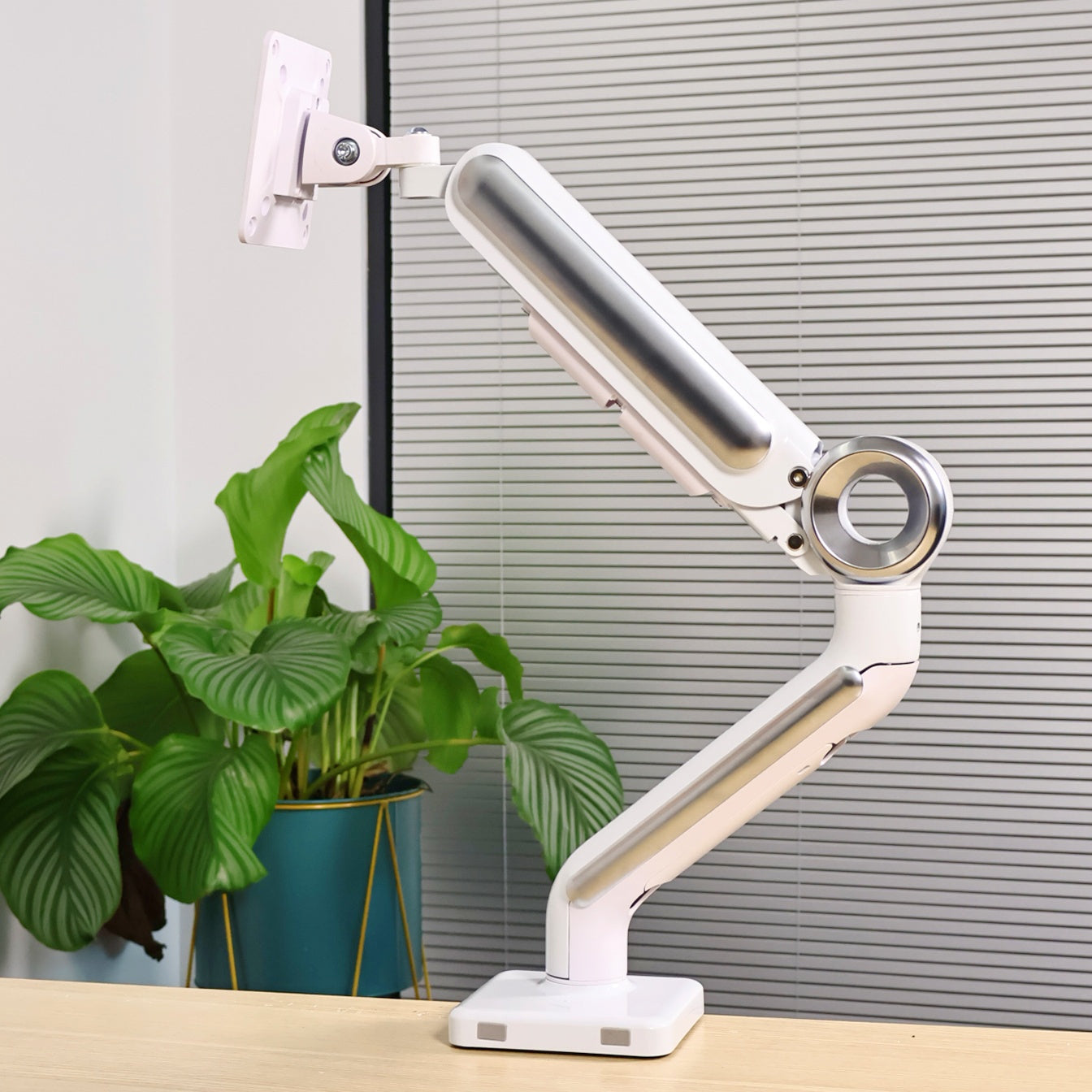
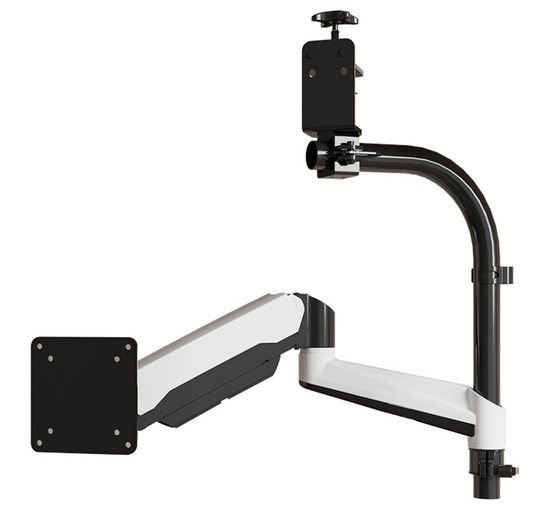
So I switched to a dual monitor arm.

After that, things felt a lot better:
- More space on the desk
- Better screen height
- Everything looked more put together
Built-in Cable Management Made a Big Difference
The part I didn’t expect to matter this much was the cable routing.
The arm has a built-in channel, so the cables just run along it and stay behind the monitor.
Compared to what I used before, this was a big improvement.
Step 2: Going Wireless Wherever Possible 🔋
Once the main cables were sorted out, I started looking at everything else on the desk.
And I realized — a lot of it didn’t really need to be there.
So I switched to wireless where I could.
- – Wireless keyboard and mouse
- – Fewer devices on the desk
- – Only keeping what I actually use
It’s a small change, but it makes the whole setup feel much cleaner.
Step 3: Smart Storage Beyond the Desk 📦
Another thing that helped wasn’t even on the desk.
I added a small cabinet next to it.
Things I don’t use all the time go there instead of sitting on the desk.
If I need something, I just turn and grab it.
That alone made the space feel less crowded.
More Than a Desk: Learning to Simplify Life
After a while, I noticed this didn’t just affect my desk.
I started paying more attention to what I actually use day to day.
One night, I picked up my kid’s drawing tablet and tried sketching a bit.
It had been a long time since I last drew anything.
It felt a little unfamiliar, but also kind of nice.

Before vs After: What Actually Changed
- More space to work
- Less distraction
- A cleaner look
- More comfortable screen height
- Easier to focus
My Desk Setup Checklist (Easy to Follow)
If you want to try something similar, here’s what worked for me:
Monitor Setup
Cable Management
– Keep cables behind the monitor
– Use built-in routing if possible
Wireless Accessories
– Keyboard and mouse
– Fewer charging cables
Storage Solutions

Final Thoughts: You Don’t Need More — You Need Less
I used to think improving my desk meant adding more things.
But it turned out to be the opposite.
Once I started removing the extra stuff, everything felt easier.
You don’t have to change everything at once.
Start small and adjust as you go.
If you’re thinking about cleaning up your desk, this is a good place to start.
Upgrade Your Desk Setup Explore more workspace inspiration



