




Work, Game, Relax — How to Build the Perfect Dual-Purpose Desk Setup in a Small Space
Morning: spreadsheets, calls, focused work. Evening: headphones on, monitor pulled closer, game loading. Same desk, same chair, completely different mode.
This is the setup a lot of people want but aren't sure how to build — a space that handles serious work without sacrificing the experience of actually relaxing at it. The good news is that it doesn't require a dedicated room or a huge budget. A 2m × 3m space is genuinely enough. You just need to make the right calls on five or six things, and the rest follows.
Here's what I've landed on, after a lot of trial and error. Take what's useful, leave what isn't.

1. The desk — where everything starts
Everything else in the setup depends on the desk, so it's worth getting this one right before spending on anything else.
🖥️ Size and surface
For a single-person setup that handles both work and gaming, 160cm × 80cm is the sweet spot. Wide enough to fit two screens comfortably with room left over, deep enough that you're not sitting too close to either of them. It's also a standard size, which means desks, risers, and accessories are all sized to fit without awkward gaps.
You don't need to go bigger. A 2m desk sounds impressive but creates a lot of dead space that mostly collects things you don't need at the desk. 160cm forces you to be intentional about what's on the surface — and that's a good thing.
⬆️ Standing desk — if you're going electric, go dual motor
A height-adjustable desk is worth the upgrade if you spend long hours here. Being able to stand for an hour in the afternoon makes a real difference to how the rest of the day feels, and the movement helps more than most people expect.
If you go electric, go dual motor. Single-motor standing desks work fine at lower weights, but once you've got two monitors, a riser, accessories, and whatever else is on the desk, the load adds up. A dual motor handles it more smoothly and reliably, and the price difference is usually smaller than you'd think.
🛞 The caster option — underrated
Fitting casters to the desk legs is one of those small decisions that sounds optional but ends up being genuinely useful. Being able to roll the desk out from the wall to access cables, reposition it when you want more light, or shift the whole setup slightly without lifting anything heavy — these are all things you'll do more often than you expect. Worth considering from the start rather than retrofitting later.
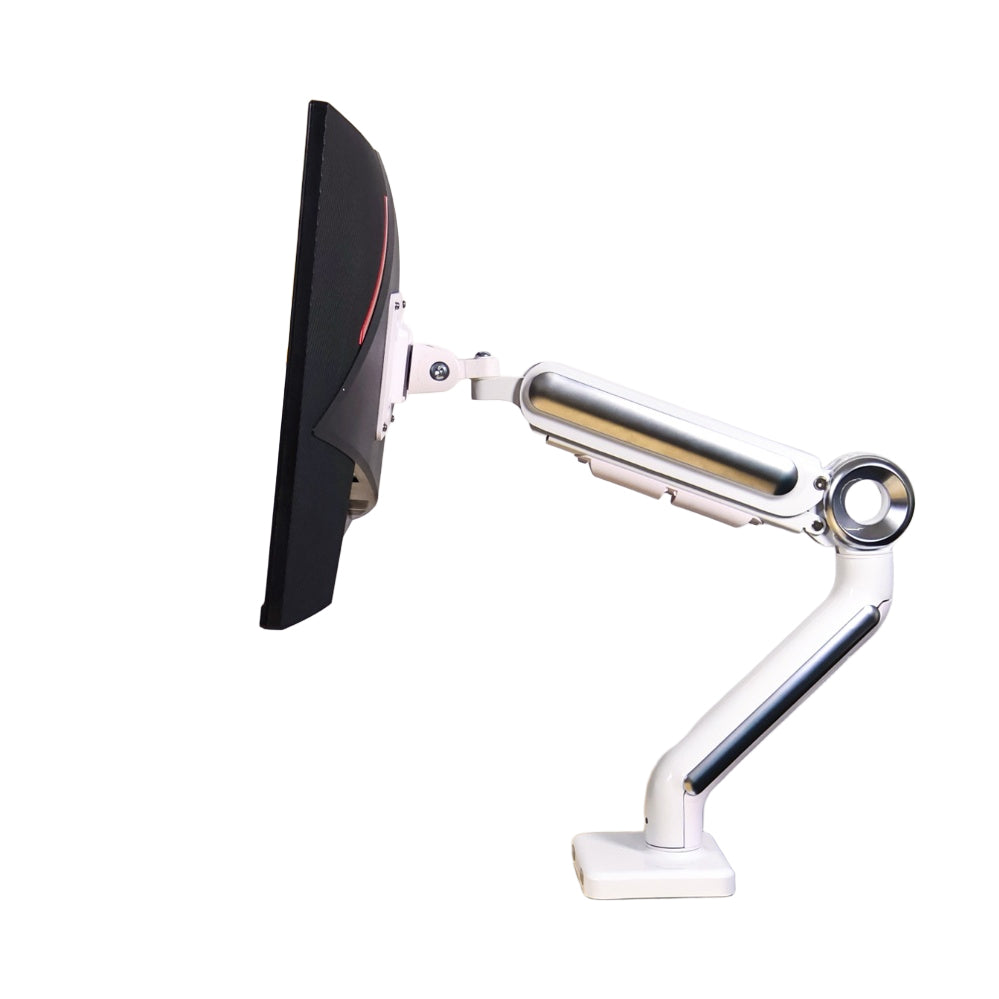
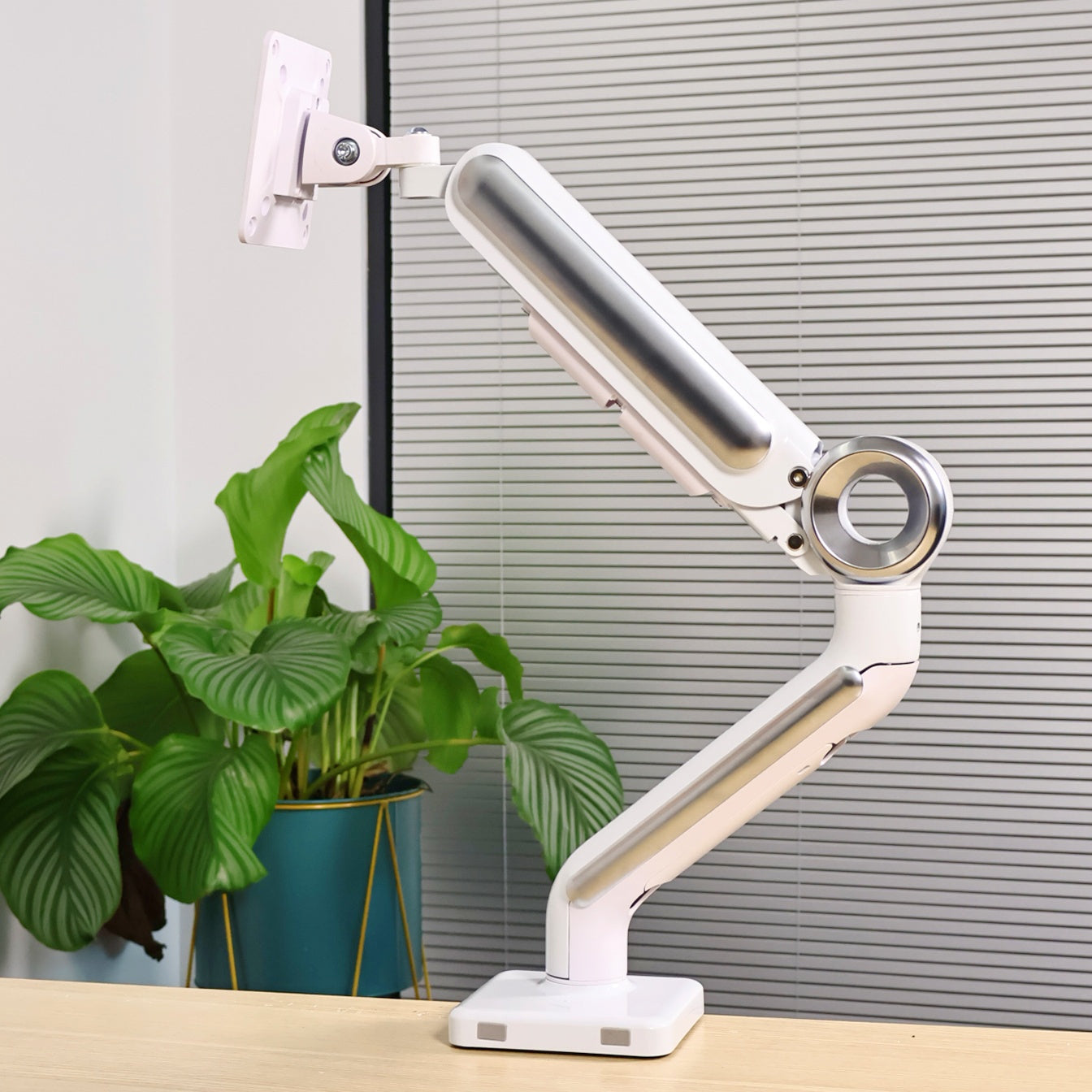
2. Monitor arm — worth understanding before you skip past it
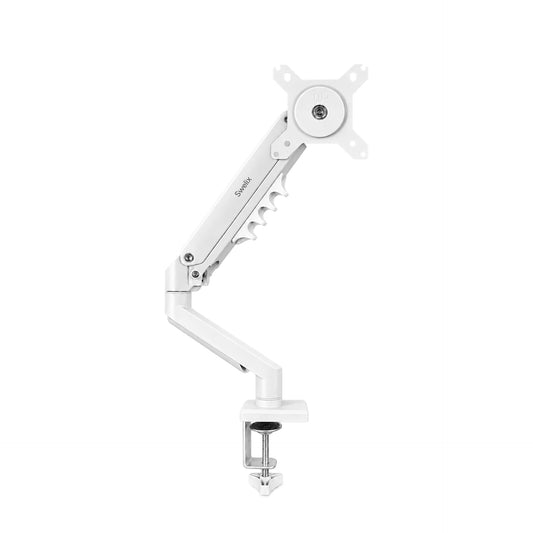
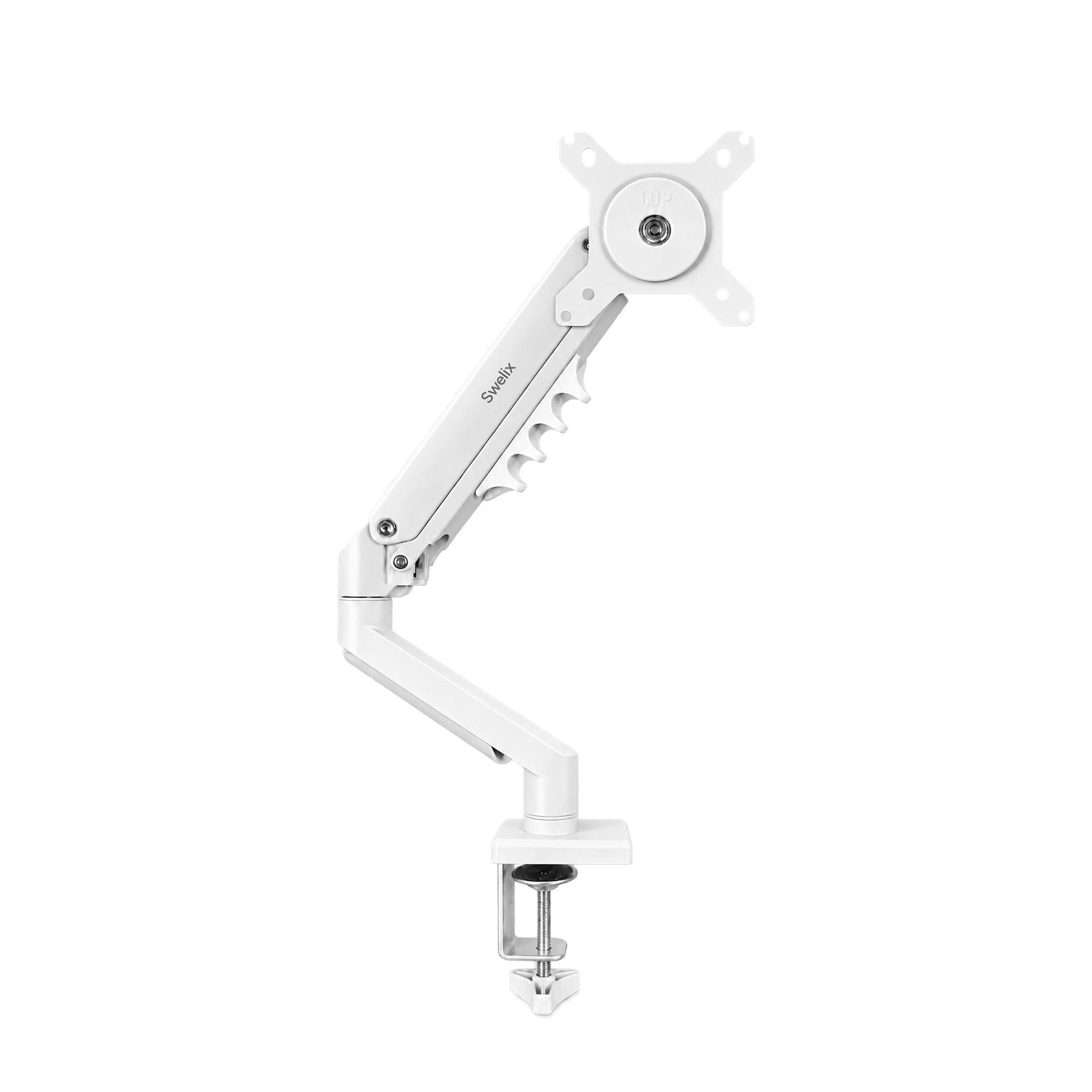
This one gets less attention than the desk itself, but it probably changes the day-to-day experience of the setup more than anything else on this list. Not in a dramatic way — just in the way that a screen at the right height, in the right position, that you can actually adjust without tools, makes everything slightly easier across a full day.
🖥️ Single or dual — how to choose
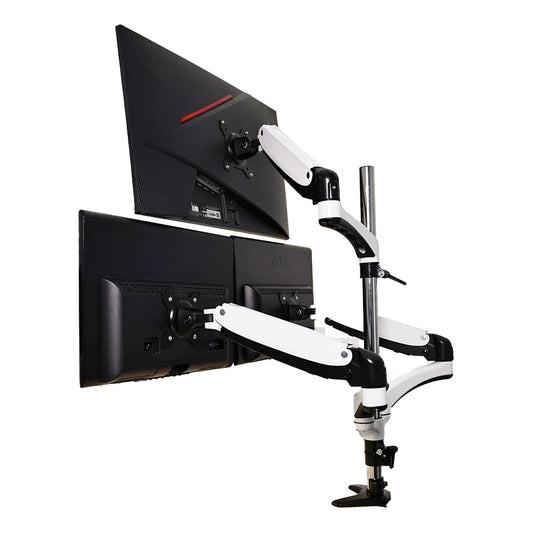
For this kind of setup — work and gaming from the same desk — a 27" main screen paired with a 24" secondary is a solid combination. The main screen is large enough for gaming and comfortable for all-day work; the secondary handles communication, reference material, or a browser tab you want to keep visible without switching windows.
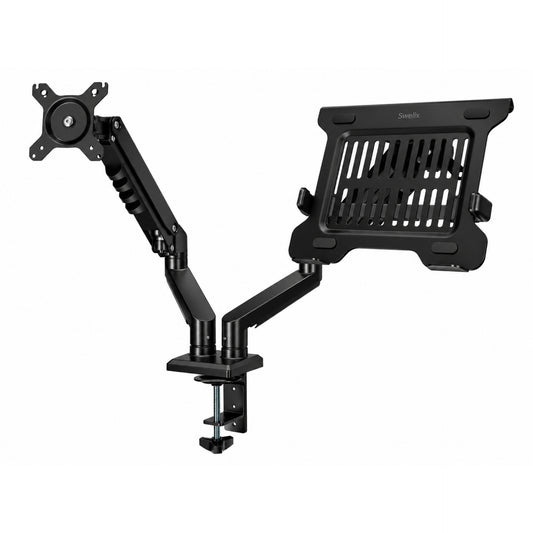
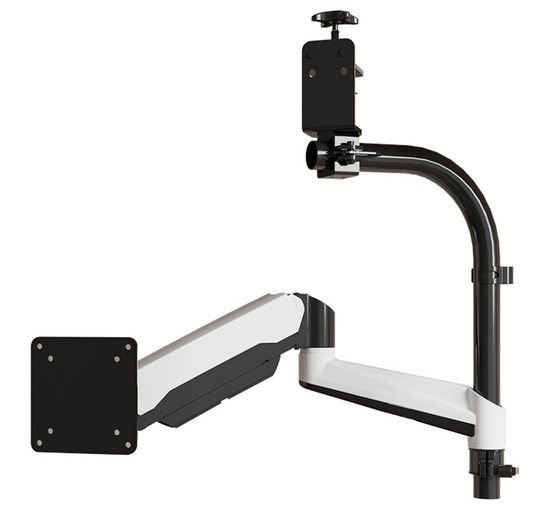
Whether you go with a single arm or a dual arm depends on how you actually use the desk. If the secondary screen stays in roughly the same position most of the time, a single arm for the main monitor and a separate stand for the secondary is perfectly reasonable. If you want to reposition both screens independently — rotating the secondary vertical for reading, or pulling the main closer for gaming — a dual arm gives you that flexibility. Either way, the arm is doing the heavy lifting of clearing the desk surface and getting the screens to the right height.

🔄 Full range of motion — why it matters for a dual-purpose setup
This is where a monitor arm earns its place specifically for a work-and-gaming setup. A screen that sits on a fixed stand is permanently in one position. Fine for one use case. Not ideal for two.
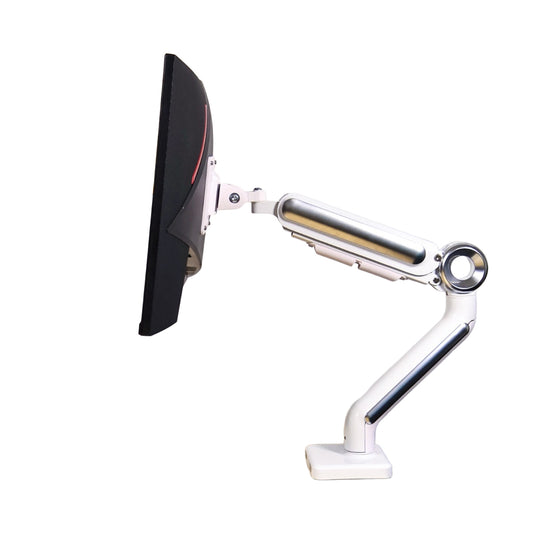
A good arm adjusts in every direction — height, tilt, swivel, reach — and holds position once set. For work, you want the screen at eye level, an arm's length away, slightly tilted upward. For gaming, you might want it slightly closer and lower. For a movie at the end of the day, pulled in and angled for comfortable viewing from your chair. None of these adjustments takes more than a few seconds, but having the option makes the same desk genuinely work for all three situations rather than compromising on all of them.
3. Desk riser — more storage, cleaner surface
A desk riser sits at the back of the desk surface and lifts a secondary screen, a laptop, or accessories to a more comfortable height. It also creates a shelf underneath for storage — which on a working desk is genuinely useful.
For a 160cm desk, a riser in the 100–110cm range works well. Wide enough to span the central zone of the desk without pushing into the edges where you need room to work, and leaving space on either side for small accessories, a plant, or whatever desk objects you actually want there. Too wide and it dominates the surface; too narrow and you lose the benefit of the extra layer.
The storage underneath — for a keyboard when not in use, a small hub, a notepad — keeps the surface cleaner without any extra effort. Practical and tidy at the same time, which is usually a good sign.
4. Mouse pad — the detail people consistently get wrong
📐 Size: match it to the desk
For a 160cm desk, an 80cm mouse pad is the right call. It gives you room for both keyboard and mouse without either falling off the edge, and it protects the desk surface across the area you're actually using. A pad that's too small creates an awkward boundary between covered and uncovered surface that you'll notice every time you move the mouse.
🧶 Material: it depends on the season
This is an honest breakdown, not a recommendation of one over the other.
Felt pads look great and feel warm in winter. The downside: mouse tracking isn't as smooth as on harder surfaces, and if you have pets, the felt becomes a lint trap within days. Keep a lint roller nearby — not a hypothetical suggestion.
PU material is the practical choice for most setups: waterproof, smooth for mouse movement, easy to wipe down. The tradeoff is that it runs cold in winter, which is more noticeable than you'd expect during a long session. Some people switch between the two seasonally, which sounds excessive until you've spent a January morning with cold wrists on a PU pad.
5. Screen light — a short guide to not getting it wrong

A screen light (monitor light bar) is worth having if you work in the evenings or in a room without great overhead lighting. But there are a few things worth knowing before buying one.
- No light spill onto the screen. The whole point of a monitor light bar is to illuminate the desk surface without reflecting off the screen. If you can see the light source when looking at the monitor, it's in the wrong position or the wrong product. Check this before buying — most decent bars are designed to prevent it, but not all do.
- Anti-blue light and flicker-free. These aren't marketing terms to skip past. Blue light exposure in the evening genuinely affects sleep, and screen flicker — even at rates you can't consciously detect — contributes to eye fatigue over long sessions. Both are worth looking for on the spec sheet.
- Adjustable colour temperature. Cooler light for focused work, warmer light for evening use. Having the option to switch without replacing the bulb is small but useful across a setup you're using for multiple purposes.
6. One more thing — the cable situation
Two monitors, a standing desk motor, accessories, a keyboard dock — the cable count adds up fast. If you don't plan the routing deliberately, it ends up as a mess under the desk that makes every future change harder than it needs to be.
The short version: mount your power strip under the desk rather than on the floor, use a cable tray to gather everything in one channel, and route monitor cables through the arm itself if your arm supports it. Plan the cable runs before you lock anything in place — moving a cable duct that's already been stuck down is annoying.
If you want the full breakdown, I covered the wire-free desk process in detail in a previous post here — worth reading before you start rather than after.
A clean surface means nothing if the cables underneath are chaos. Plan the routing once, do it properly, and you won't have to think about it again.
Your space, your rules
2m × 3m. That's all you need. A 160cm desk, the right arm for your monitors, a riser that fits the surface, a mouse pad that matches the season, a screen light that doesn't fight the screen, and cables that go where they're supposed to go.
None of this is complicated. The point is just to make the decisions deliberately rather than by default — because a setup you thought about is one you'll actually enjoy sitting at, whether you're finishing a report at 10am or starting a game at 10pm.
The desk doesn't know the difference. But you will.
If you're still working out the monitor arm side of things, Swelix has single and dual options worth looking at.
Browse monitor arms → More desk setup inspiration



