




Dual Monitor Desk Setup Inspiration: Is a Two-Screen Setup Really Worth It?
If you’ve been browsing desk setup inspiration lately, you’ve probably seen it everywhere — dual monitor setups.
At first, I didn’t really get the hype.
It just looked like… more screens.
But after actually using one for a while, I started to understand why people don’t go back.
Still, it’s not perfect. And it’s definitely not for everyone.
Quick Answers to the Questions I Get All the Time
Before getting into the details, let me quickly answer the questions I get most often:
Main Screen
27-inch (2K, 170Hz)
Secondary Screen
16-inch portable display (2K, 60Hz)
Why this size combination?
The long edge of a 16-inch screen is almost the same as the short edge of a 27-inch monitor — around 32.8 cm — so they actually line up nicely.
Monitor Arm
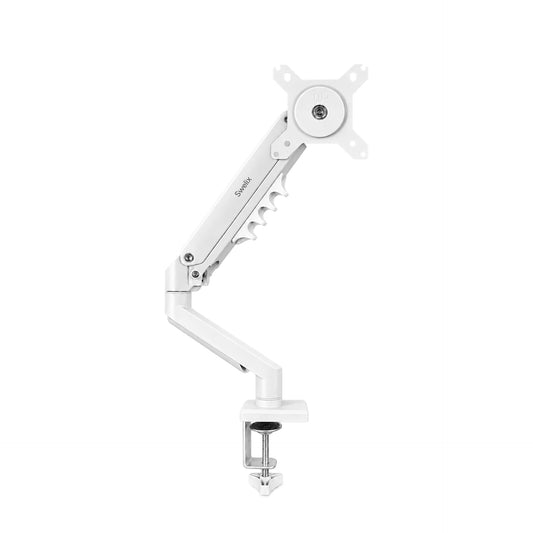
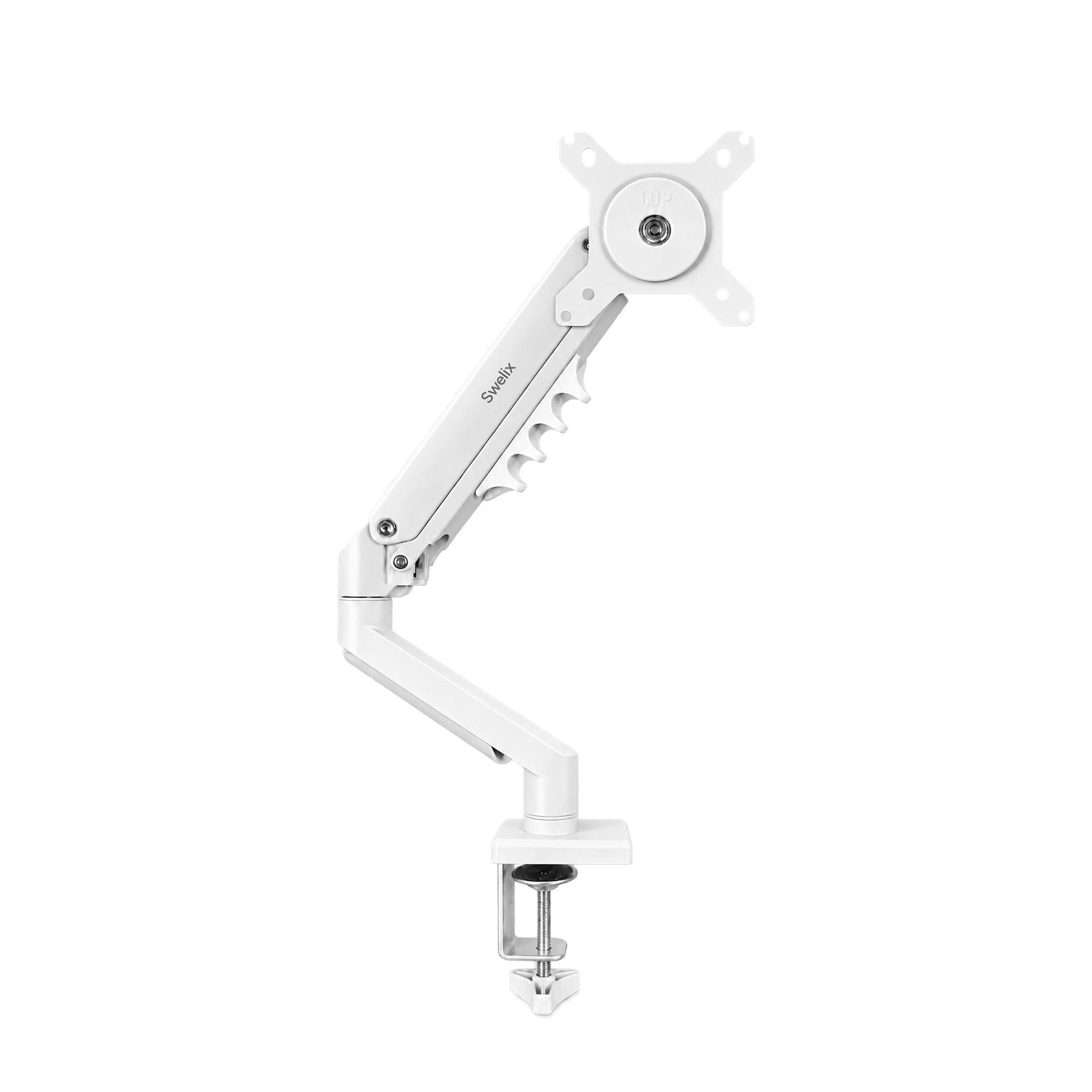
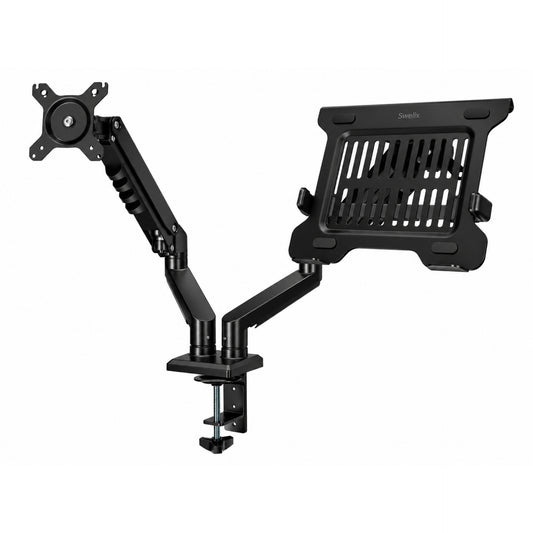
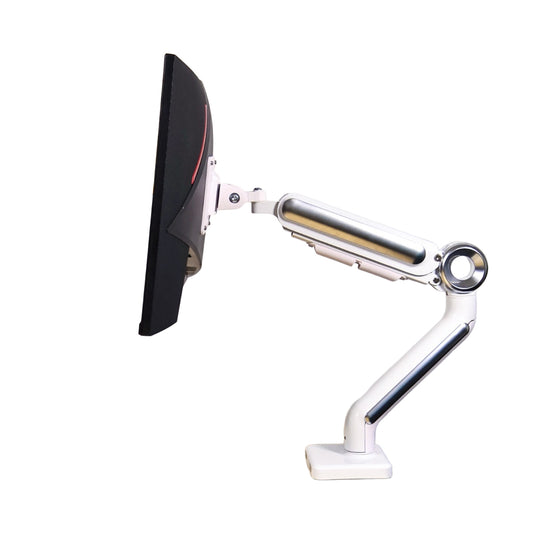
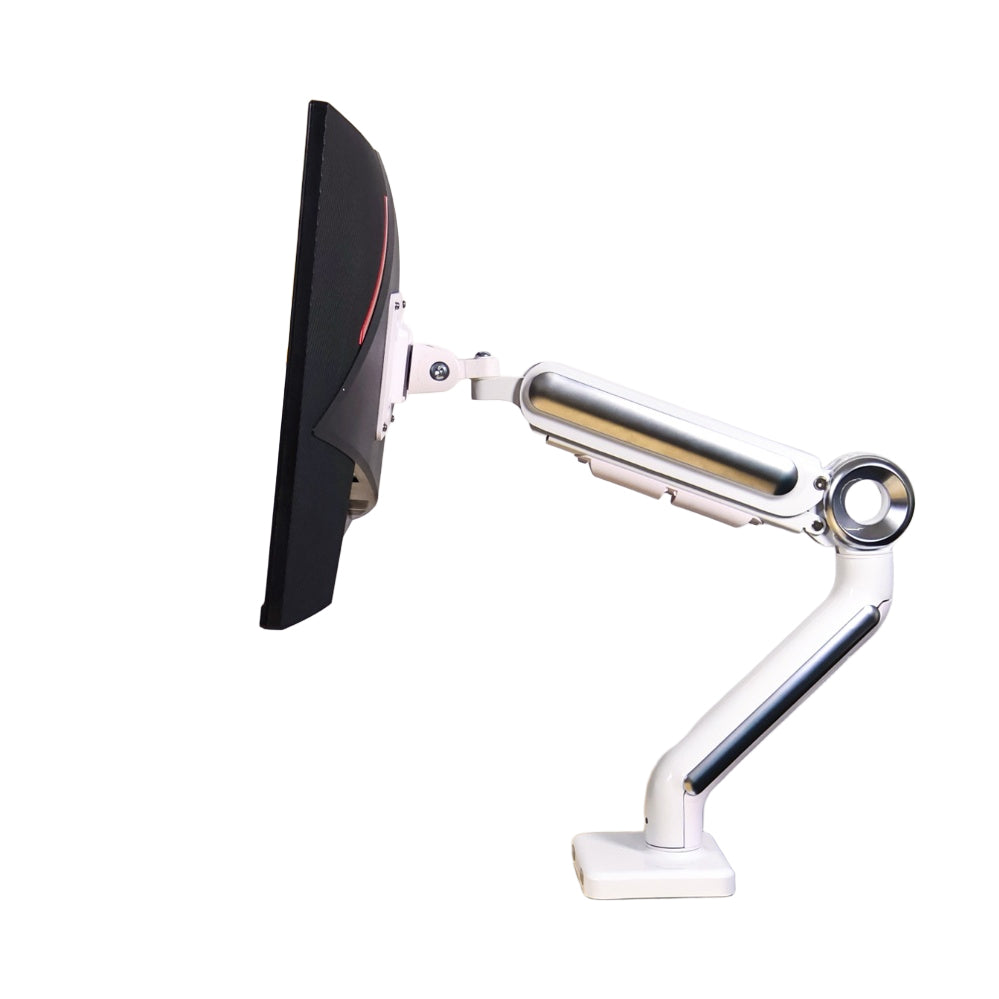
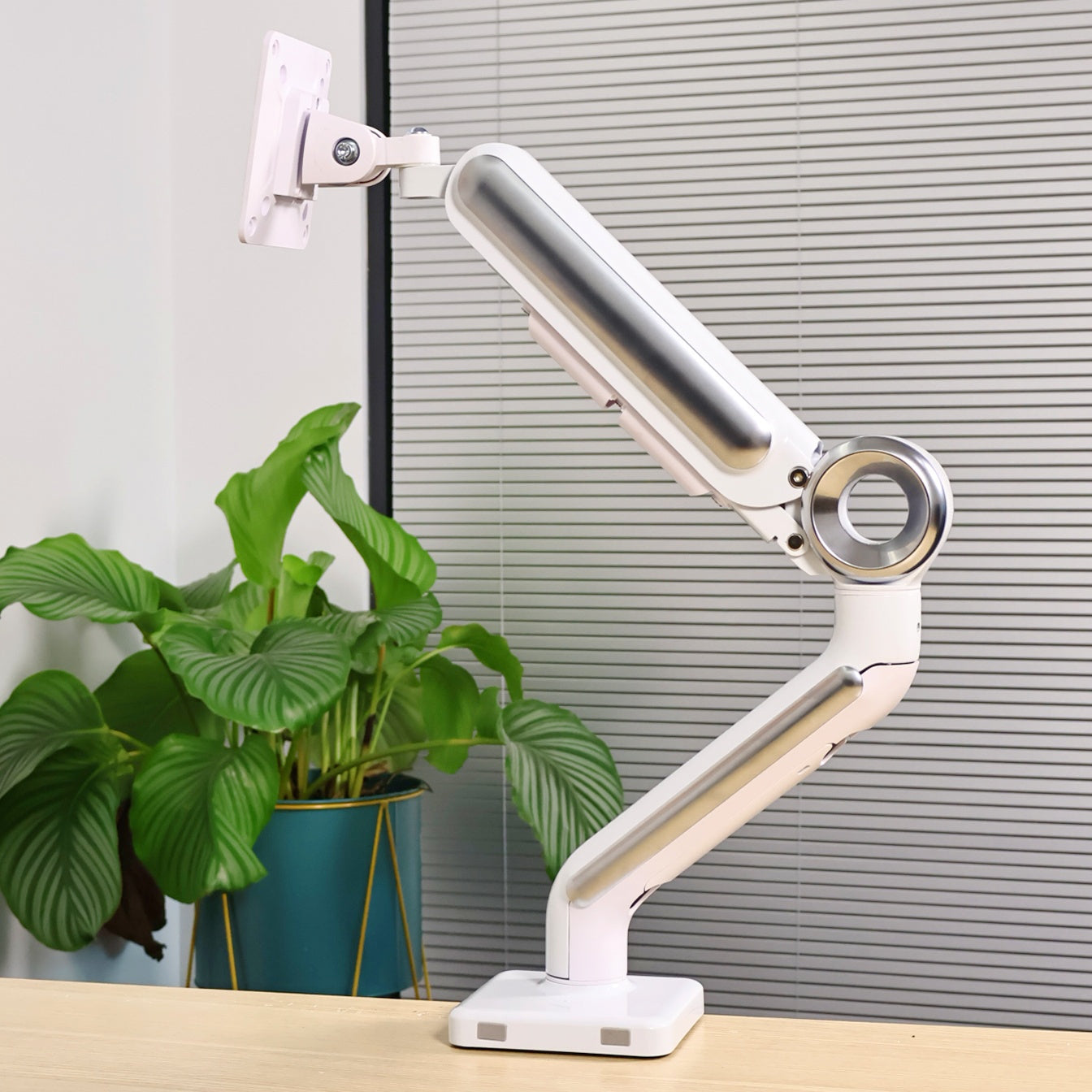
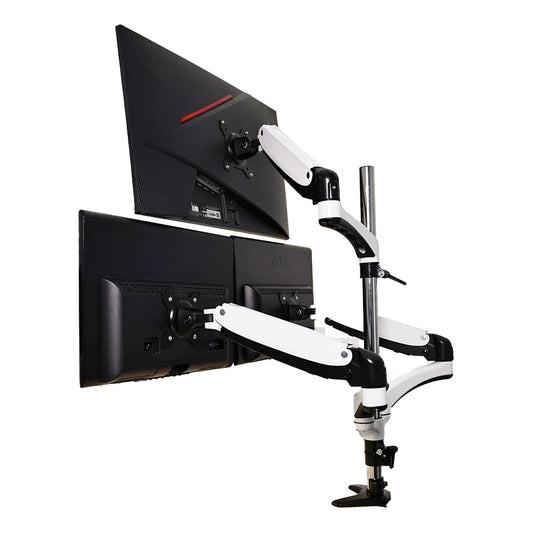
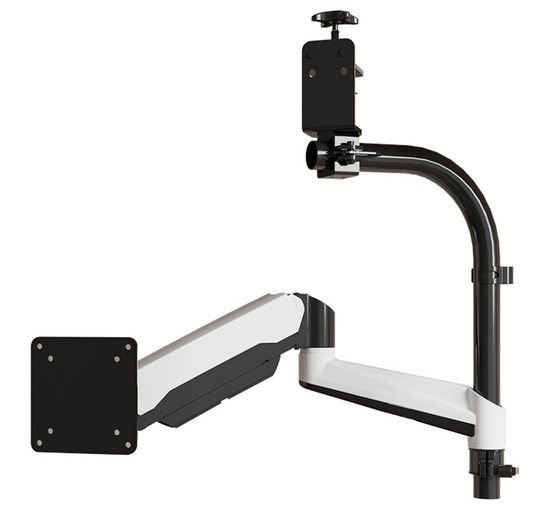
Main screen uses a Swelix monitor arm, and the secondary screen uses a simple mount.
Cost
Surprisingly affordable. You don’t need to spend a lot to get a functional setup.
What a Dual Monitor Setup Is Really About
🔄 Step 1: It’s Not About Seeing More — It’s About Switching Less
A lot of people think dual monitors are about looking at multiple things at once.
But that’s not really how it works.
Even on a small phone screen, you’re not actually seeing everything at once — you’re constantly shifting your attention.
The real benefit of a dual monitor setup is simple:
You don’t have to keep switching between windows.
One screen stays on your main task, and the other holds whatever you need next.
It just makes everything feel smoother.
⚡ Step 2: Productivity vs. Entertainment — Two Different Setups
One thing I realized is that dual monitor setups work differently depending on what you need.
For productivity:
– Try to use the same model for both screens
– Avoid color differences
– Keep things consistent and simple
If you’re doing design work like PPT or Photoshop, mismatched screens can actually slow you down.
Also, vertical + horizontal setups don’t always help. Sometimes they make things harder, not easier.
For daily use and entertainment:
– A main screen + a smaller secondary screen works really well
– You can keep chat, videos, or music on the side
– It adds a bit of flexibility without being distracting
Sometimes the second screen isn’t even “necessary” — it just makes the whole experience more enjoyable.
⚠️ Step 3: The Downsides No One Talks About
Dual monitor setups aren’t all upside.
There are a few things that can be annoying.
Gaming issues
If you play games, your mouse can accidentally move to the second screen. It doesn’t happen often, but when it does, it’s frustrating.
Performance impact
Running a second monitor uses more GPU resources. For most people it’s fine, but if you’re really focused on performance, it can matter.
Distraction
Having more space also means more potential distractions.
So it really depends on how you use it.
Who a Dual Monitor Setup Actually Works For
- – Designers working with multiple tools
- – Content creators managing scripts and editing
- – Remote workers handling multiple tasks
- – Anyone who wants fewer interruptions during work
- – People who like having a bit more flexibility
My Personal Setup (Simple Breakdown)
Main Monitor
27-inch display
Secondary Monitor
16-inch portable screen
Monitor Arm
Swelix monitor arm
Use Case
Main screen for work, secondary screen for support tasks
Before vs After
- Less switching between windows
- More consistent workflow
- Better focus
- More comfortable layout
- Cleaner desk overall
So… Is It Worth It?
Honestly, it depends.
If your work is simple, you might not need it.
But if you’re constantly switching between tasks, it can make a real difference.
You don’t have to copy someone else’s setup.
You just need to understand what actually helps you.
If you’re thinking about upgrading your desk, starting with your screen setup is a good place.
Upgrade Your Desk Setup Explore more desk setup inspiration



