




Multi Monitor Desk Setup Inspiration: Why I Built a 4-Screen Workspace After 16 Years as a Designer
This setup usually gets two reactions.
Some people love it. Others think it’s way too much.
And honestly, I get both.
I’ve been a designer for over 16 years. This isn’t something I put together just for looks — it’s built around how I actually work every day.
Why This Setup Looks “Too Much” to Some People

Every time I share my desk, I see the same comments.
“Why do you need so many screens?”
And I think most people assume the same thing — that I’m trying to look at everything at once.
But that’s not really how it works.
Even on a small phone screen, you’re not looking at everything at the same time. You’re constantly shifting your focus.
So the point of a multi monitor setup isn’t to see more at once.
It’s to access things faster, without breaking your flow.
What Multi-Screen Setup Is Really About
🔄 Step 1: It’s Not About More Screens — It’s About Less Switching
The biggest difference for me was how little I needed to switch between windows.
Before, I was constantly clicking back and forth.
Now, everything I need is already there.
It sounds simple, but it changes how you work.
⚡ Step 2: Built for “Lazy Efficiency”
I’ll be honest — part of this setup is just about being lazy.
I don’t want to keep opening and closing things all day.
So I keep my main work on the primary screen, and everything else — chat, music, tools — stays on the side screens.
I don’t have to think about it. It’s just there when I need it.
🎯 Step 3: Deep Focus Without Missing Anything
One thing I care about is staying focused when I’m working.
So my main screen is usually full screen.
But at the same time, I can still see messages or updates on the other screens without interrupting what I’m doing.
That balance is what makes this setup work for me.
Who This Setup Actually Works For
This kind of setup isn’t necessary for everyone.
But for some types of work, it makes a big difference.
- – Designers working with multiple tools and references
- – Content creators managing editing, scripts, and previews
- – Photographers handling edits and file organization
- – Remote workers juggling multiple tasks
- – Anyone who spends long hours on a computer
Why I Didn’t Stop at Two Screens
Two screens are already a big upgrade.
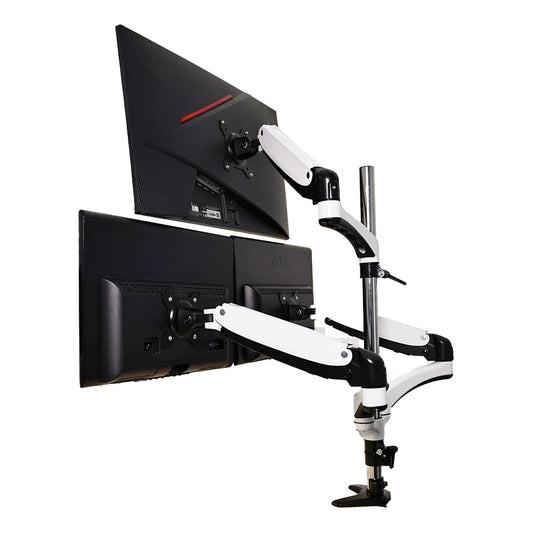
But over time, I added two smaller screens below.
Are they essential? Not really.
But they’re useful.
I use them mostly for things like chat and music — things I check often but don’t want taking up space on my main screen.
So I don’t have to move anything around.
The Balance Problem No One Talks About
There’s also something else people don’t really mention — visual balance.
Two large 34-inch monitors stacked together can feel heavy.
So adding smaller screens on the sides helps balance everything out.
It makes the whole setup feel more intentional, not just bigger.
My Actual Setup (Simple List)
Monitors
Two 34-inch displays
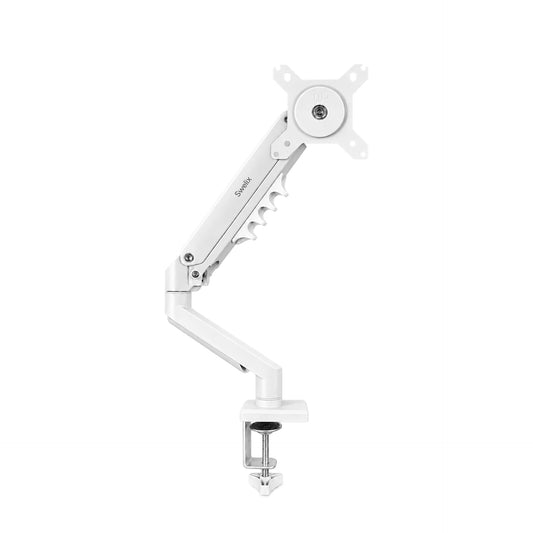
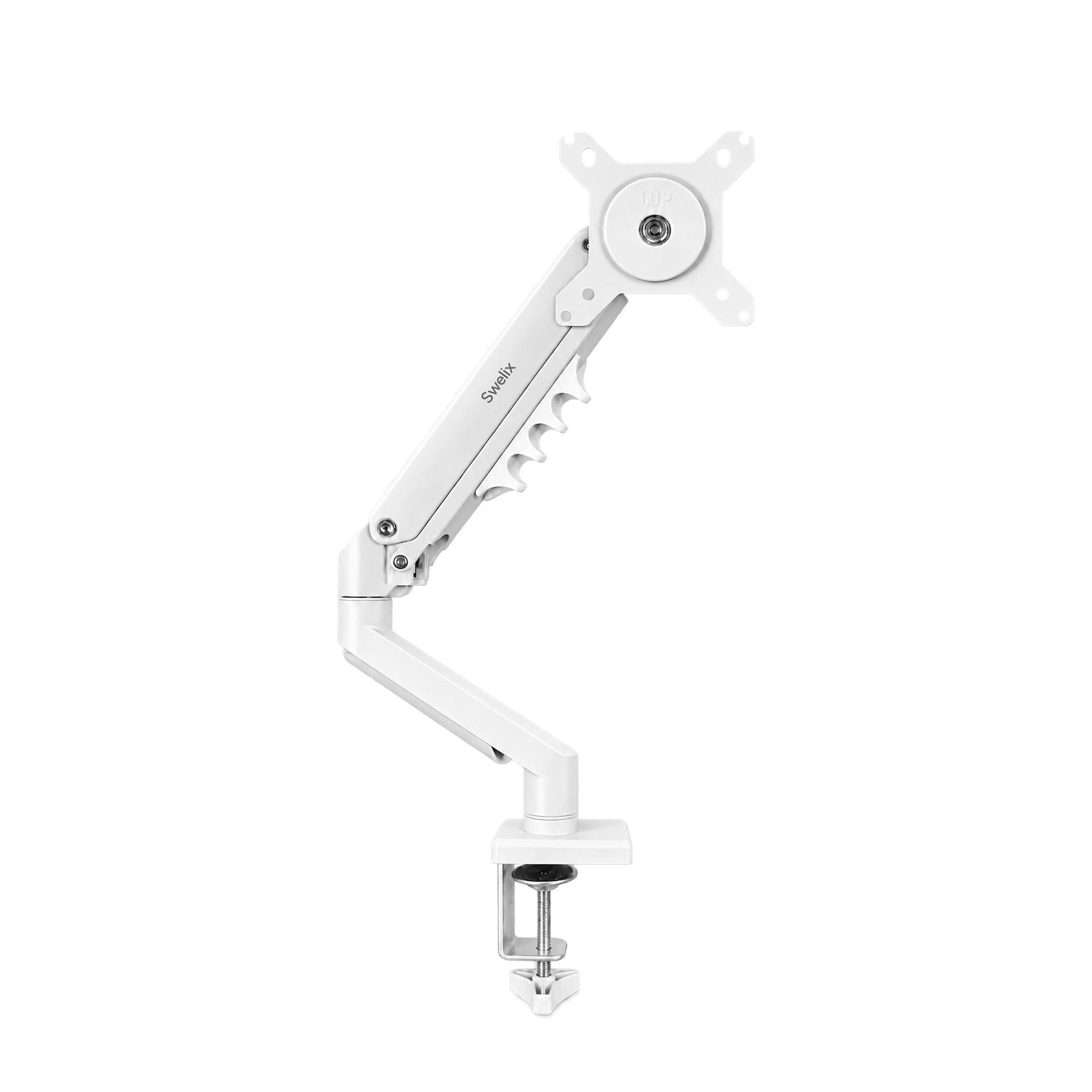
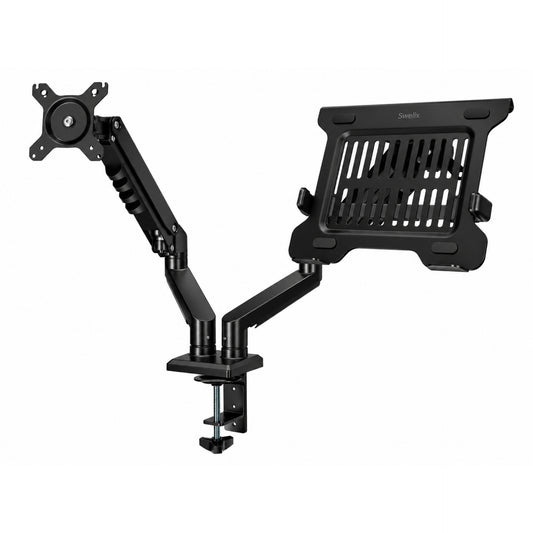
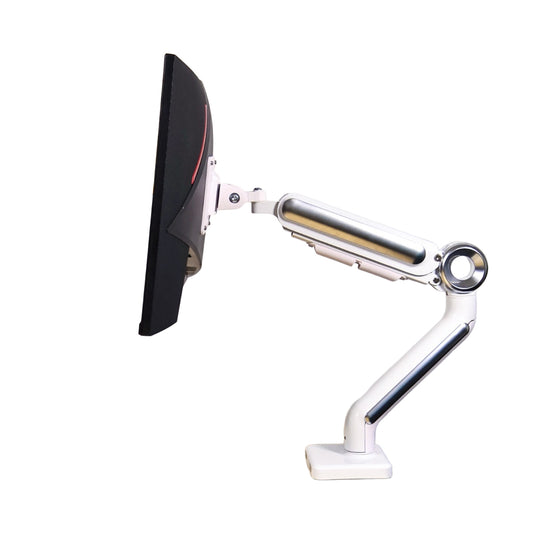
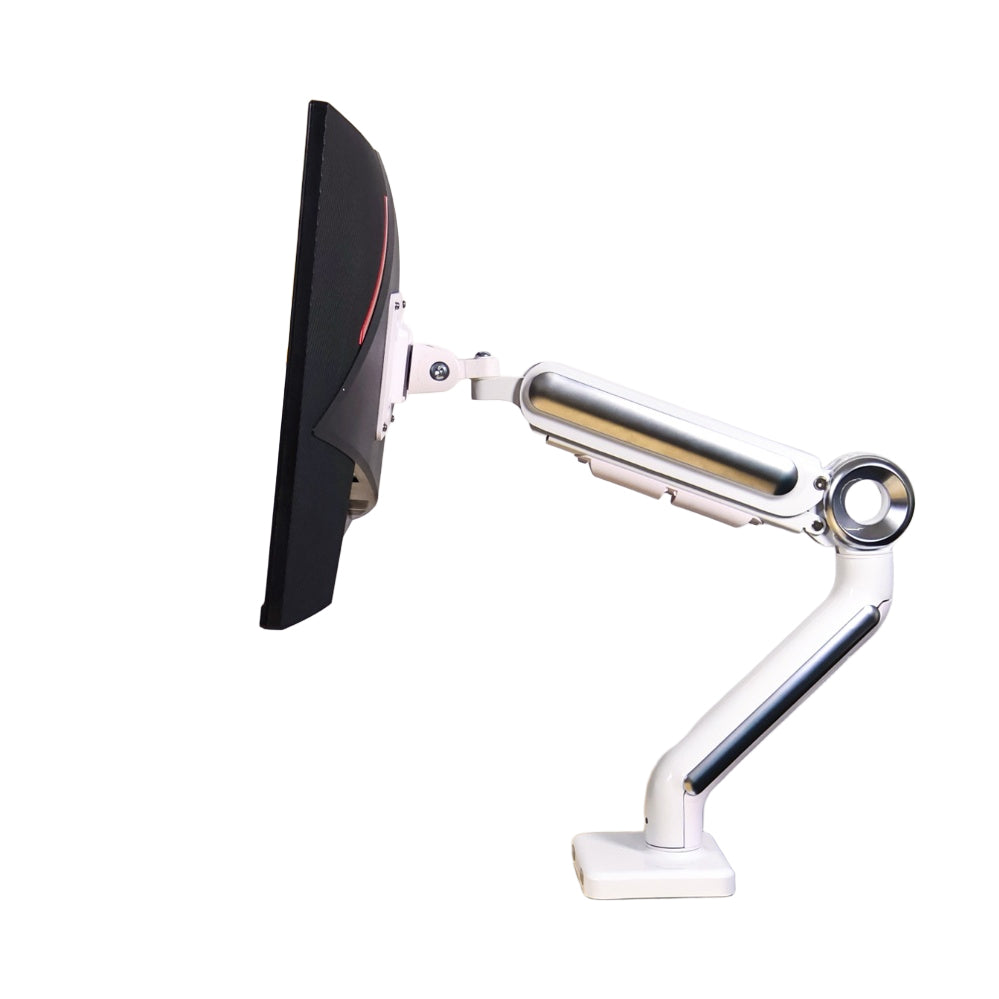
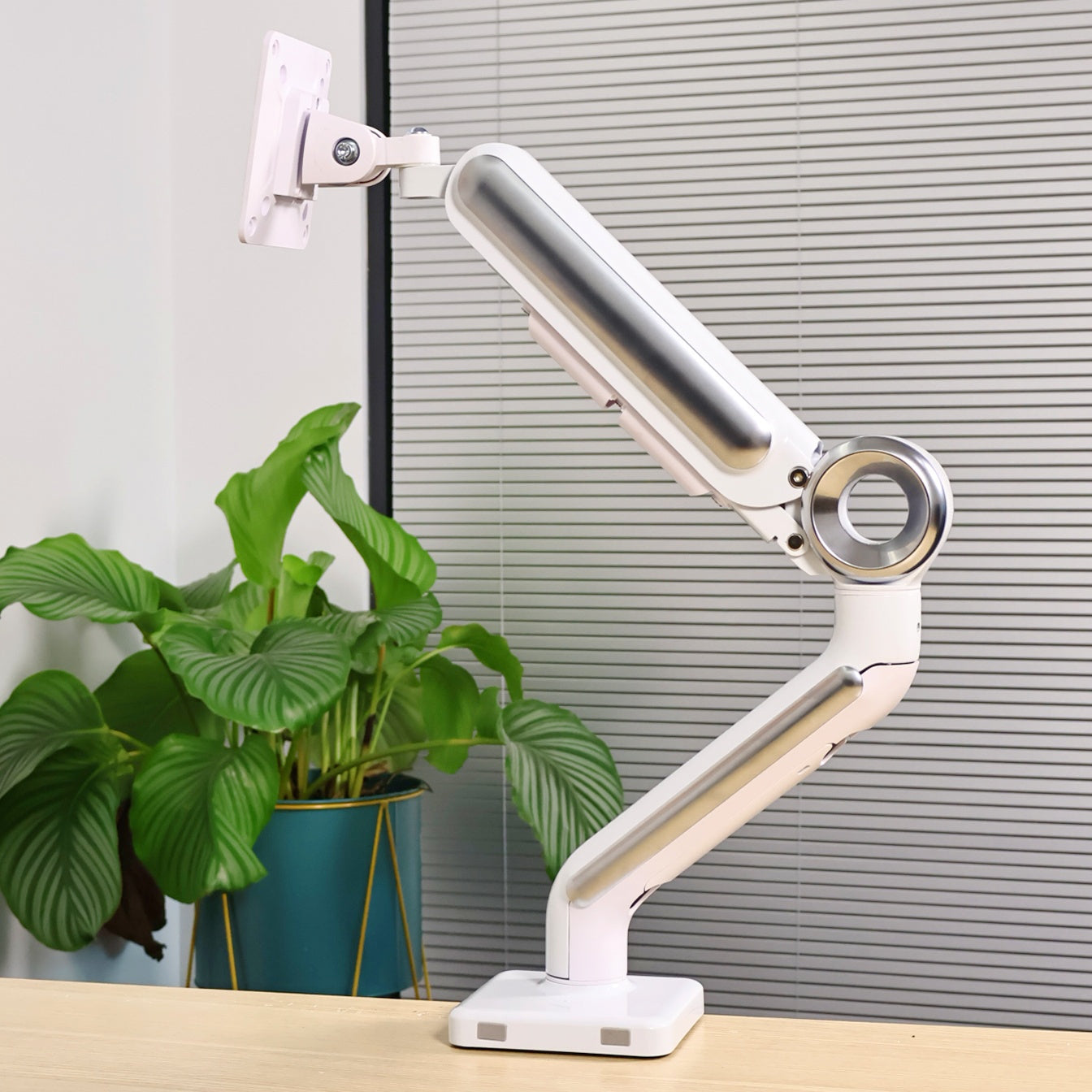
Monitor Arm

Portable Screens
Two 15.6-inch 4K displays
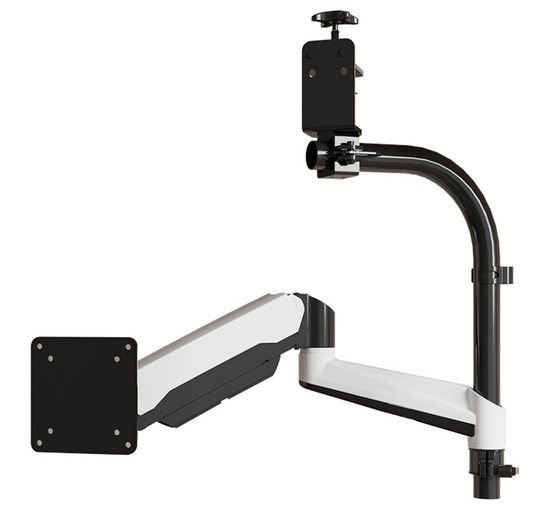
Portable Monitor Stands
Workstation
Supports up to four external displays
Before vs After
- Less switching between windows
- More consistent workflow
- Better focus
- Cleaner organization
- Less interruption during work
Is This Setup Right for You?
Probably not.
And that’s completely fine.
Everyone works differently.
The point isn’t to copy someone else’s setup.
It’s to understand what you actually need.
Once you know that, everything becomes much easier to build around it.
Final Thoughts
I didn’t build this setup overnight.
It changed over time as my work changed.
You don’t need four screens to improve your workspace.
Even small changes can make a difference.
If you’re thinking about improving your setup, start with what you use every day.
Upgrade Your Desk Setup Explore more desk setup inspiration



