




Laptop Desk Setup Inspiration: How I Finally Freed My Desk Space with a Floating Laptop Stand
My laptop used to sit right in the middle of my desk.
I tried a riser, a cooling pad, even stacking books. It worked, but it never really felt clean.
The desk still felt crowded.
Why My Desk Always Felt Crowded
The issue wasn’t having too many things.
It was that everything stayed on the same flat surface.
The laptop took up space, blocked movement, and made everything around it feel tighter.
The Upgrade I Didn’t Expect
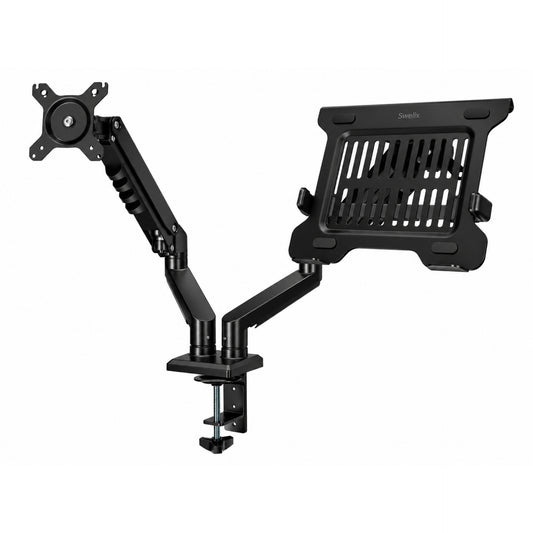
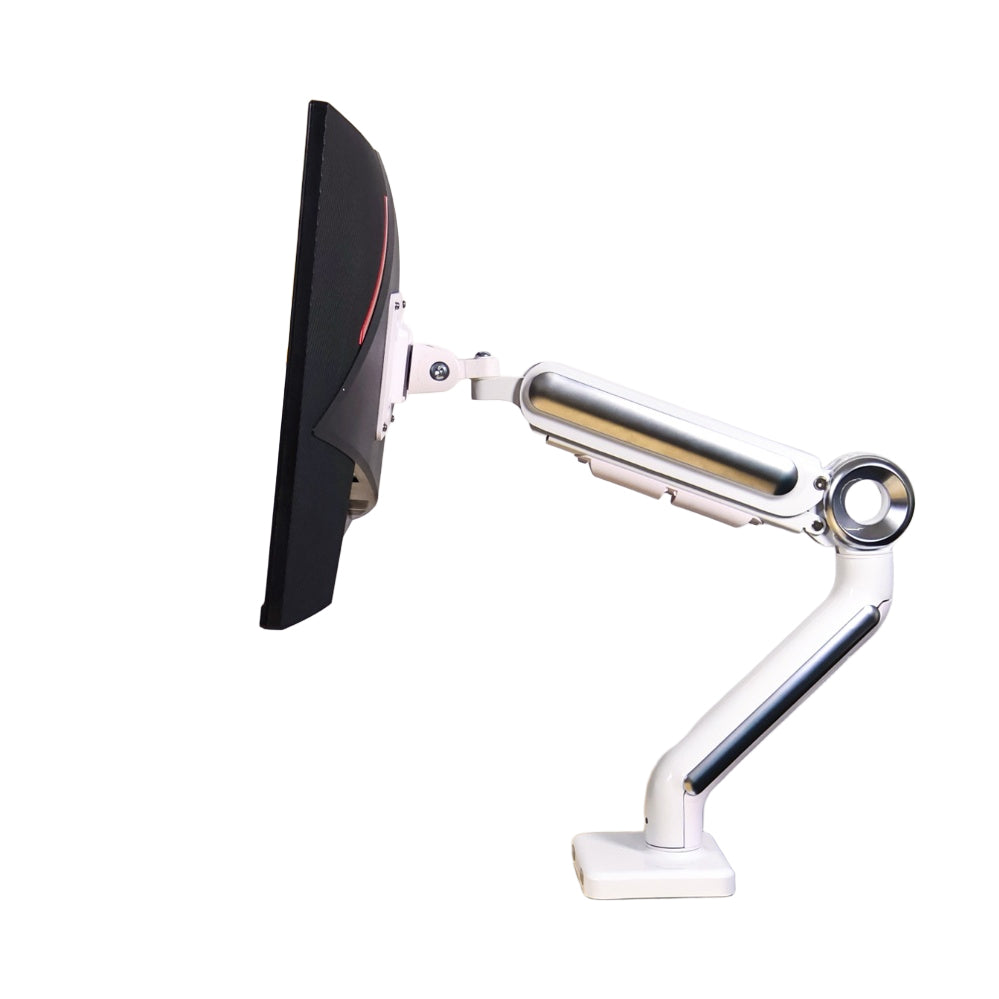
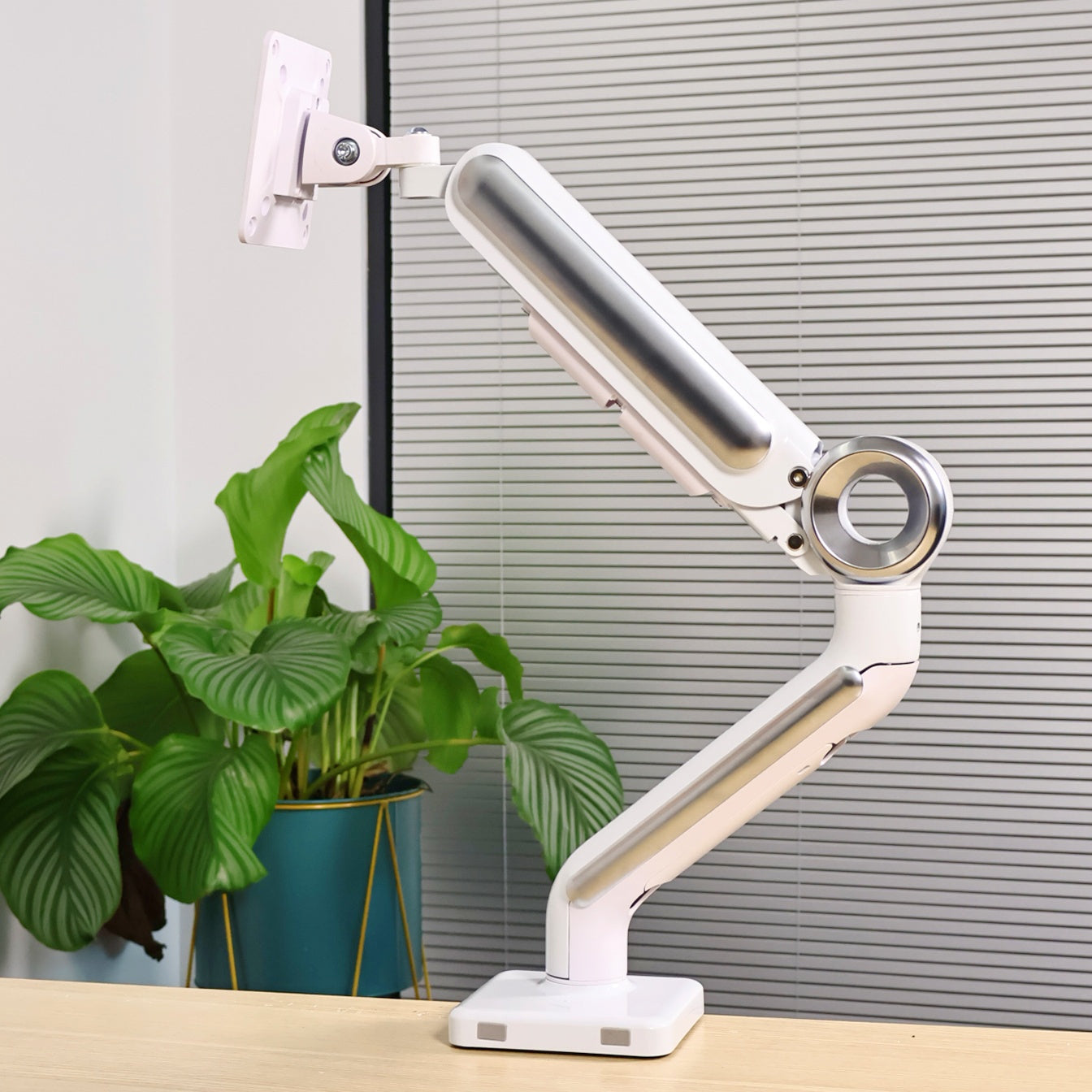
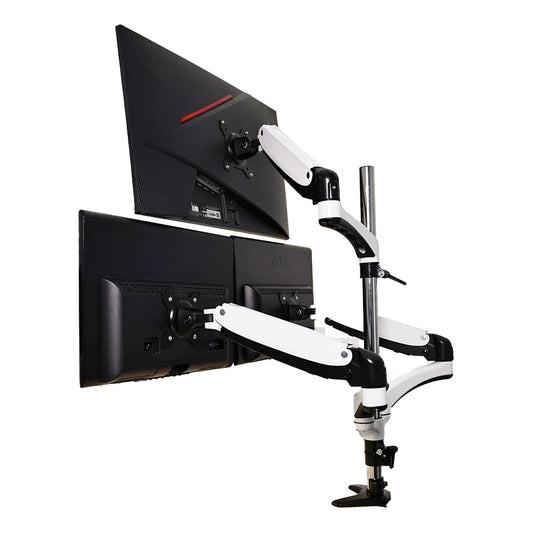
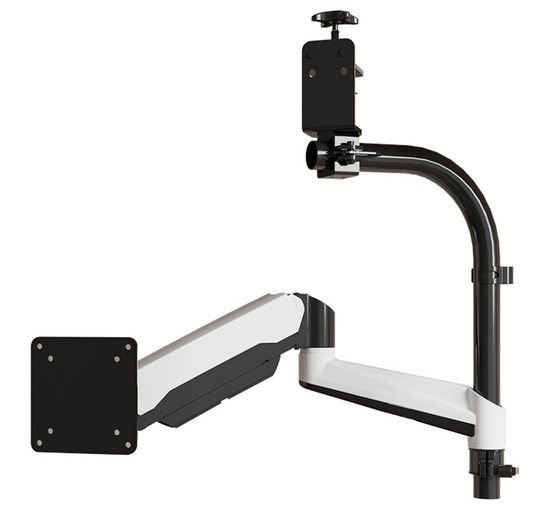
I switched to a laptop arm.
“Do laptop arms actually make a difference?”
I wasn’t sure at first either, but after using it for a while, it’s hard to go back.
What Changed After Switching
🔄 Step 1: More Flexible Positioning
With a normal stand, the laptop stays in one place.
With an arm, you can move it freely — up, down, closer, further.
I don’t adjust it constantly, but when I need to, it makes things easier.

📏 Step 2: More Desk Space
This was the biggest change.
Once the laptop was lifted, the desk opened up.
More room for my keyboard, mouse, and everything else.
I didn’t get a bigger desk — I just used it better.
✨ Step 3: A Cleaner Look
Most of the mess wasn’t from objects — it was from how they were placed.
With the laptop floating, everything looks more organized.
It’s a small change, but you notice it right away.
Stability & Safety
I was worried about stability at first.
But after using it, it feels solid. No shaking, no slipping.
It just stays where you put it.
Small Changes That Helped
- – Keep your screen at eye level
- – Use an external keyboard and mouse
- – Only keep what you actually use on the desk
- – Use vertical space
My Current Setup
Laptop
Up to 18-inch

Desk
Just the essentials
Before vs After
- More usable space
- Cleaner look
- Better posture
- Less strain
- Easier to work
Final Thoughts
I used to think I needed a bigger desk.
Turns out I didn’t.
I just needed to use the space differently.
If you’re thinking about cleaning up your desk, this is a simple place to start.
Upgrade Your Laptop Setup Explore more desk setup inspiration



